


Address autocomplete fails in compose, using Mint 22.1 and Thunderbird 128.10

Hello, My TB account is setup properly and I am getting mails from my gmail account. But when I compose mail on my TB account I am not prompted for any address completion while composing the e-mail. On Thunderbird and my web gmail there are many e-mail ids in the inbox.
How do I make TB so that it prompts me with these e-mail ids which are in Inbox when I compose mail?
Any help will be apprecated. Thank you, Deepak
Modified by Wayne Mery
All Replies (7)
What is your version? Do Help > Troubleshoot Mode. Does the problem go away?
My version is 128.10. I am using Mint 22.1 and not Winndows. With trouble shoot mode problem doesnt go away. How to see adressbook on TB?
Modified by Deepak Deshpande
In Settings > Composition > Addressing check that Local Address Books is enabled
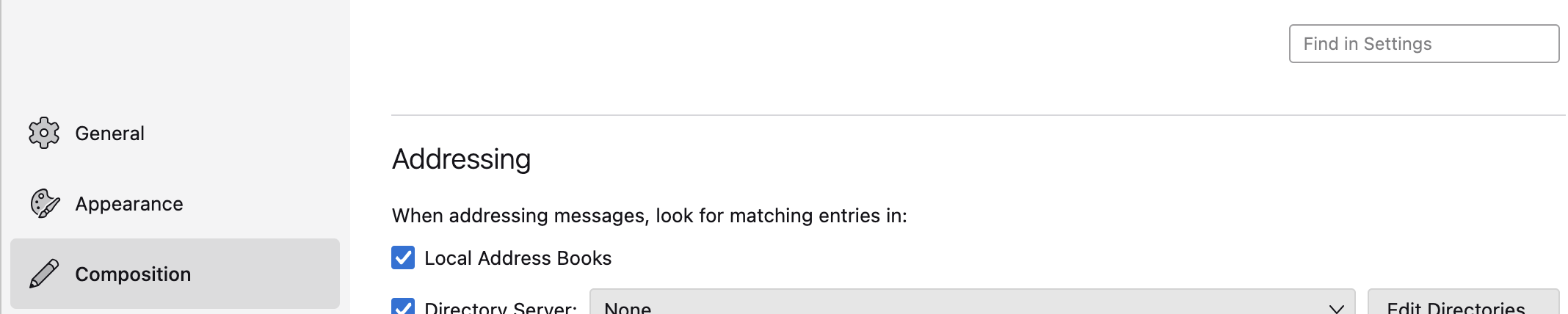
Local Address Books is enabled. Yes . Also, How to get the threads view of messages/? In select columns to display-->threads is ticked. Even this message also doesnt show as thread.
Modified by Deepak Deshpande
Please post separate questions for separate issues.
Deepak Deshpande said
Local Address Books is enabled. Yes .
With Thunderbird started in Troubleshoot Mode, please check Error Console (ctrl+shift+J) after startup for errors
Thank you. Will post new thread for threads problem.
Troubleshoot mode error messages 1747068787772 addons.xpi WARN Checking /usr/lib/thunderbird/distribution/extensions for addons 1747068787772 addons.xpi WARN Checking /usr/lib/thunderbird/distribution/extensions for addons 1747068803618 addons.xpi WARN Addon with ID thunderbird-compact-light@mozilla.org already installed, older version will be disabled