


Unable to add Gmail account that was previously synced

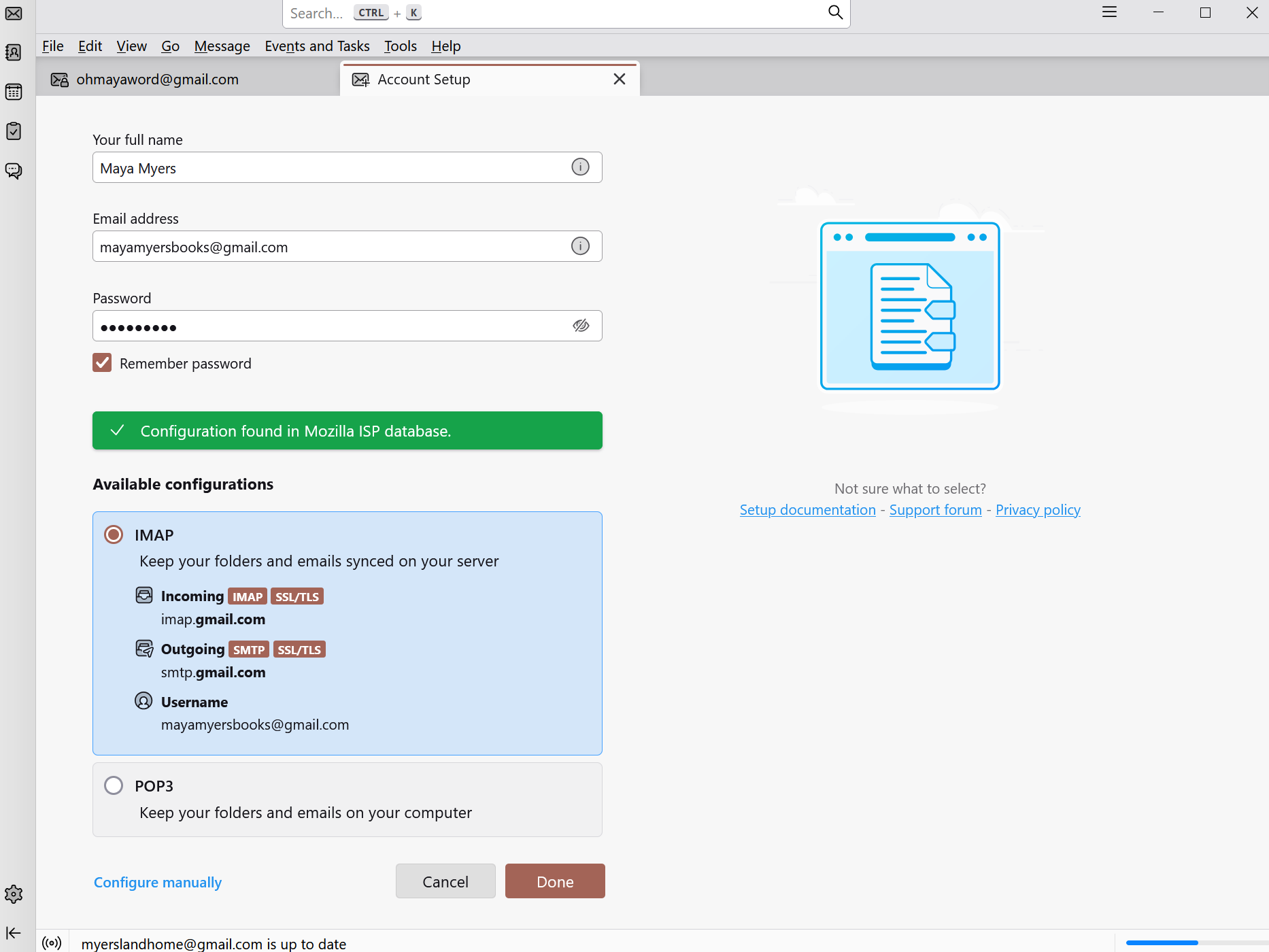
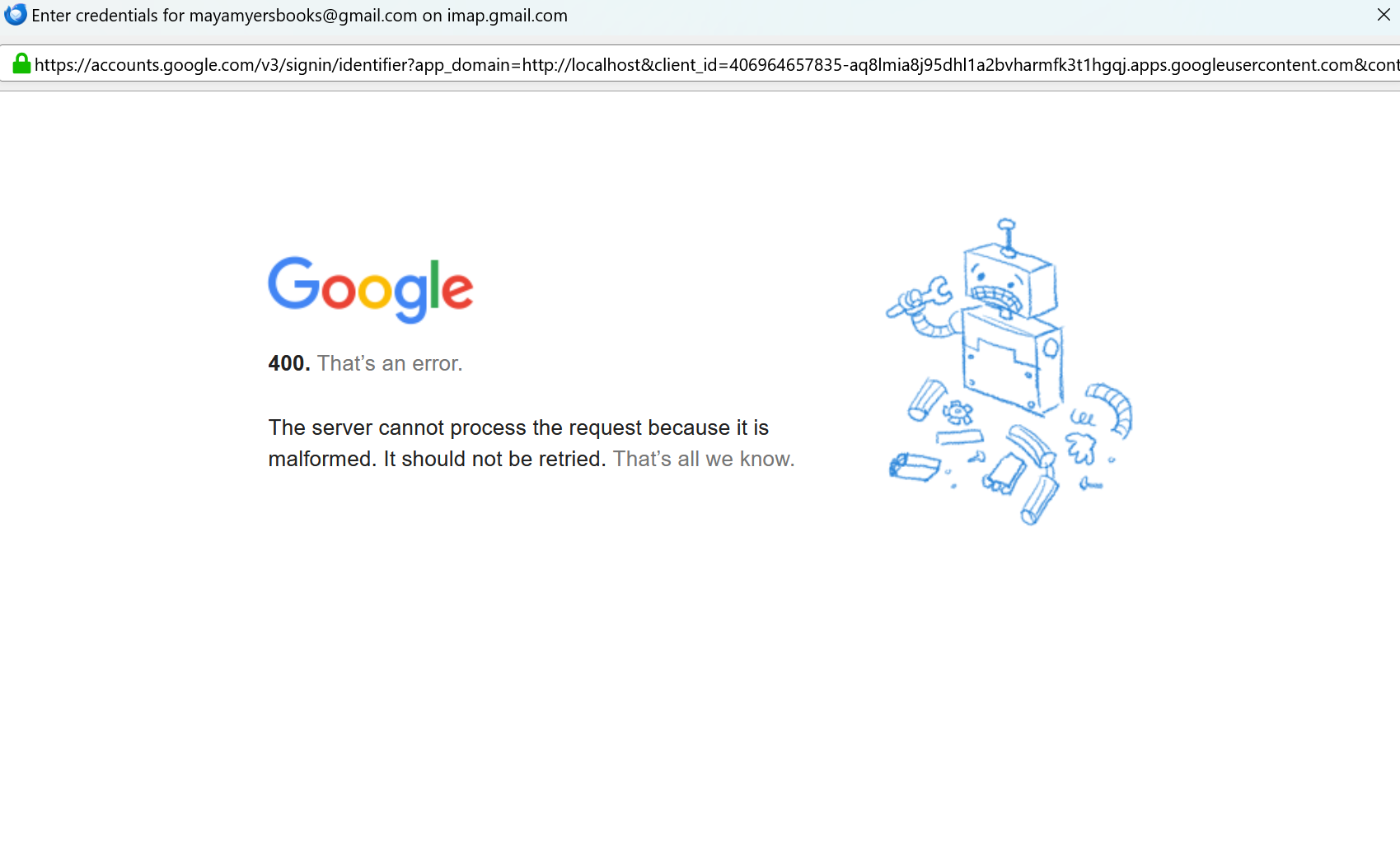
I have 5 Gmail accounts that I have been using in Thunderbird for years. One of them was glitching a lot, so I removed it, then tried to add it back with no luck. I uninstalled and reinstalled Thunderbird, which automatically populated with my other four accounts, but still can't reinstall the fifth account. When I enter my account and password, it says "Configuration found in Mozilla ISP database" with a green checkmark. Then it takes me to Google, and shows my correct email address. When I hit Next, I get a 400 error message every time. "The server cannot process the error because it is malformed. It should not be retried. That's all we know." Can anyone help?
Chosen solution
Check that you have not been bitten by the issues listed at https://support.mozilla.org/en-US/kb/automatic-conversion-google-mail-accounts-oauth20
Read this answer in context 👍 1All Replies (2)
Chosen Solution
Check that you have not been bitten by the issues listed at https://support.mozilla.org/en-US/kb/automatic-conversion-google-mail-accounts-oauth20
Thank you, Wayne! This had the answer: I had to set a Cookies exception. I'm so grateful for your help!