Task sidebar removal

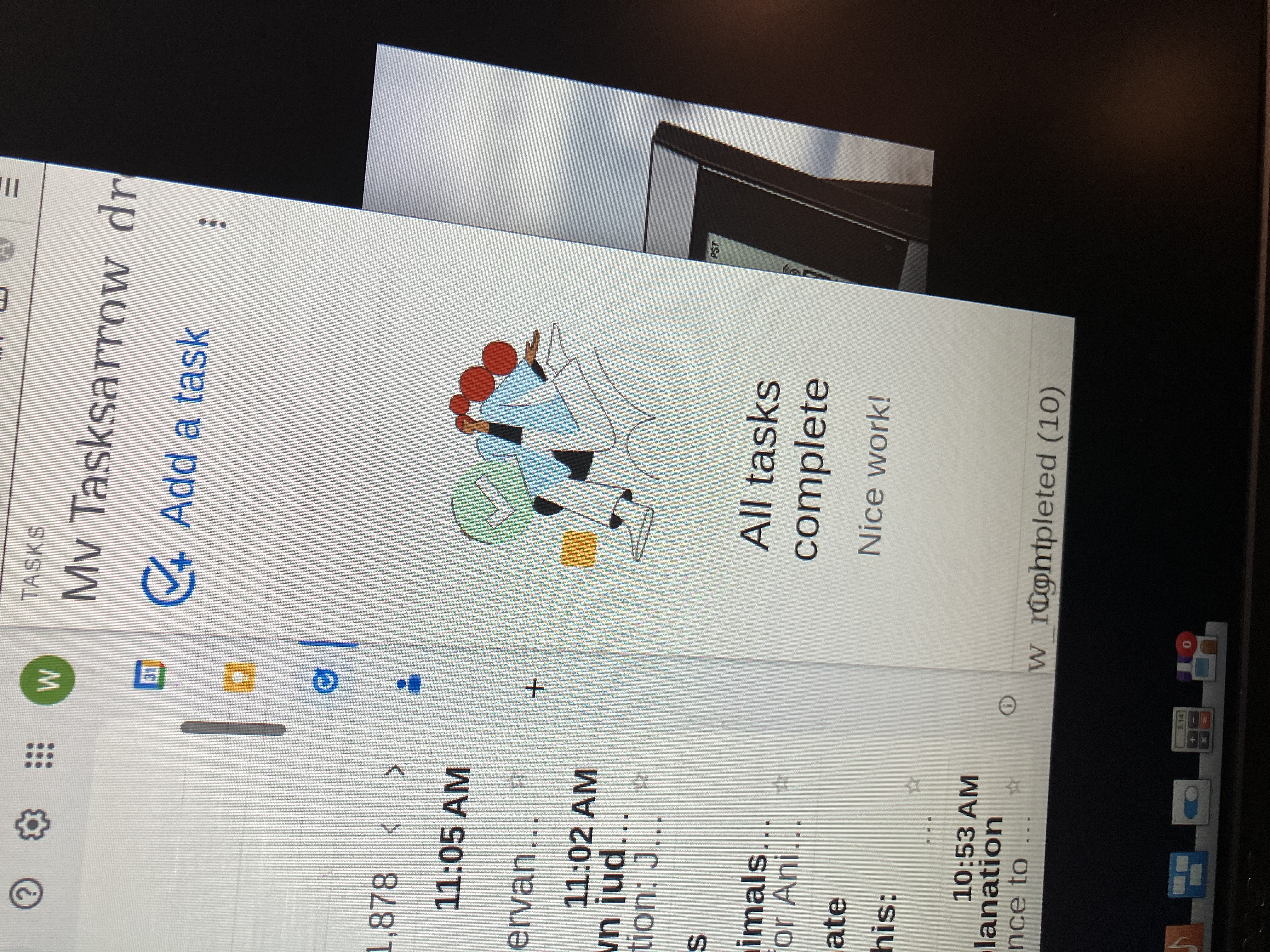
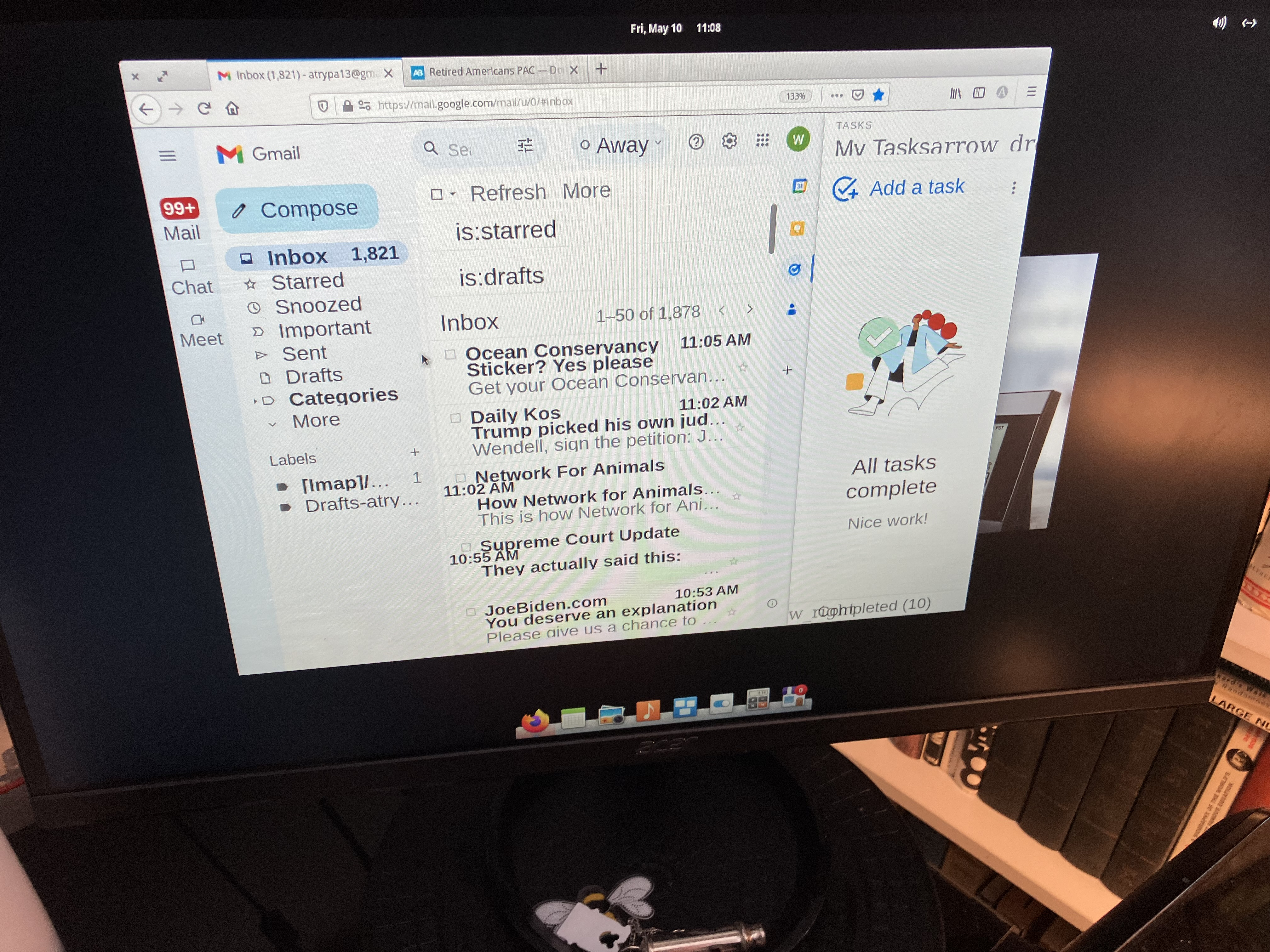
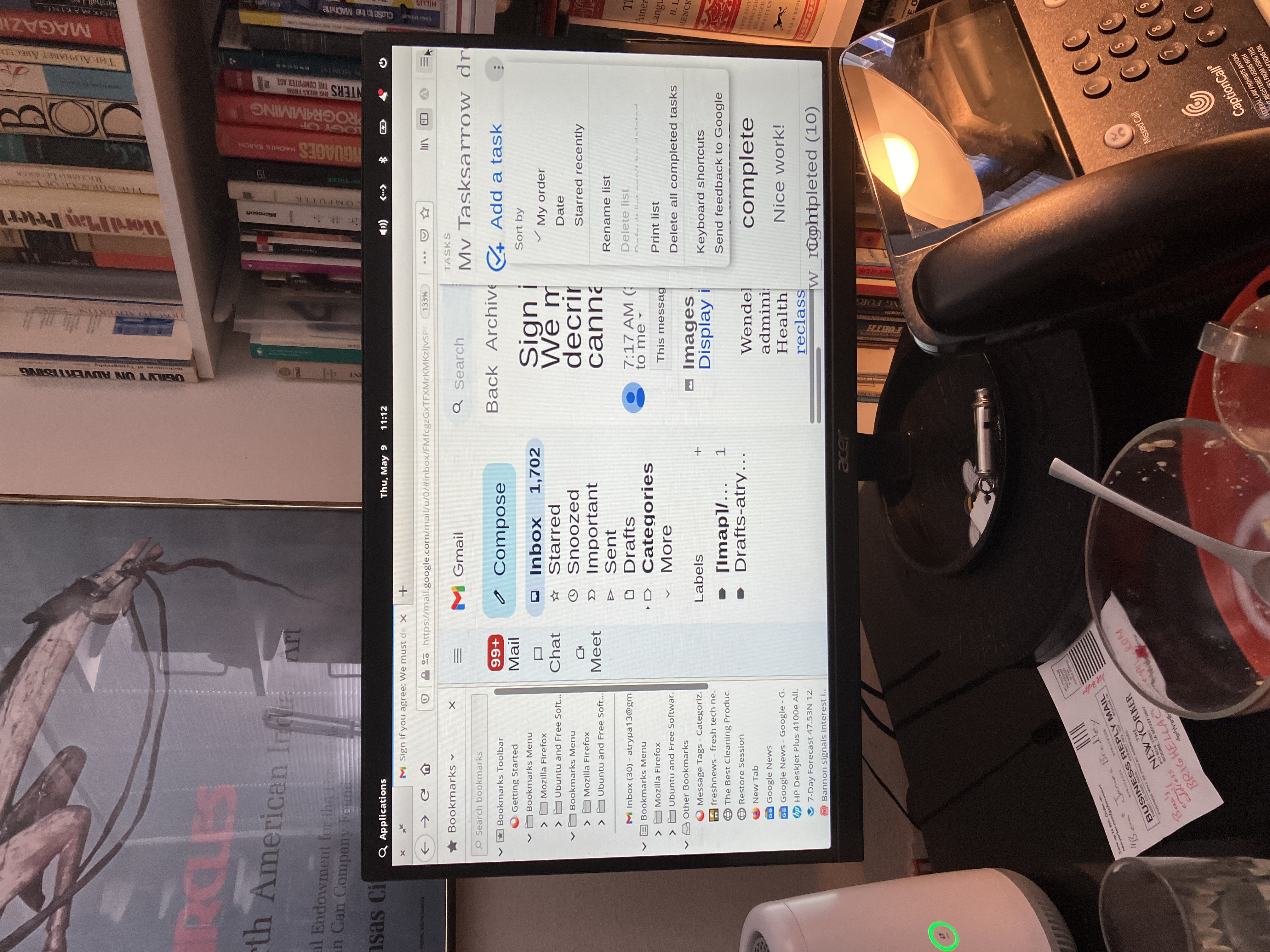
My elderly client has enabled a “my tasks” sidebar in Gmail. He does not know how to turn it off. I have searched for an answer and have been unable to find one. Ctrl+B is not helpful and doesn’t bring up a screen where it says sidebar. Please help! He keeps asking about it and I am a caregiver, not a computer technician…
All Replies (4)
There should be X button. Can you provide a screenshot of this sidebar?
Photos added
Go to menu ≡ -> Settings -> General -> Fonts -> press the Advanced... button and confirm that Allow pages to choose their own fonts, instead of your selections above is selected.
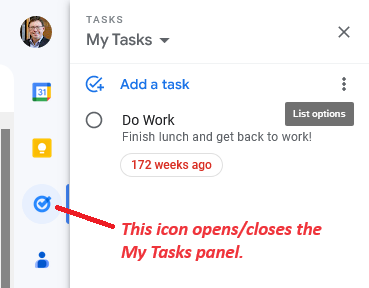
It's not a Firefox Sidebar, it's part of the page. That vertical icon bar on the right of the message list is the key -- the one with the check mark in a circle opens and closes the My Tasks list.