


Firefox massive frame drops when playing Youtube 8k video

Firefox use 100% of my cpu and drops frames when playing 8k video (gpu acceleration setting is turned on). Chrome instead have no frame drops and does not use 100% of the cpu.
I tried to google it and use some solution, but no effect in my case.
hardware: cpu: ryzen 5600x gpu: rtx 4070 ram: 32 gb monitor: LC27 JG50QQIXCI (qhd 16:9 144hz)
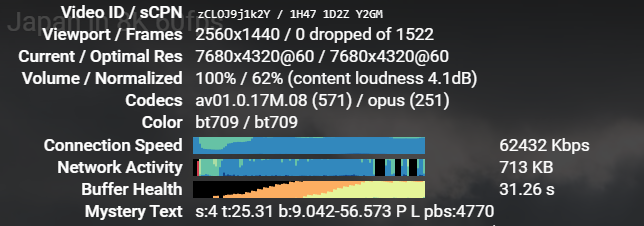
PS: 1st picture firefox, 2nd chrome.

Chosen Solution
zeroknight said
Visit about:support in the address bar and check the status of the AV1 codec in the "Codec Support Information" section.
Thank you for leading me to the answer. I just need to install av1 codec support from ms store.
All Replies (7)
Also, I'm using latest 121.0 64 bit Firefox version
Modified by V4kodin
Visit about:support in the address bar and check the status of the AV1 codec in the "Codec Support Information" section.
zeroknight said
Visit about:support in the address bar and check the status of the AV1 codec in the "Codec Support Information" section.
I think this value is not set
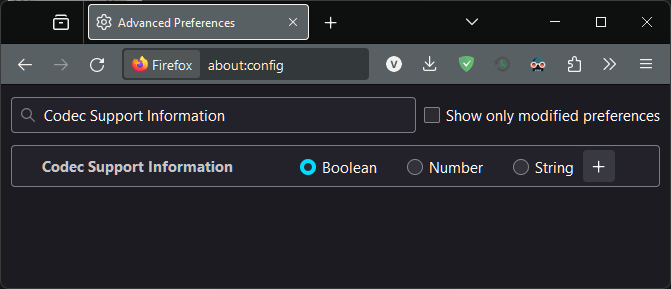
media.wmf.av1.enabled is set to true
Chosen Solution
zeroknight said
Visit about:support in the address bar and check the status of the AV1 codec in the "Codec Support Information" section.
Thank you for leading me to the answer. I just need to install av1 codec support from ms store.