Firefox screenshot crops images when zoomed in and pads images when zoomed out enough

Hi Community!
I'm having issues with the Firefox Screenshots tool, with cropping issues similar to others using page zoom. But I see that most of those problems have been archived, so I cannot add to them. I am currently using the latest version of Firefox 119.0.
I'm also using Windows 11's feature of Display Scaling to 125%. This zooming is independent of Firefox's page zoom. I have included various screenshots of various configurations of the two scaling/zoom features to show the cropping effect.
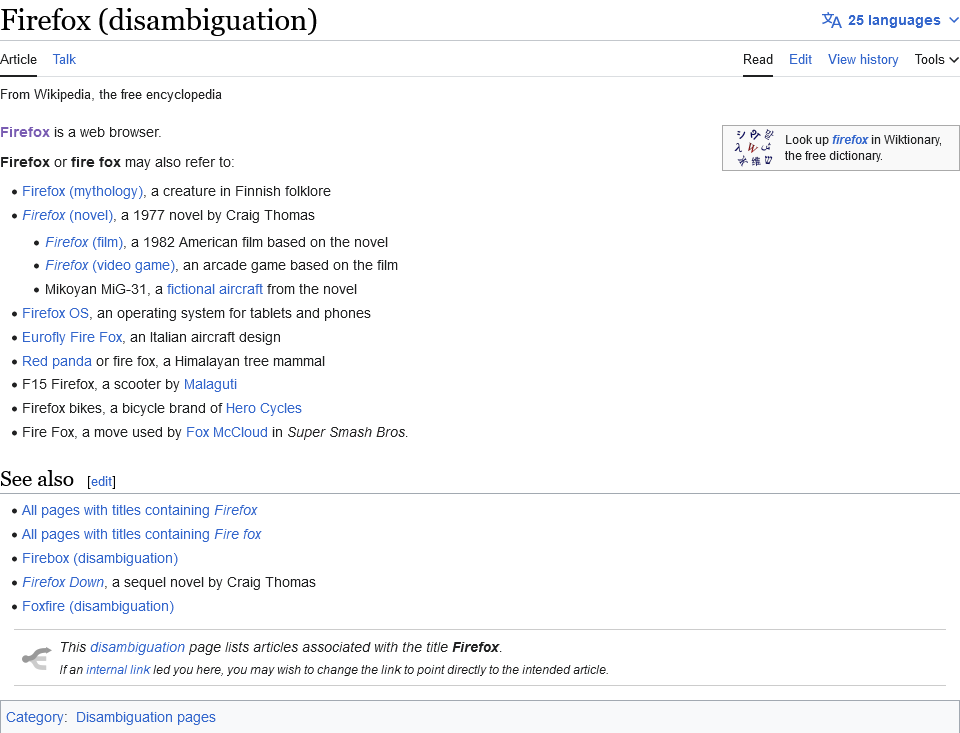
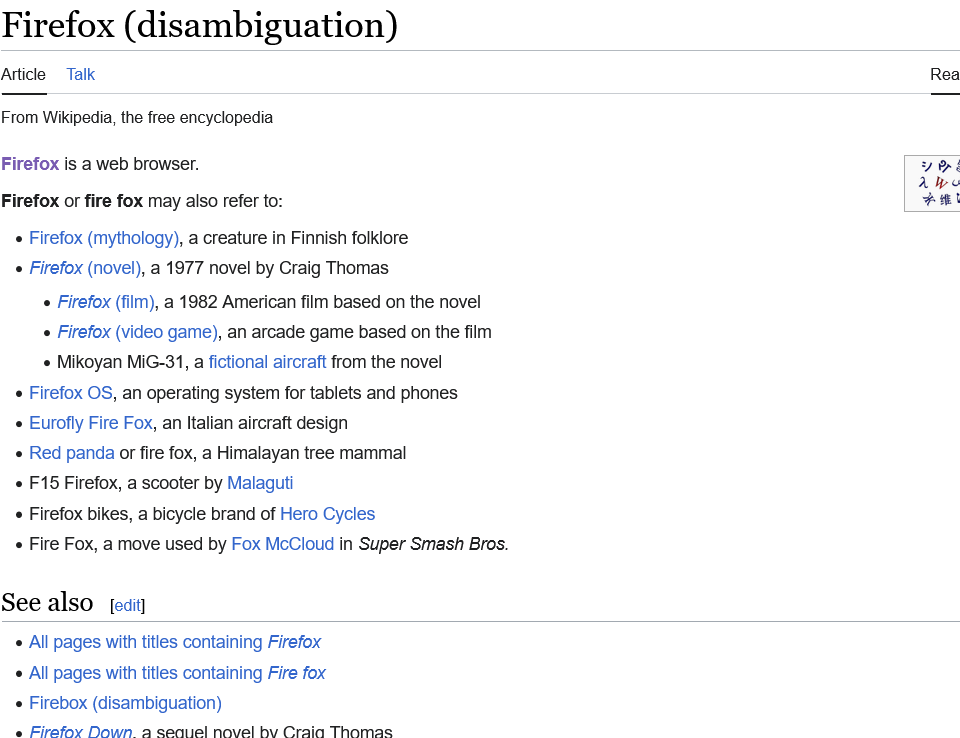
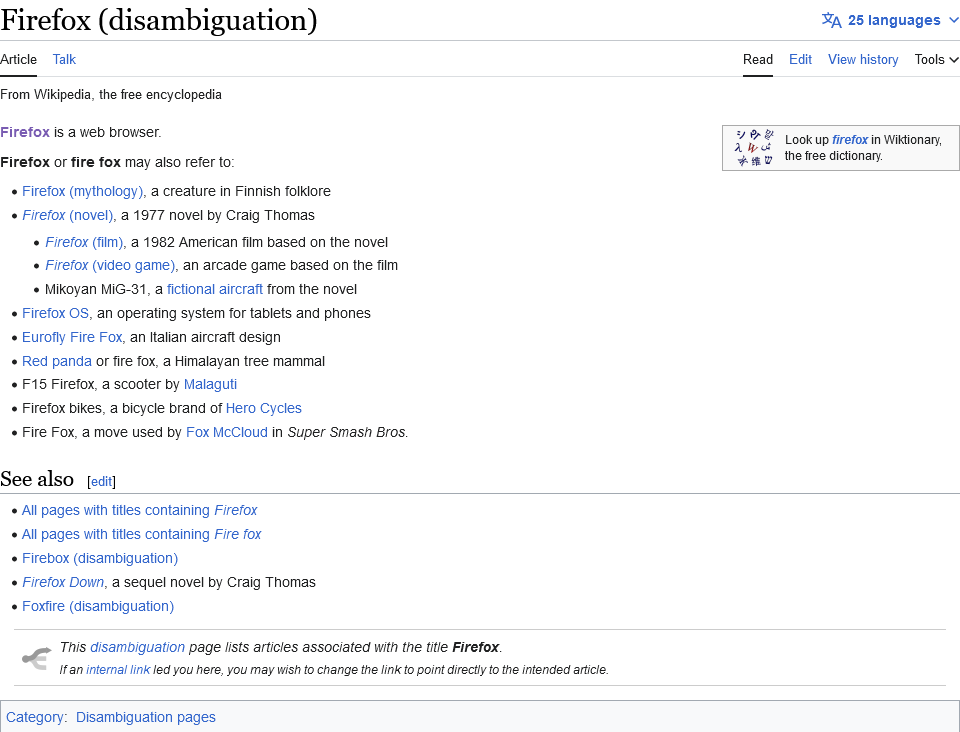
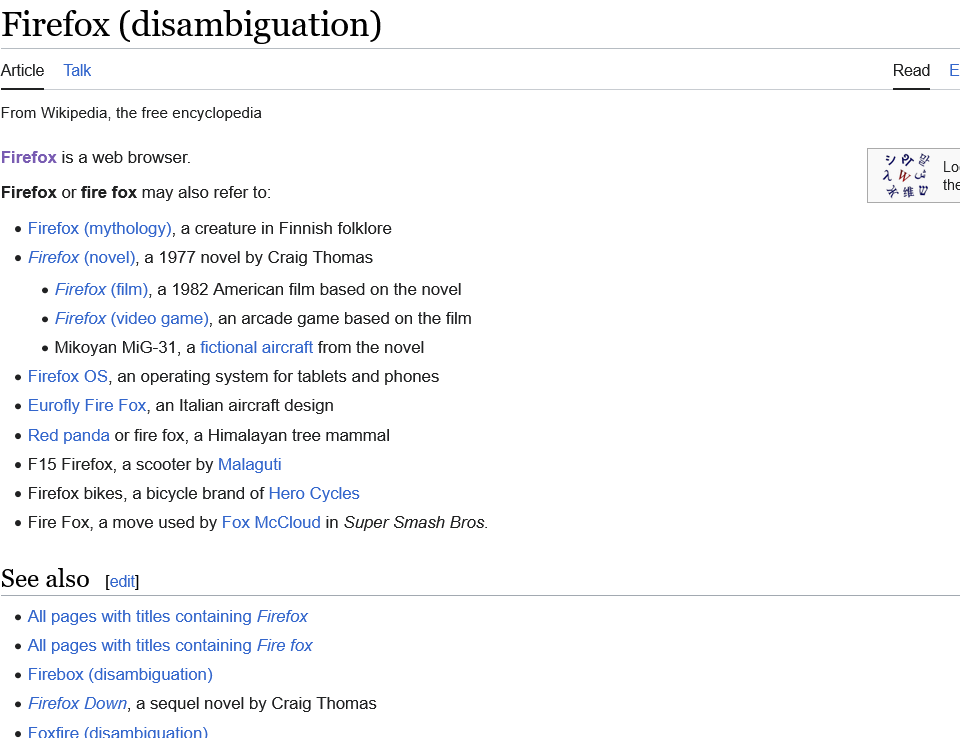
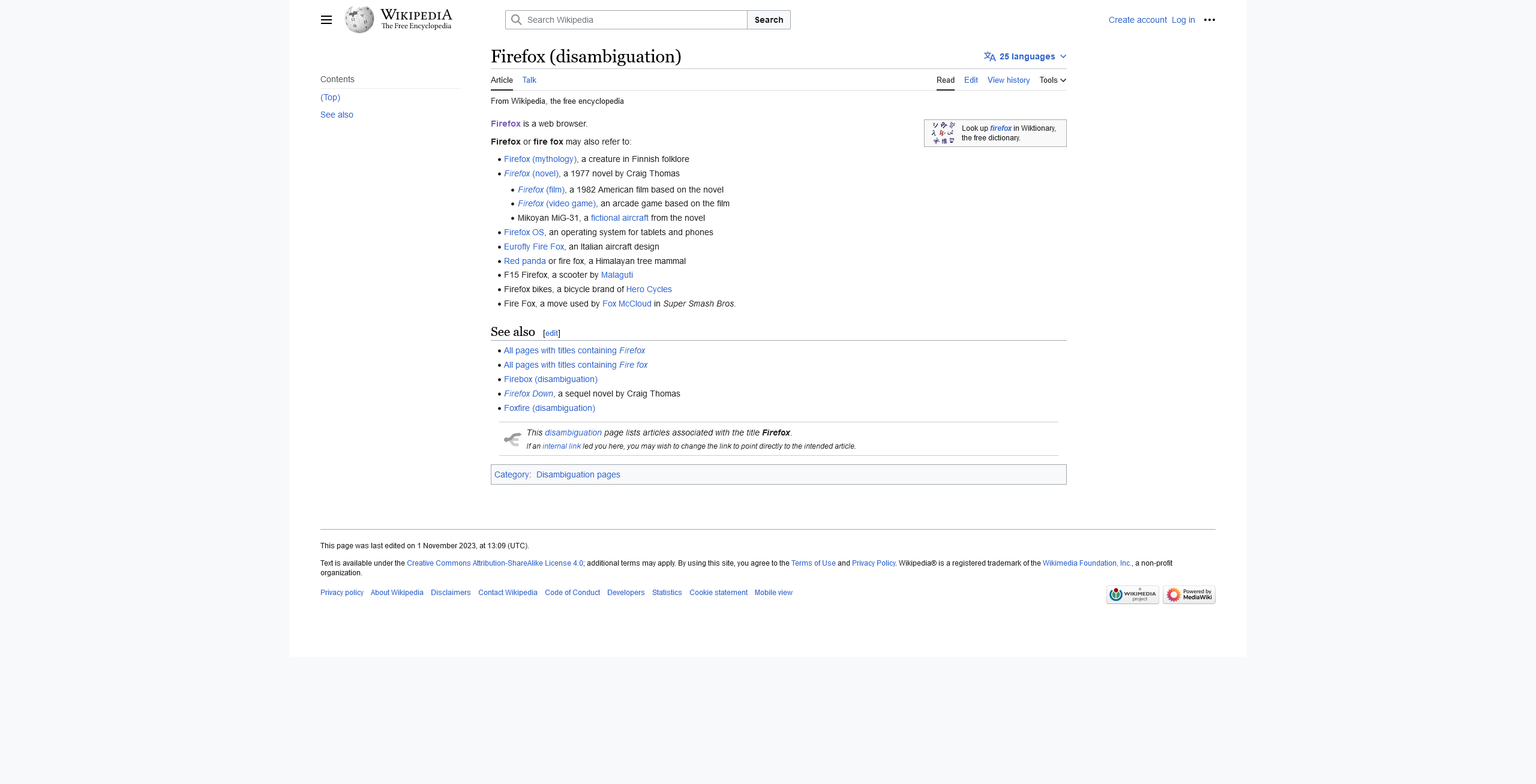
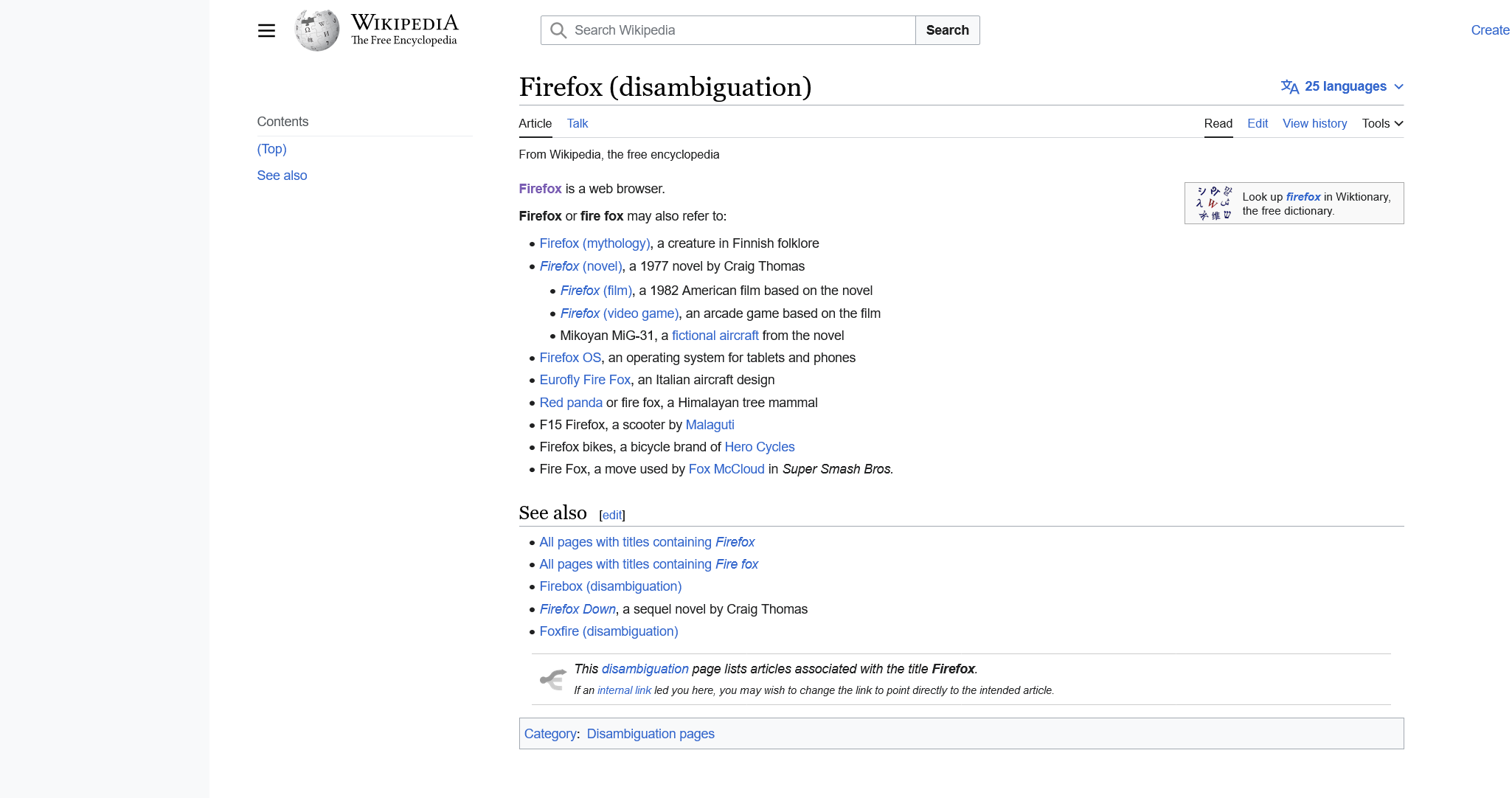
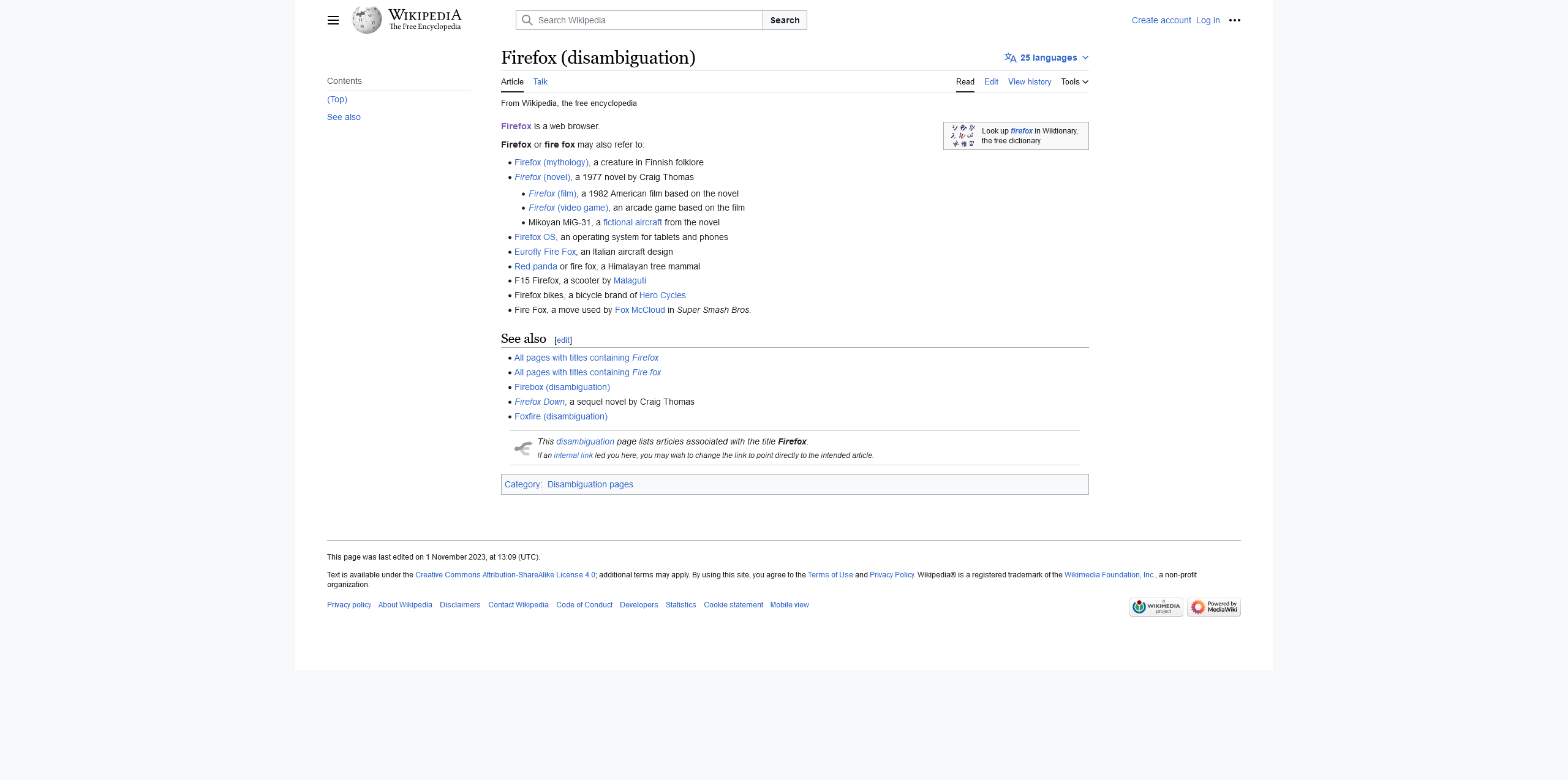
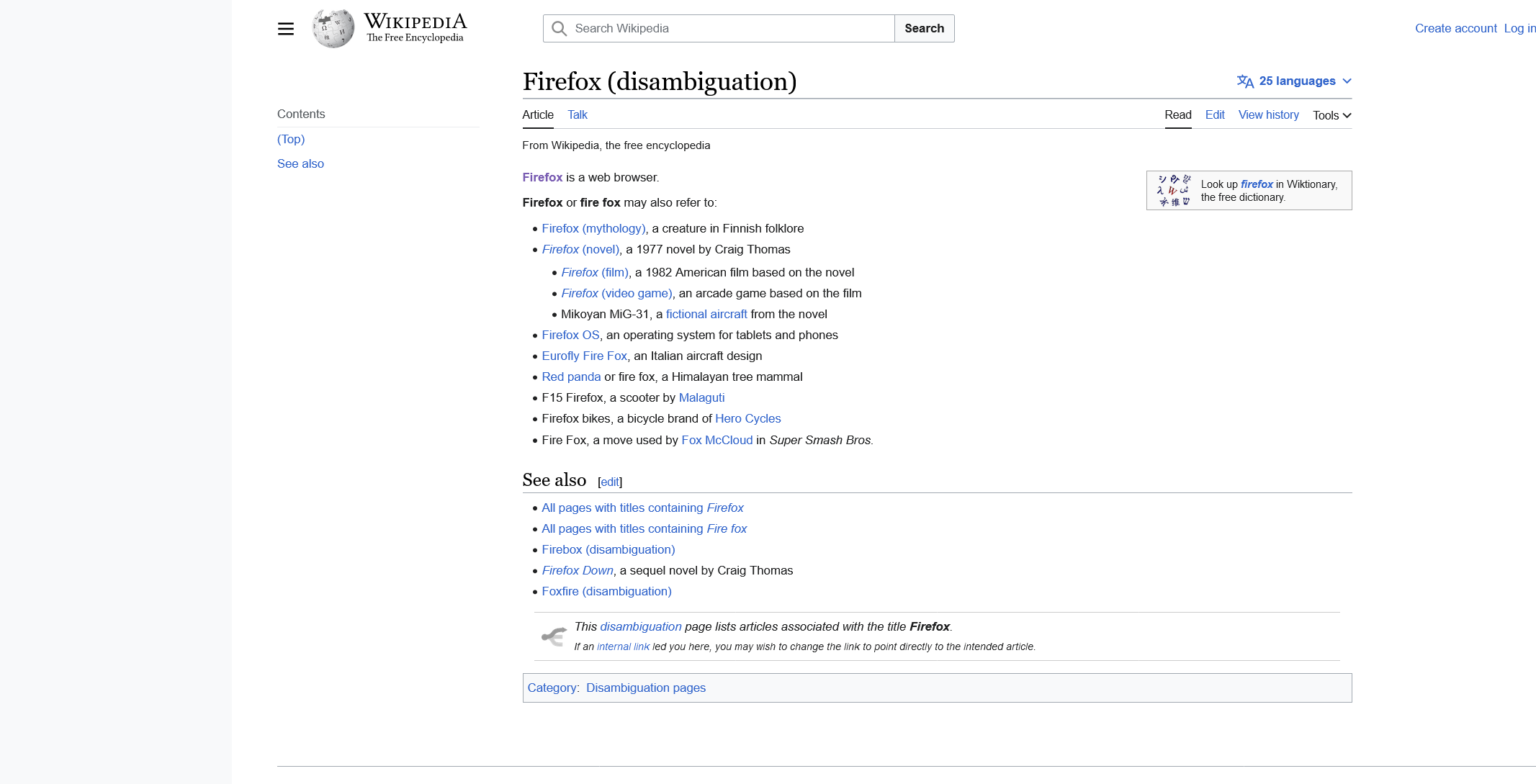
Firefox Screenshot tool of a selected area: - Screenshot #1 - Windows 11 Display Scaling 100% (no zoom) and Firefox page zoom 100% (no zoom), no cropping - Screenshot #2 - Windows 11 Display Scaling 125% only, cropping on right and bottom - Screenshot #3 - Windows 11 Display Scaling 125% and Firefox page zoom 80%, no cropping - Screenshot #4 - Windows 11 Display Scaling 100% (no zoom) and Firefox page zoom 120%, cropping on right and bottom
Firefox Screenshot tool of full page: - Screenshot #5 - Windows 11 Display Scaling 100% (no zoom) and Firefox page zoom 100% (no zoom), no cropping - Screenshot #6 - Windows 11 Display Scaling 125% only, cropping on right and bottom compared to what I see on the screen - Screenshot #7 - Windows 11 Display Scaling 125% and Firefox page zoom 80%, no cropping - Screenshot #8 - Windows 11 Display Scaling 100% (no zoom) and Firefox page zoom 120%, cropping on right and bottom compared to what I see on the screen - Screenshot #9 - Windows 11 Display Scaling 100% (no zoom) and Firefox page zoom 80%, no cropping but transparent padding added to the right and bottom of the image
Curiously, I also noticed a difference in the image dimensions of the full page screenshots, whereas there were no dimension differences for the partial/selected area screenshots: - Screenshot #5 - 2560x1307 - Screenshot #6 - 2050x1080 (strange dimensions, i tried again later after various Display Scaling and page zooming and I got 2050x1082) - Screenshot #7 - 2560x1274 (strangely it's almost but not the exact same size of the no zoom) - Screenshot #8 - 2133x1089 (which is exactly 2560x1307 divided by the zoom of 120%) - Screenshot #9 - 3198x1631 (which is almost but not exactly 2560x1307 divided by the zoom of 80%, checking in the Photoshop, the non-padded part of the image does measure 2560x1307)
Why is this change in dimensions occurring? I would have assumed that when someone zooms in or out this would affect the viewable webpage with some elements shifting around at times, and when they screenshot it, they want what's viewed captured exactly. As such for the full page screenshots, i would have expected them all to have the same width at least, as there is no horizontal scrolling involved only possible changes in the vertical dimension would occur. Or is this all an effect of the zoomed screenshot cropping bug?
So i guess I have issues with cropping and a potential issue with zoomed-in (and Windows 11 Display Scale enlarged) full page screenshots not being the true viewed dimensions. There's also an issue of image padding when zoomed-out enough.