


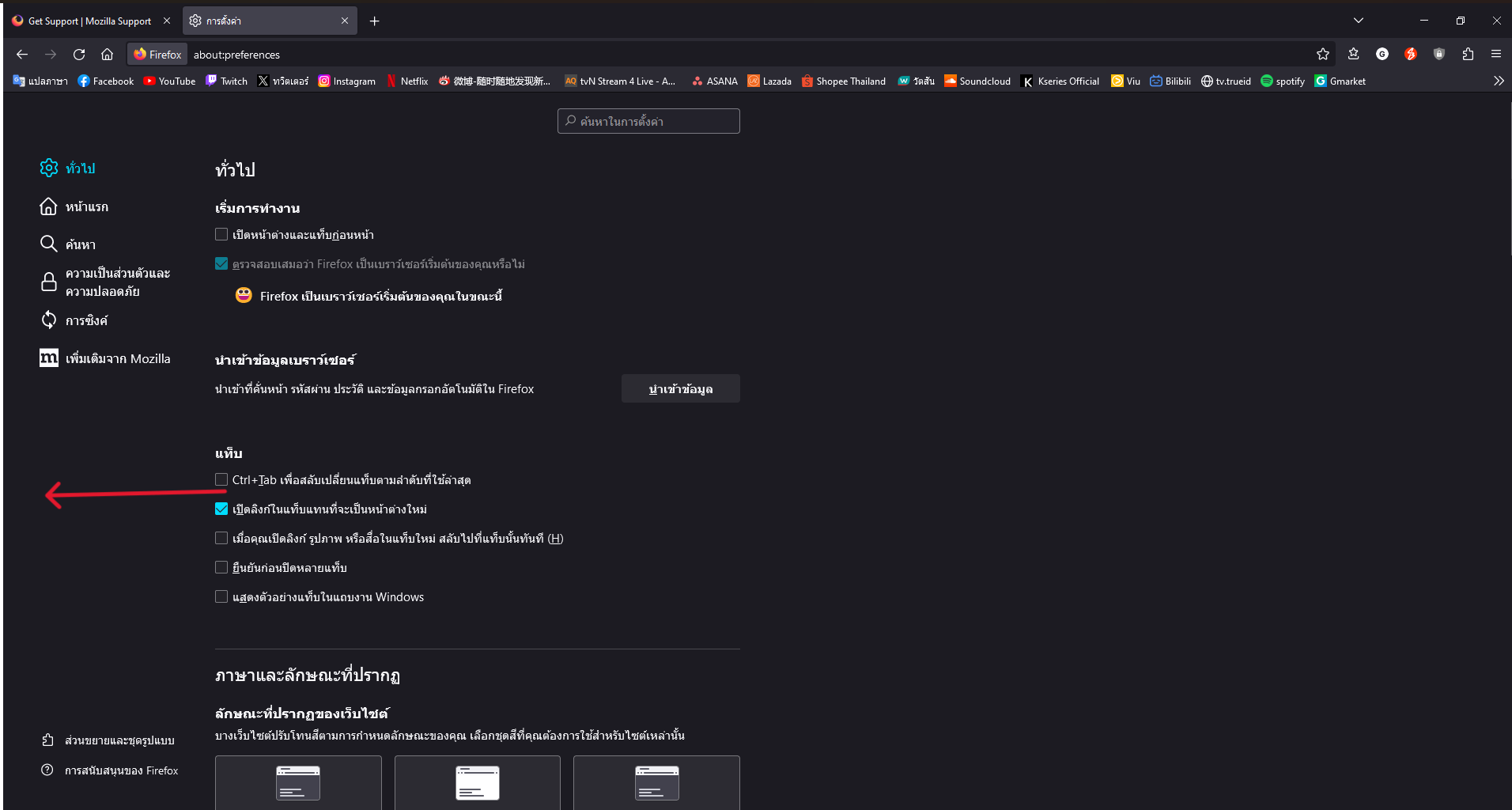
How to remove white border Firefox?

Firefox version 116.0.3 I try eveything to remove white border but it not work.
Chosen solution
Are you possibly running Firefox in compatibility mode ?
You can open the Properties of the Firefox desktop shortcut via the right-click context menu and check the "Compatibility" tab. Make sure that all items are deselected in the "Compatibility" tab of the Properties window.
Read this answer in context 👍 1All Replies (4)
Firefox 116 is not supported on Windows 7, you will need to use 115.2.0esr.
https://www.mozilla.org/en-US/firefox/all/#product-desktop-esr
zeroknight พูดว่า
Firefox 116 is not supported on Windows 7, you will need to use 115.2.0esr. https://www.mozilla.org/en-US/firefox/all/#product-desktop-esrI attempt, but it's unsuccessful. I'm used to it now, so thank you.
Chosen Solution
Are you possibly running Firefox in compatibility mode ?
You can open the Properties of the Firefox desktop shortcut via the right-click context menu and check the "Compatibility" tab. Make sure that all items are deselected in the "Compatibility" tab of the Properties window.
cor-el พูดว่า
Are you possibly running Firefox in compatibility mode ? You can open the Properties of the Firefox desktop shortcut via the right-click context menu and check the "Compatibility" tab. Make sure that all items are deselected in the "Compatibility" tab of the Properties window.
Ohhhhh THANK YOU It's working;_;