This thread was archived.
Please ask a new question if you need help.

Archived
Migrating OS and profiles: Remove "incompatibility" badge

Hi all,
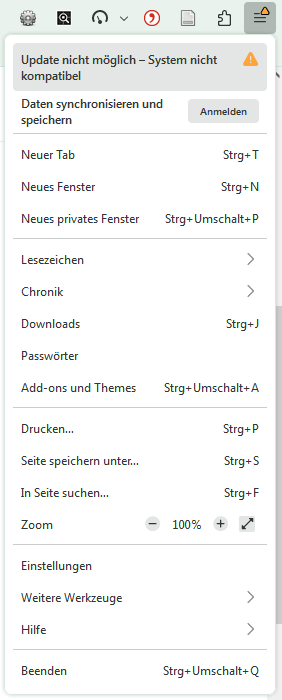
I migrated from a very old Windows 7 system to a recent Windows 11 one. I'm using the most recent version of Firefox developer edition on the new version. To use my old settings, I copied my old profile folder to the new machine. Everything worked out fine, however, I still have the "incombatibility" badge on the menu panel (see screenshot). Is there any way to get rid of this?
Hi all,
I migrated from a very old Windows 7 system to a recent Windows 11 one. I'm using the most recent version of Firefox developer edition on the new version. To use my old settings, I copied my old profile folder to the new machine. Everything worked out fine, however, I still have the "incombatibility" badge on the menu panel (see screenshot). Is there any way to get rid of this?
All Replies (1)

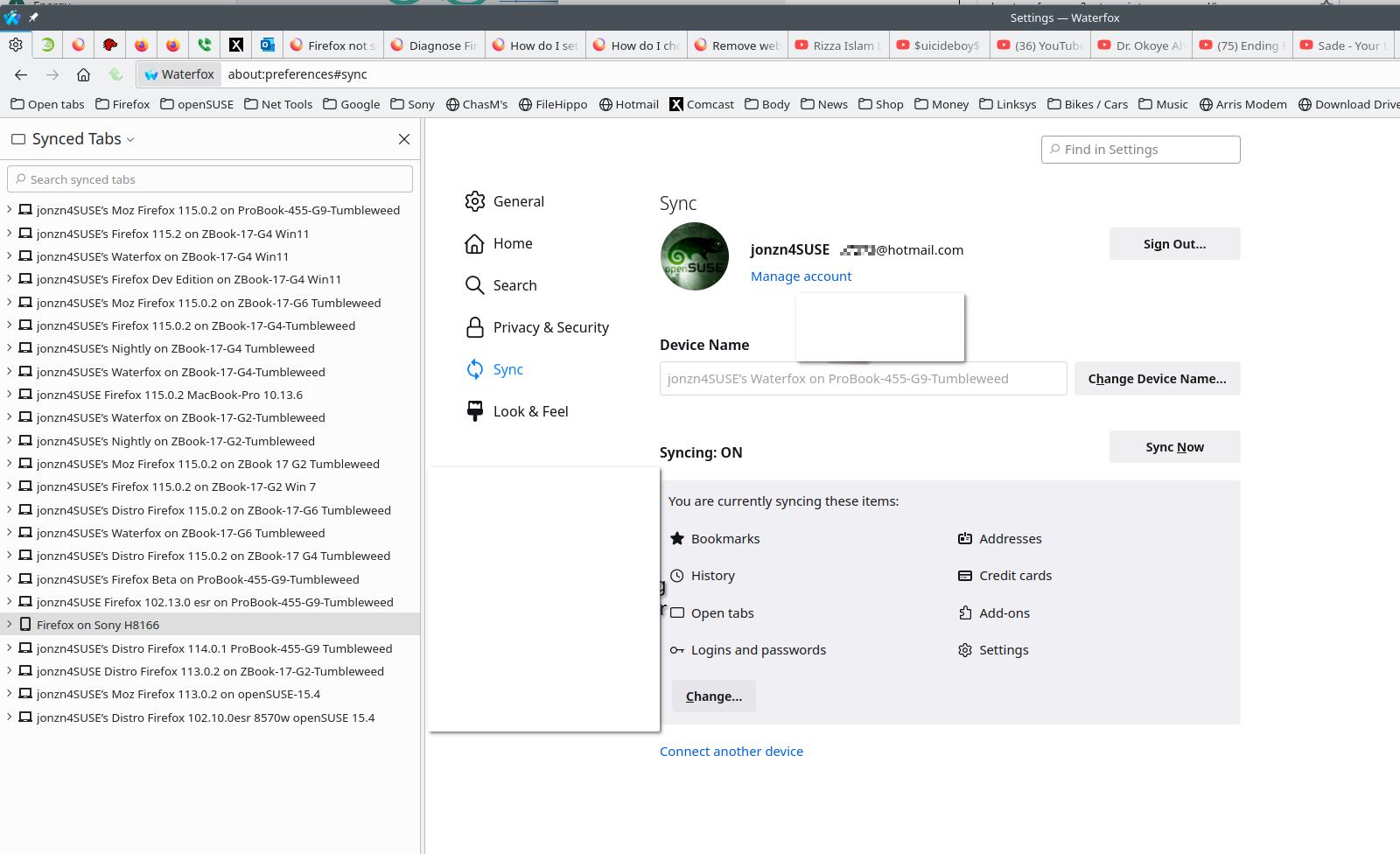
I would have just used Sync to get your data on the new computer. see screenshot https://support.mozilla.org/en-US/kb/how-do-i-set-sync-my-computer# https://support.mozilla.org/en-US/kb/how-do-i-choose-what-information-sync-firefox#