Bookmarks gone with an Overwritten backup.

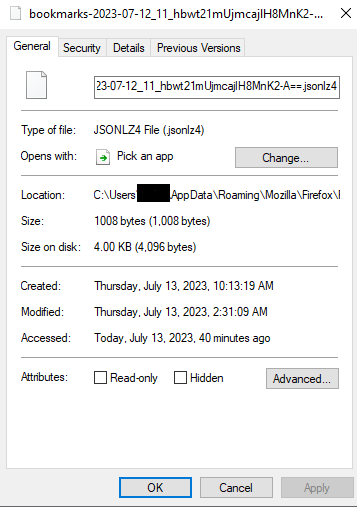
I had to do a full on reinstall of windows early this morning. Once that was all done I re-downloaded everything I was using before. Once I had installed everything I hopped on FireFox and had started to browse through my bookmarks. I had all of them in one folder but not another in the bookmark sidebar you can open with ctrl+b. So I went to manage bookmarks and went on to import/backup. I had a backup from around 2:30am today and that's the one I had tried using because this was before the time I had started to reinstall windows. I must have looked at something wrong because I have now completely overwritten my backup.
I still have all logins and history from the past 6 months I just lost my bookmarks by overwriting them myself by mistake.
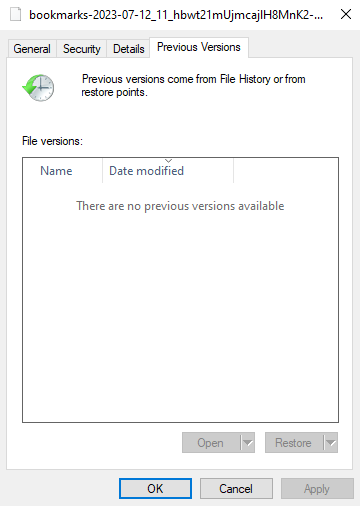
I've tried to go to the bookmark and restore it to a previous version but it doesn't appear to have one.
Just to clear up on the full reinstall I had to completely reformat my drives therefore I no longer had access to any Windows.old folders to go searching through.
I've included a few pictures to help show what I'm looking at whether or not they'll be helpful. I hope I'm not to SoL on this one but if I am it can't be helped.