


Is there a way to show addons in popup windows?
As of now, popup windows don't show addons and I haven't found a way to do so.
All Replies (6)

AFAIK there is no such settings only through the Addon manager do you change settings.
https://support.mozilla.org/en-US/kb/manage-extension-shortcuts-firefox
So I can't do it?
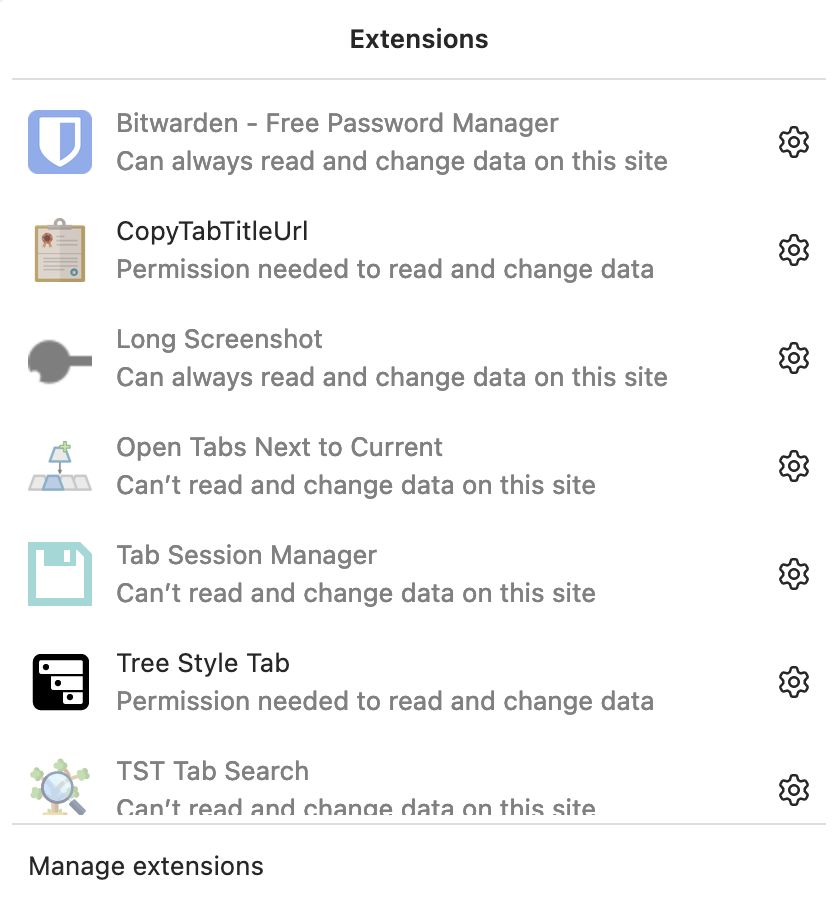
Go to about:config and check if you have extensions.unifiedExtensions.enabled = true. The Extensions icon should be available also in popup windows, but I'm not sure if it's working in your version.
When I enable that, it shows the extensions, but I can't run them. For example, I can't click on the Long Screenshot addon and use it like I can in a non-popup window.
In a pop-up window you only see limited parts of the user interface and that might not include extension's buttons. Note that you can use the built-in Firefox screenshot feature to make a screenshot that include more of the page then is visible.
I got a solution here: https://www.reddit.com/r/firefox/comments/z9f804/is_there_a_way_to_show_addons_in_popup_windows/. Thanks anyway!