


Thunderbird addons site reporting addons incompatible with my Thunderbird 91.2.1 (64-bit) on Windows 10

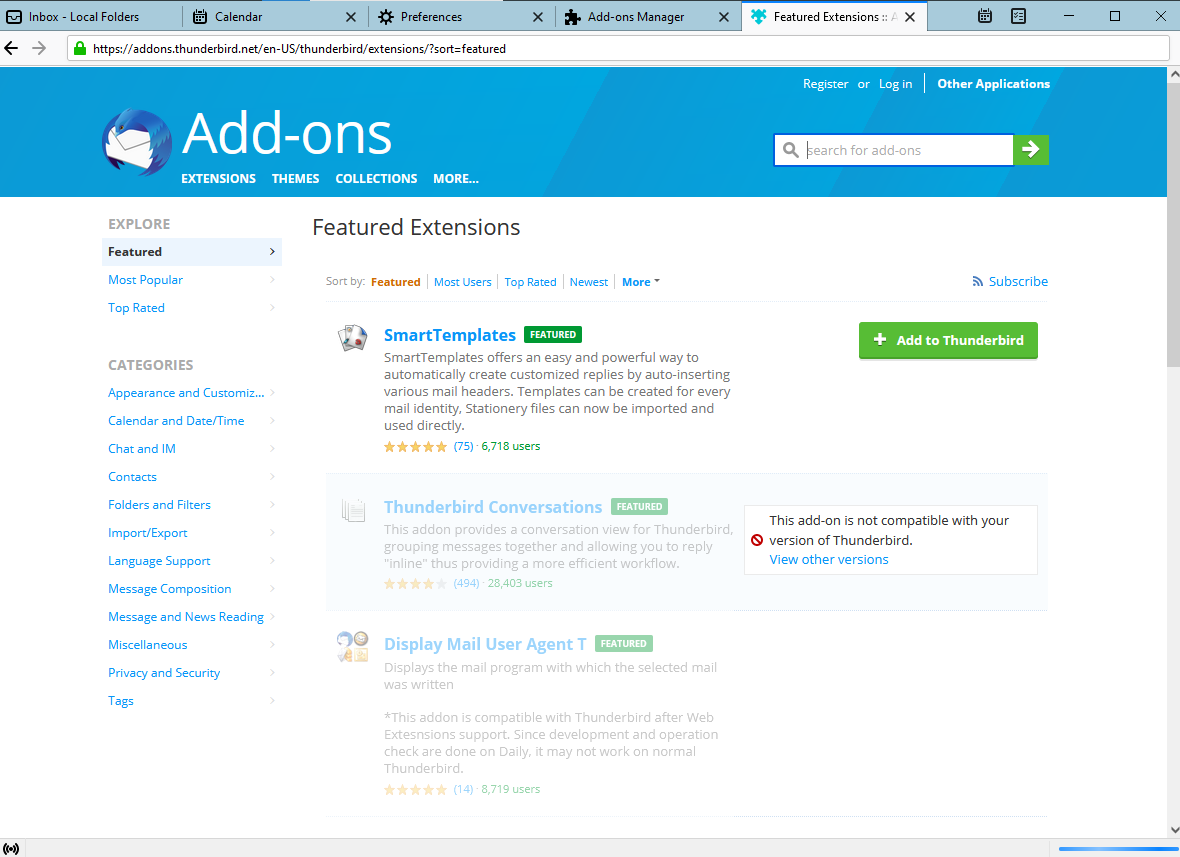
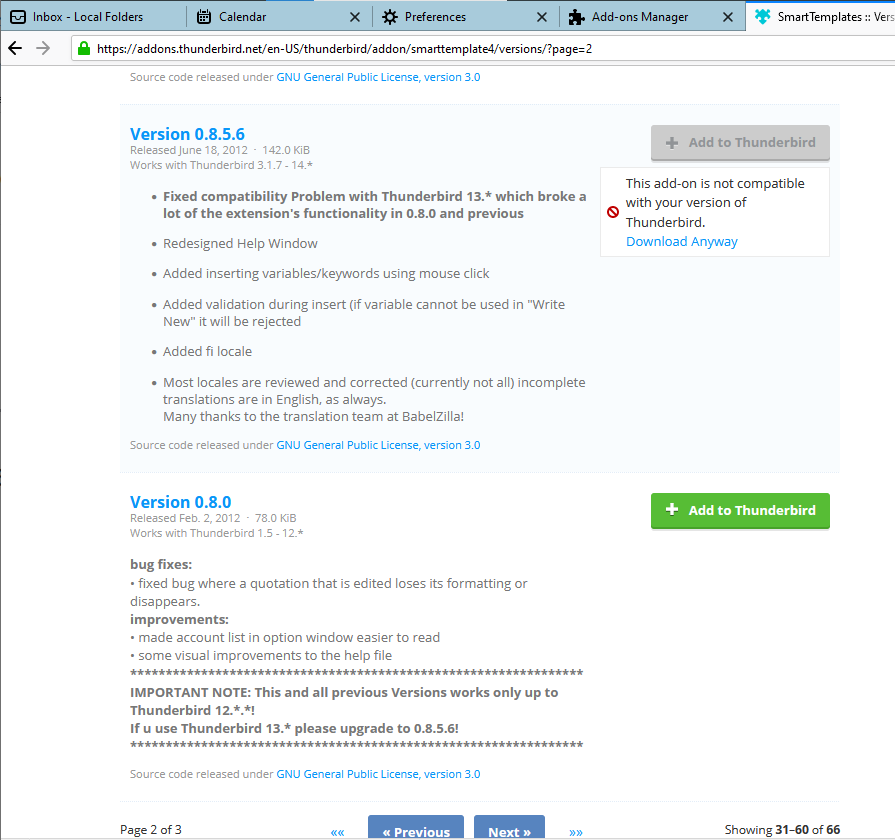
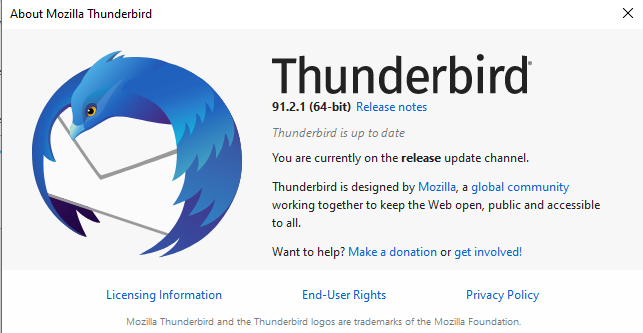
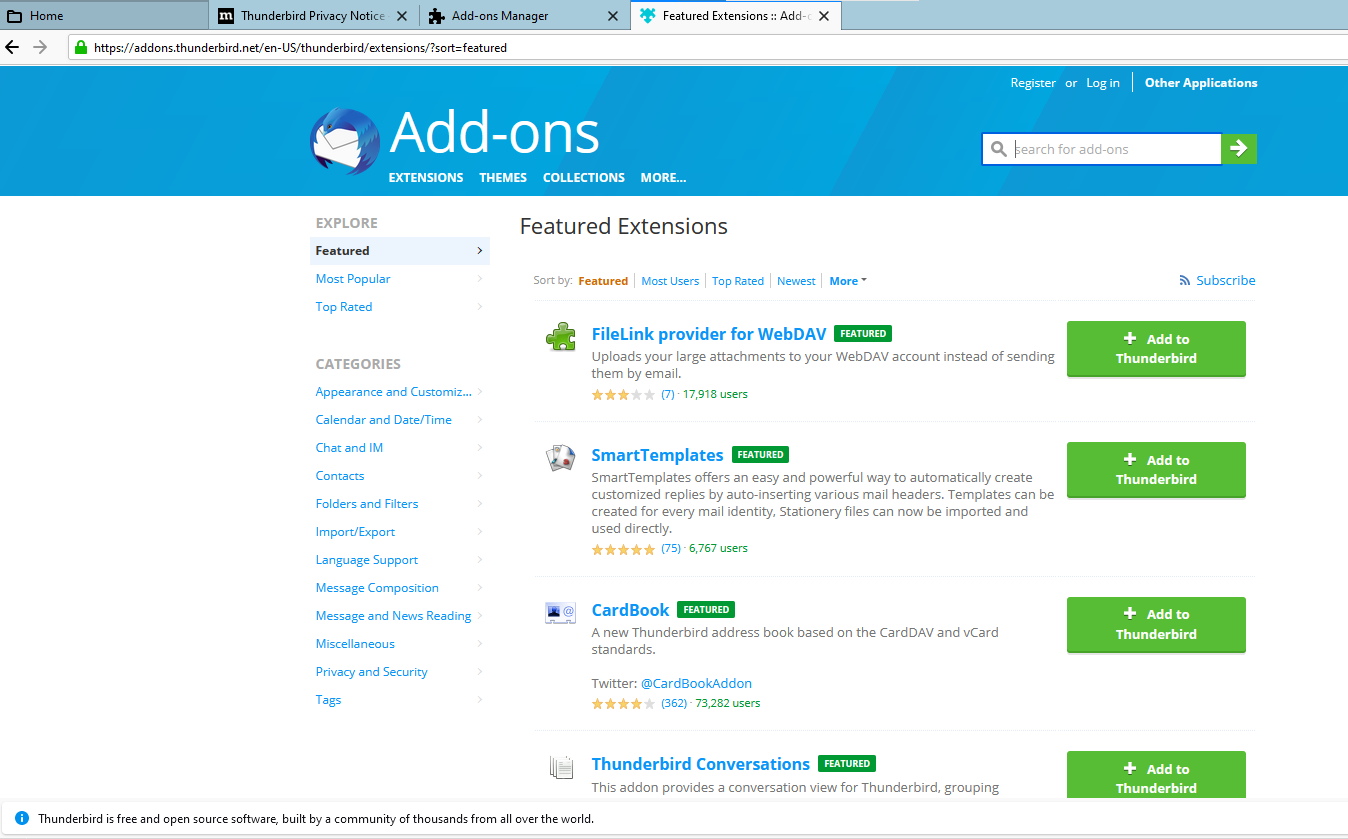
Hi, I am using Thunderbird 91.2.1 (64-bit) on Windows. When I click on Find more add-ons, the addons.thunderbird.net site show that most all the addons are incompatible. And those that are indicated as compatible are compatible with older versions. See attached e.g. for smart templates. Is it because of some preferences set wrongly?
Regards.
Chosen solution
Hi Stans, I think I resolve the problem by removing the following entry. Not sure why I have this entry in the preference. general.useragent.override=Mozilla/5.0 (Windows; U; Windows NT 5.1; en-US; rv:1.8) Gecko/20051201 Thunderbird/1.5 Mnenhy/0.7.3.0
Thanks for your help.
Read this answer in context 👍 0All Replies (13)

Why are you on page 2 of the versions webpage for that add-on? Why are you looking at versions that were released nearly a decade ago?
Hi, That is to illustrate the issue I am having. On the first page, all addons as you can see in the first image previously attached, are indicated as not compatible except for the Smart Templates. But if I go and view the version of Smart Templates that is compatible, it is not the latest version but as you say, a version from a decade ago. As you see from the second image previously attached, the newer versions are all not compatible. I have scroll thru all the versions and that is the version the button is green. Attached is image of the latest version mark as incompatible to clarify further. Could the version that my installation reports to the site is wrong? How to check that?
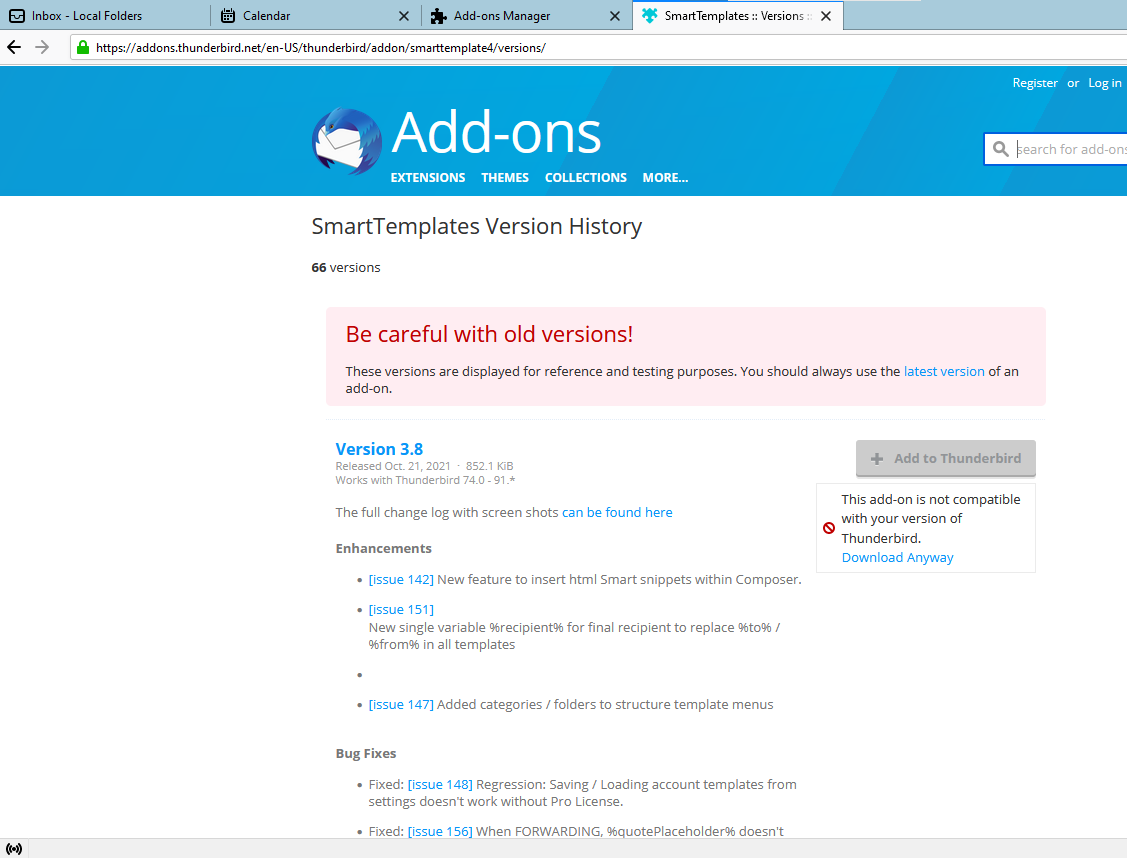
Your second image clearly says Page 2 of 3 showing 31-66. Where is Page 1 of 3 showing 1-30? You somehow skipped it entirely and ended up on page 2. Click the Previous button at the bottom of the page to go back to page 1 where the most recent version released in October is.
Edit: I see in your second post's attachment that you are on page 1. The same page on my end shows both version 3.8 and 3.7 as compatible and I've successfully installed 3.8.
Modified by Stans
Hi, Yes, that is the issue I am having. All current versions of add-ons are indicated as not compatible. Somehow the site is treating my Thunderbird version as some older version instead of the installed version 91.2.1
Modified by hcchoi
You can try a clean re-installation. This won't delete your messages or other data. Uninstall Thunderbird via Control Panel or the Windows 10 Settings app then delete the C:\Program Files\Mozilla Thunderbird folder if it still exists after the uninstallation. Do NOT run any other third-party uninstaller program or pc cleanup or tuneup tools afterwards. Those can wipe your data permanently! To be extra cautious, just make a backup copy of your Thunderbird data before uninstalling. Your data is stored in the profile folder. See Profiles - Where Thunderbird stores your messages and other user data
Download a fresh copy from thunderbird.net and install it. When is starts, it should load your profile just fine, with everything as it was before the uninstall, then see if you can install that add-on.
Modified by Stans
Did an uninstall as suggested, folder C:\Program Files\Mozilla Thunderbird does not exists after the uninstall. Reinstalled Thunderbird but the behaviour still the same i.e. addons site report that the current addons versions as incompatible.
That suggests it's a problem specific to your profile. Let's see if that is the case. Create a new profile using the profile manager (see Profile Manager - Create and remove Thunderbird profiles and launch it. Skip the email account setup wizard and go to the add-ons repository. See if you can install that add-on.
Hi, Yes, create a test profile and the buttons are now green.
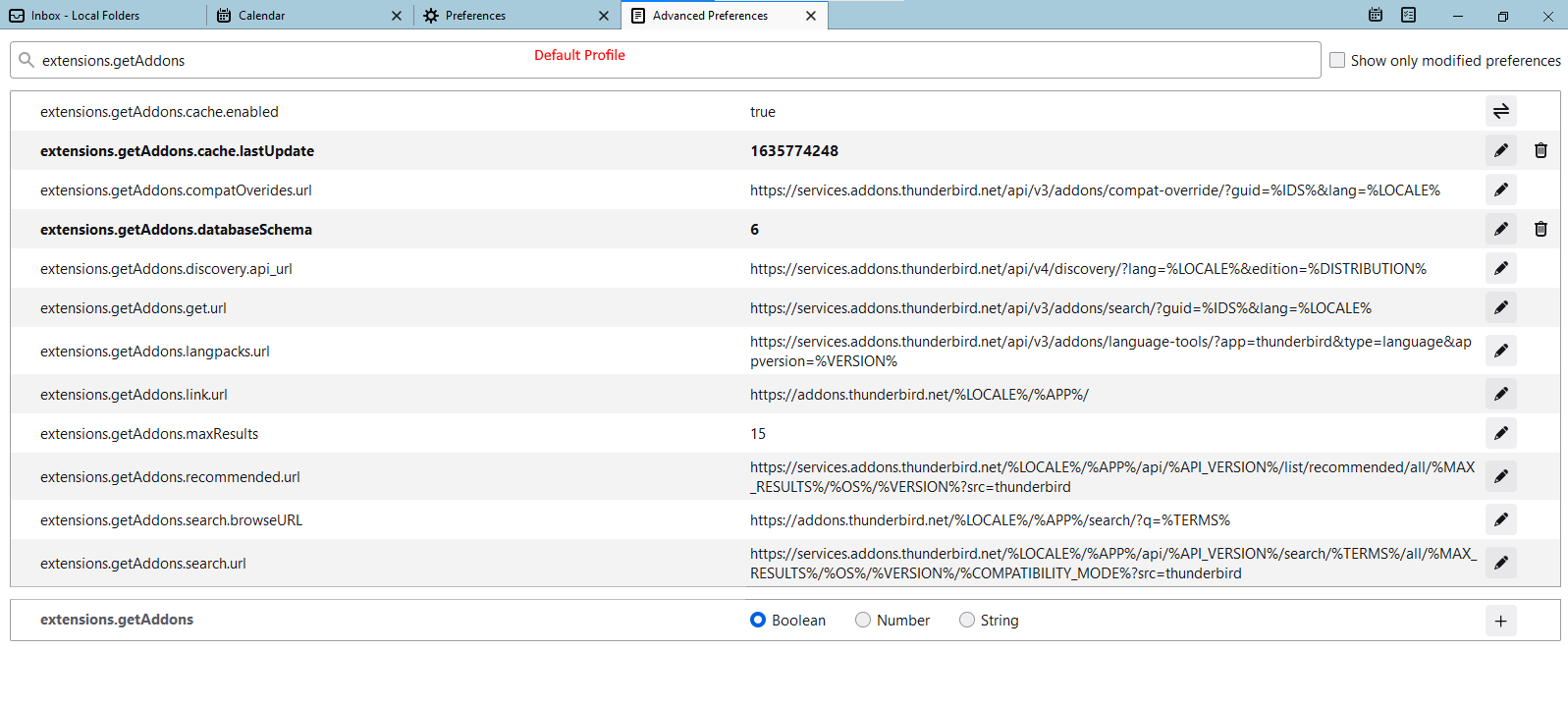
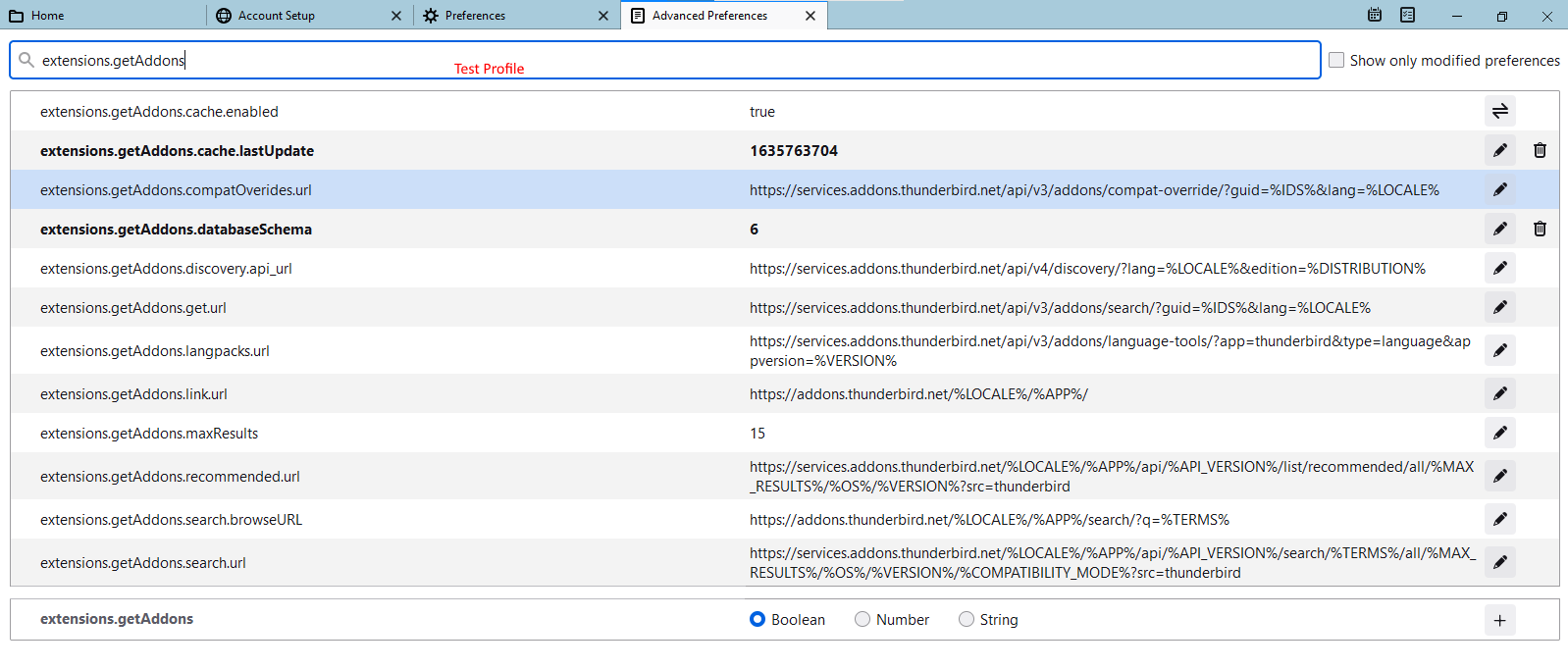
That indeed confirms that something is not right with your old profile. I am not yet sure which preference is responsible for this, but you can do a side by side comparison of the new and old profiles and see what's different between them. Using Config Editor type extensions.getaddons in the search box. This will bring up a handful of preferences that I suspect are responsible for "reporting" Thunderbird's version to the add-on repository. To open the Config Editor, just find and click the button named so in Preferences.
Hi, The getaddons preferences looks the same except for the cache.lastUpdate value. Tried and change it to be same as the test profile but does not solve the issue.
Modified by hcchoi
Chosen Solution
Hi Stans, I think I resolve the problem by removing the following entry. Not sure why I have this entry in the preference. general.useragent.override=Mozilla/5.0 (Windows; U; Windows NT 5.1; en-US; rv:1.8) Gecko/20051201 Thunderbird/1.5 Mnenhy/0.7.3.0
Thanks for your help.
Good work finding that. How the user agent changed beats me though. Perhaps you used an add-on that did that and you had forgotten all about it? That's the only thing I can think of.

Just installed Thunderbird (91.4.0) for the first time (moving away from Outlook) and I encountered this problem. In browsing for themes, 99% of the addons listed are greyed, and TB displays the message saying the addon is incompatible with my version of TB.
I followed the suggestion to create a new profile, and like the original poster, the addons are all green for the new profile. However, unlike the original poster, for me there is no general.useragent.override setting under Advanced Preferences, so that fix won't work for me.
In fact, I copied the entire set of Advanced Settings from the non-working profile and the working profile into text files and compared them. Other than email account settings (which I configured in the first profile but not the second) the only differences I see are cosmetic settings (e.g., fonts), GUIDs, and time stamps.
Any suggestions for how I might fix this problem?