

This thread was archived.
Please ask a new question if you need help.

Solved
Archived
Virgin TV Go asking for browser update

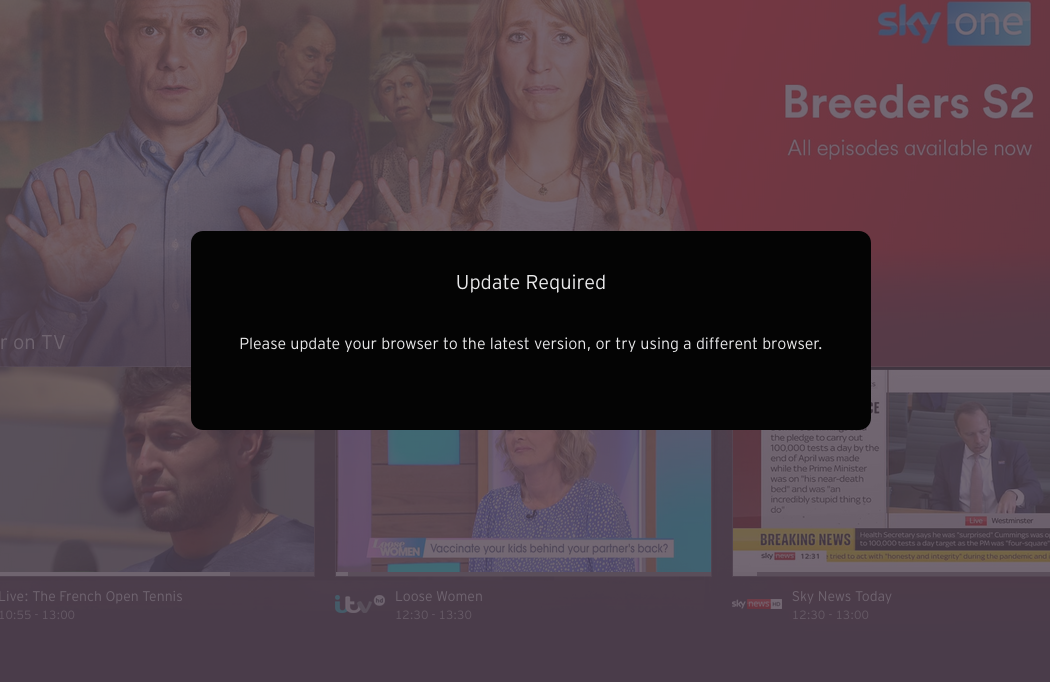
I've been using Firefox with Virgin Media's TV Go https://virgintvgo.virginmedia.com/en.html for quite a while without a problem. After the latest update I got the message to update the browser to the latest version and restart. I've tried talking to Virgin about it but been given the runaround by them - surprise. I've tried other browsers, Safari, Chrome, but the quality of the stream is poor compared to what I was getting with Firefox. Has anyone got any ideas? Any hopes?
Thanks
I've been using Firefox with Virgin Media's TV Go https://virgintvgo.virginmedia.com/en.html for quite a while without a problem.
After the latest update I got the message to update the browser to the latest version and restart.
I've tried talking to Virgin about it but been given the runaround by them - surprise.
I've tried other browsers, Safari, Chrome, but the quality of the stream is poor compared to what I was getting with Firefox.
Has anyone got any ideas? Any hopes?
Thanks

All Replies (2)
Chosen Solution
Try to install this extension and select Firefox 89 for this site.
Now that is fantastic, sorted. Thank you.