Thunderbird attachment

Dear Sirs, It would be very convenient if the folder where the attachments were downloaded was highlighted for quick access. I.e. After downloading the attachment so that somewhere it is displayed where it is downloaded Thank You
All Replies (4)
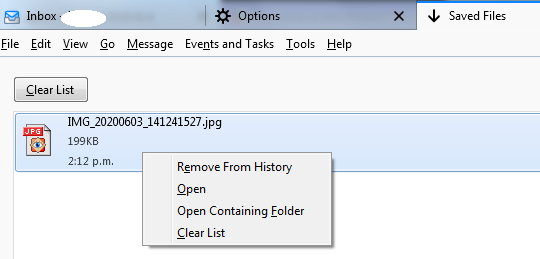
Tools/Saved Files (Ctrl+J) shows a list of downloads (see picture with context menu).
Although it 's not exactly what I wanted, But this is at least a partial solution suitable for me. thanks. I suggested that somewhere in the main window display this path where the file was saved. At least pop-up window
Modified by haflinger1
Note that if an attachment is detached, i.e. saved to a folder and deleted from the message, hovering on the detached file in the attachment pane shows the path to the file in the Status Bar, and the context menu includes Open Containing Folder.
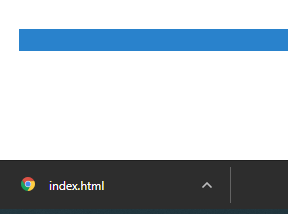
For example, chromium has this done conveniently, in the lower left corner, after opening, the panel is pushed