


Message too big

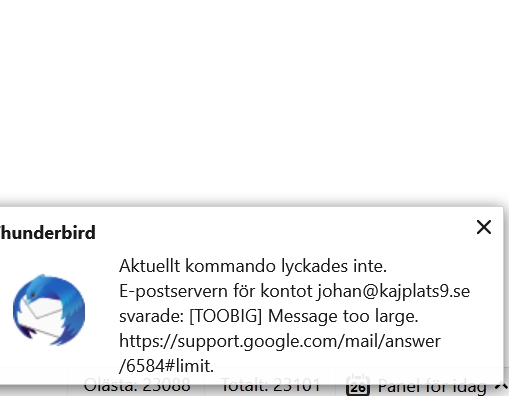
I want to move downloaded mails (from my old email) to my new mail in gmail. But after 1085 (Of 23088 mails) I get a message that cancels the migration. See picture.
All Replies (4)
The message I get
Are you trying to upload 23k messages to a gmail IMAP folder? That is stretching the capabilities of IMAP beyond its limits. Can you not set the gmail account to fetch mail from the account through the gmail Settings, Accounts and Import, on the gmail website? Otherwise, move the mail from the old account to Local Folders.
The messages are already in a local folder. I want to move them from the local folder to the gmail account (Through thunderbird)
If you must have the messages available from an IMAP folder, you'll have to move them there in small batches. But in reference to the error message, is there an email with attachments that total more than 25 MB, the gmail limit?