Firefox sync not working after password reset - no other FF browsers used!

Hi there,
I'm really frustrated. Came from Chrome to Firefox and am experiencing this absolutely terrible syncing service. IN this respect Firefox is really 20 billion lightyears behind Google.
So I have one Firefox browser that I use to sync my work data. I used to have a virtual machine that I had synced in Firefox but in the meantime this VM had been destroyed. So now I face the dilemma that my Firefox on my work machine does not sync! It doesn't pull all my bookmarks (around 500 of them) through anymore. What on earth is happening?
Apologies but I'm really majorly p***** that Firefox has this stupid sync system. So because I might have deleted one VM with synced Firefox data now I lost all my access?
I tried all the tips out there on the web but am stuck. Could someone please help me?
All Replies (1)
hi, sorry for that but firefox sync has a much stronger focus on security than google's system, which certainly may be better in terms of ease of use in turn.
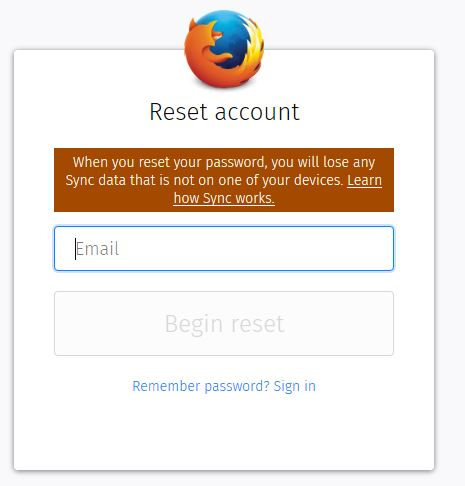
your chosen password for the firefox account is the only decryption key for the sync data on the firefox servers - if you reset your password, that single key is lost and existing data on the servers can no longer be used (and is getting purged as a result of that). this is also getting explained during the password reset procedure!