


Thunderbird hangs for several seconds before attachment download and then shows wrong filesize on download window

I have got IMAP configured account, and I use the automatic updates of Thunderbird so I use the latest version.
When I open some INBOX message at the bottom I get a list of attachments which correctly shows their filesizes. Trying to download one of them especially if it is larger than 1 MB hangs Thunderbird for several seconds (in task manager i see 25% CPU usage) and finally the download window appears which shows the attachment filesize totaly different than it should be.
How to shorten the Thunderbird hang time, and how to fix the download window to make it show correct filesize of downloaded attachment?
PS. The downloaded files aren't corrupted.
All Replies (5)
Do you have an Anti-Virus software scanning incoming emails ?
If yes, then it is likely to be the reason for the pause.
Well, antivirus software makes no difference.
I made screenshots describing the problems:
- the filesize difference
- high cpu usage (process explorer thread details and stack trace at high cpu usage)
Maybe those pictures will help in understanding the problem and finding the solution if such exists.
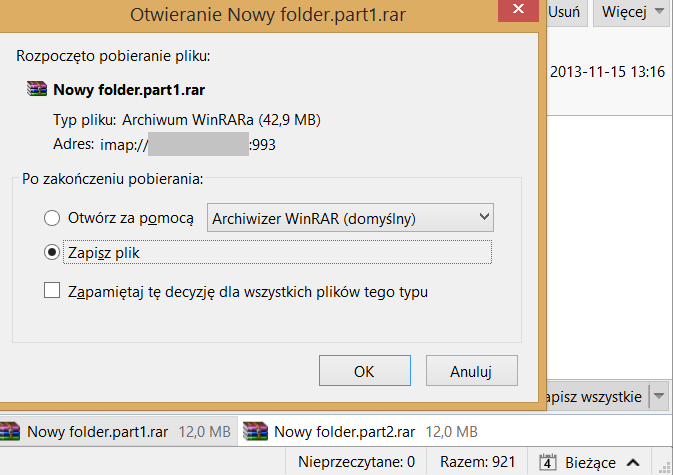
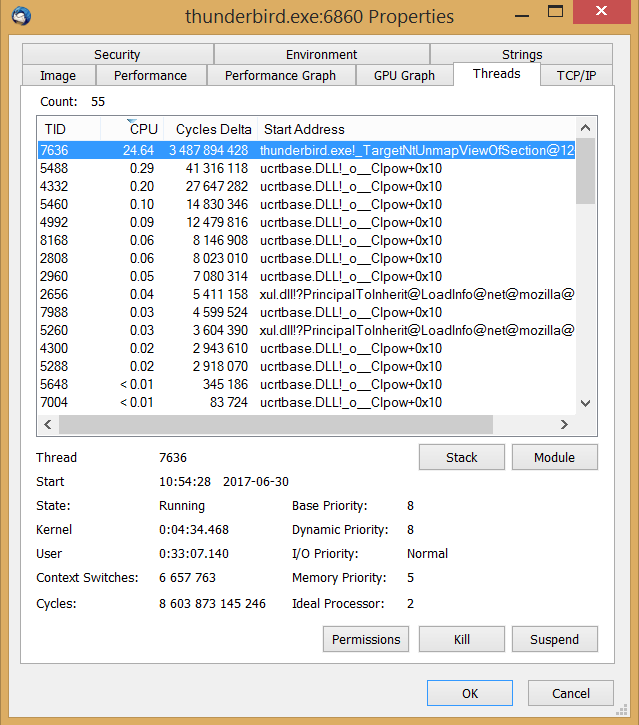
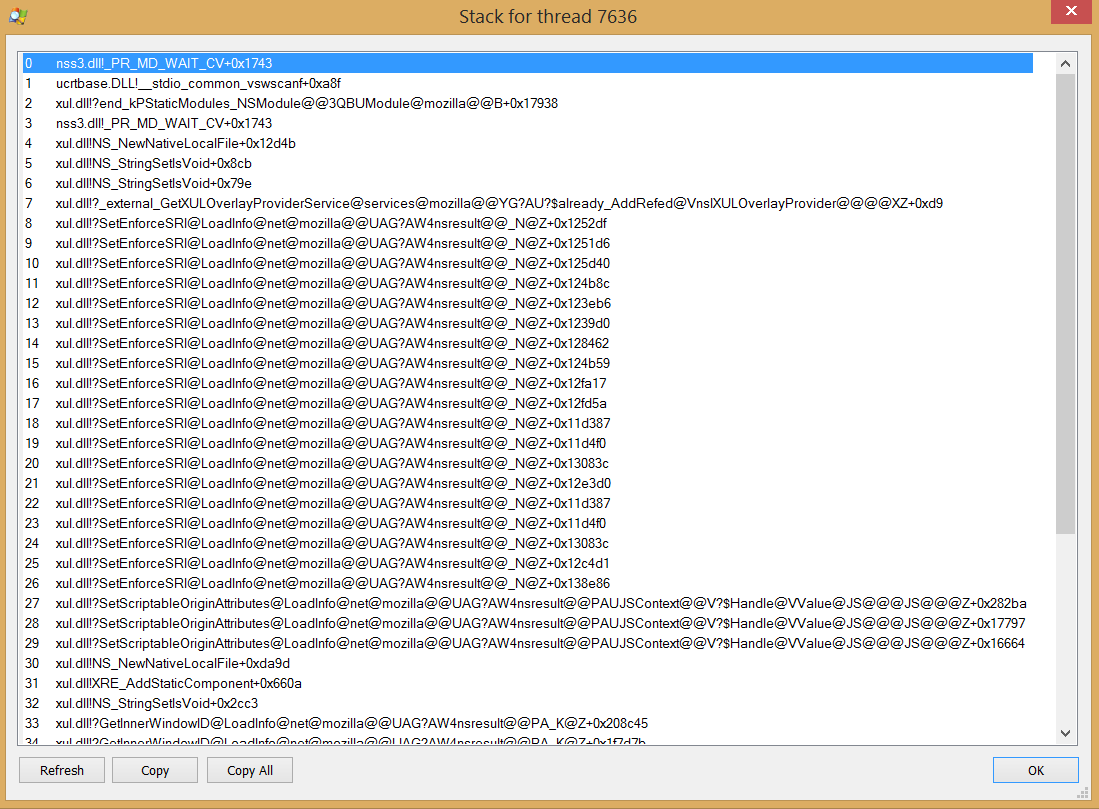
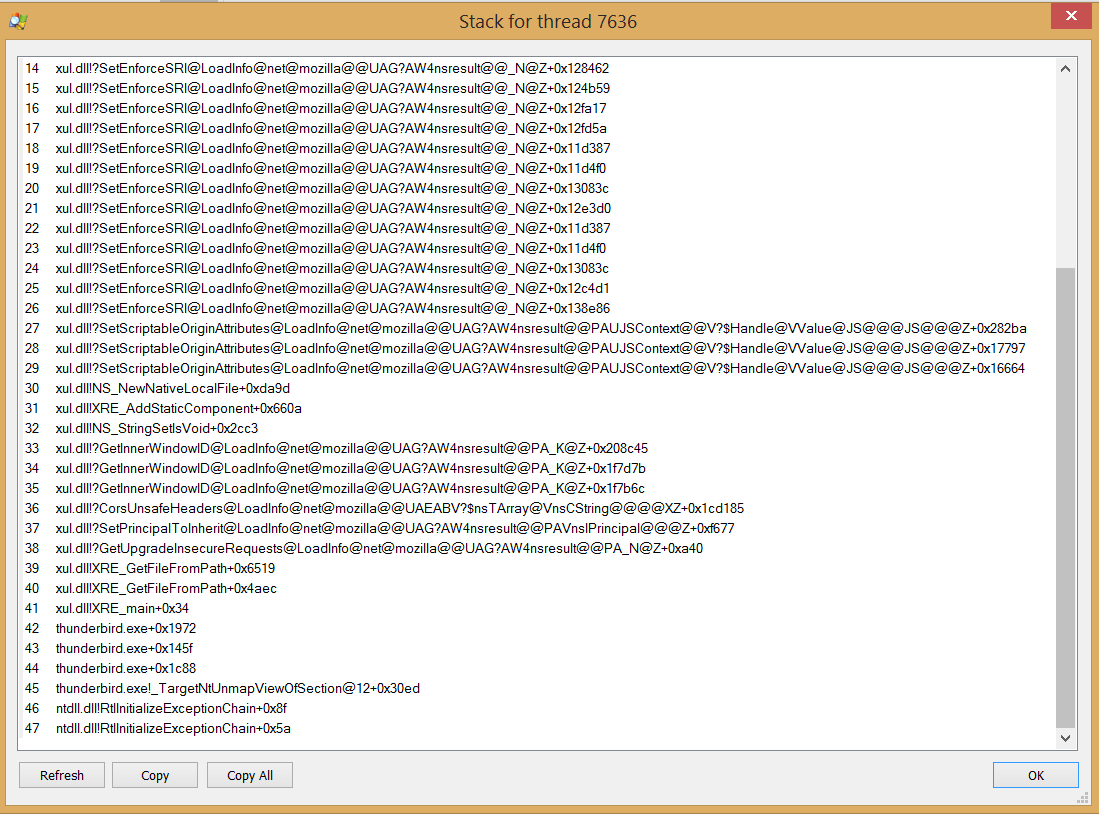
The first images says:
You have received an email of size 42.9MB It has two attachments, both *.rar files of 12MB each.
You have selected to 'Open' the first attachment. The pop up window then asks you to either 'Open with' a suitable program or 'Save file'.
At this point, 'Save File' is selected, so you would click on OK to save the file. *.rar files need to be extracted to see contents, so you would not be 'opening' them via Thunderbird.
Depending upon what option you have set, it would then either auto save to a specific folder or ask you where you want to save it. Once saved you could then choose to open it/extract.
Assuming you selected to 'Save File' to a specific location. Does it save the *.rar file to a folder on your computer (not in Thunderbird) ?
re :antivirus software makes no difference
please clarify what you mean.
Do you mean you have accessed AV and instructed it not to scan any thunderbird folder and also not to scan any incoming emails?
I also notice you are talking about an imap mail account. Usually, only headers are downloaded and when you select to open an email it gets downloaded to a temp file to facilitate reading or do you automatically synchronise folders for offline use - keep copies in your profile folders? Do you only download headers and therefore the delay could be the downloading of the email and attachments? Have you set any limits on not downloading messages larger than X ? Imap-synchronization info: https://support.mozilla.org/en-US/kb/imap-synchronization
42.9MB is a large email.
The 42.9MB is not refering to the 12MB *.rar file.
There is no image showing the Saved *.rar file in order to see what size it is, but it is likely to be about 12MB.
About first issue the window should show the size of attachement not the size of an e-mail. It is very misleading as the window should show the size of attachment not size of e-mail because I'm not saving the e-mail but given attachment. Of course saved filesize is correct and is not corrupted.
About the high CPU usage of Thunderbird: All E-mail folders are subscribed and fully synced. My inbox filesize on harddisk is about 4,5 GB. All folders are compacted and it was tested in offline mode too. About antivirus software I mean that it doesn't matter if it exists or not, is enabled or disabled. Also I tested influence of Windows Defender and I tested it on windows 8.1 special version where Windows Defender was totally removed.
I think that Thunderbird is just slow with large attachments. The method of keeping attachments inside INBOX and INBOX.msf files must be very inefficient in terms of getting/loading the attachment from the container to save it as a file.
I also tested the problem with different filesizes of attachments. The attachment filesize exactly reflects the duration of high CPU usage. The larger the attachment then the longer it takes for download window to appear.
I looked into mailbox file structure and the attachments are saved inside container as BASE64 so that must be a reason of inefficiency - BASE64 must be converted into binary file.
So is there an option to set Thunderbird to save attachments in binary format not it BASE64?
can you try a nightly build from https://archive.mozilla.org/pub/thunderbird/nightly/latest-comm-central/ and tell us your results?