forward message on email doesnt open

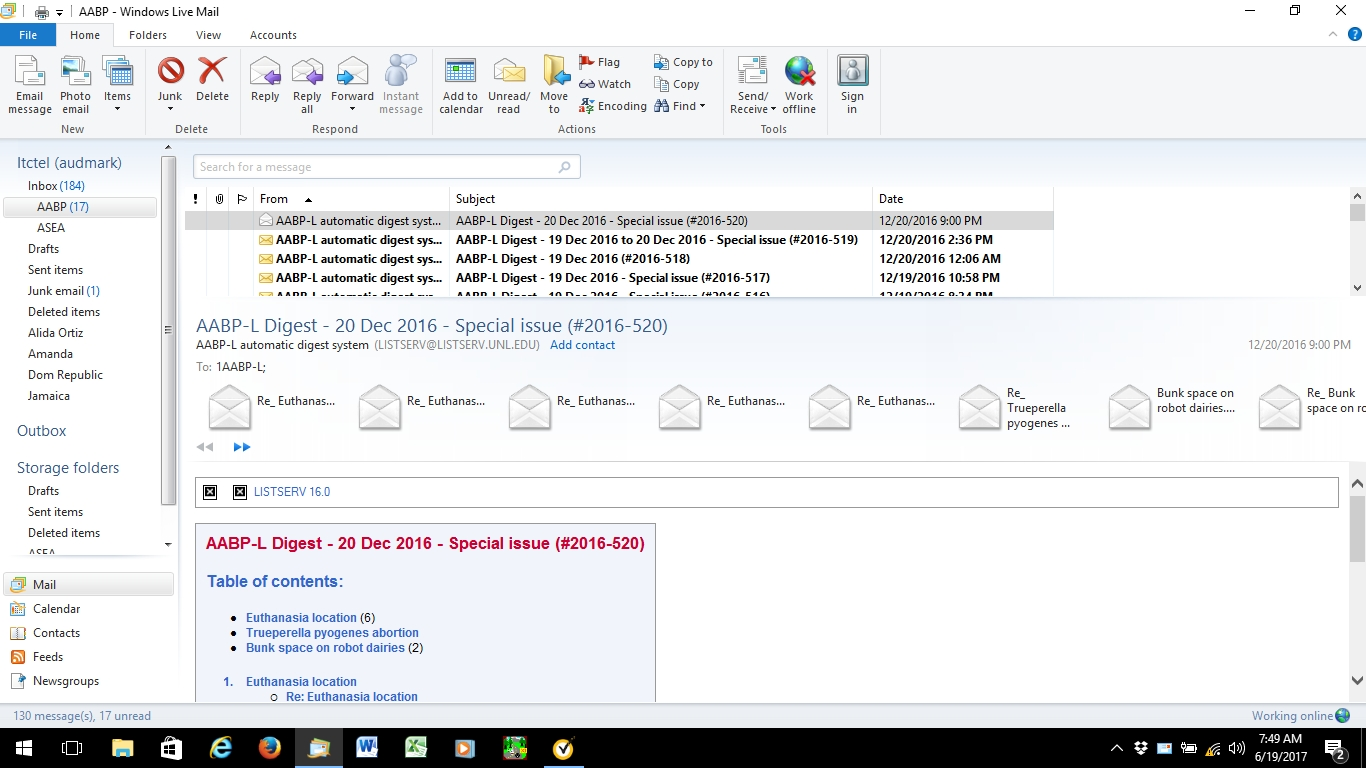
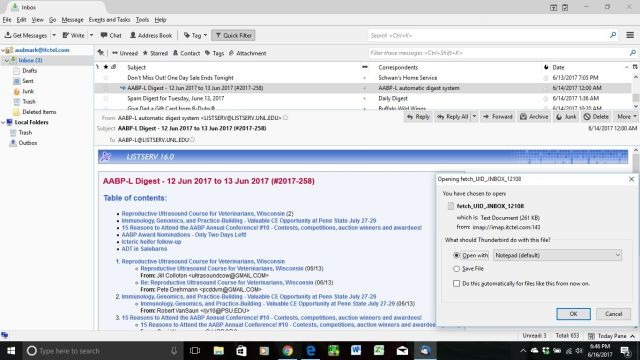
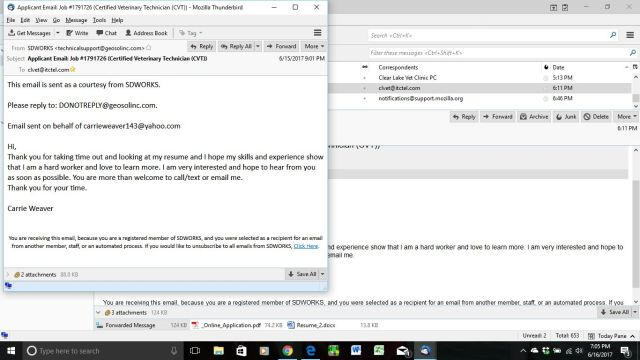
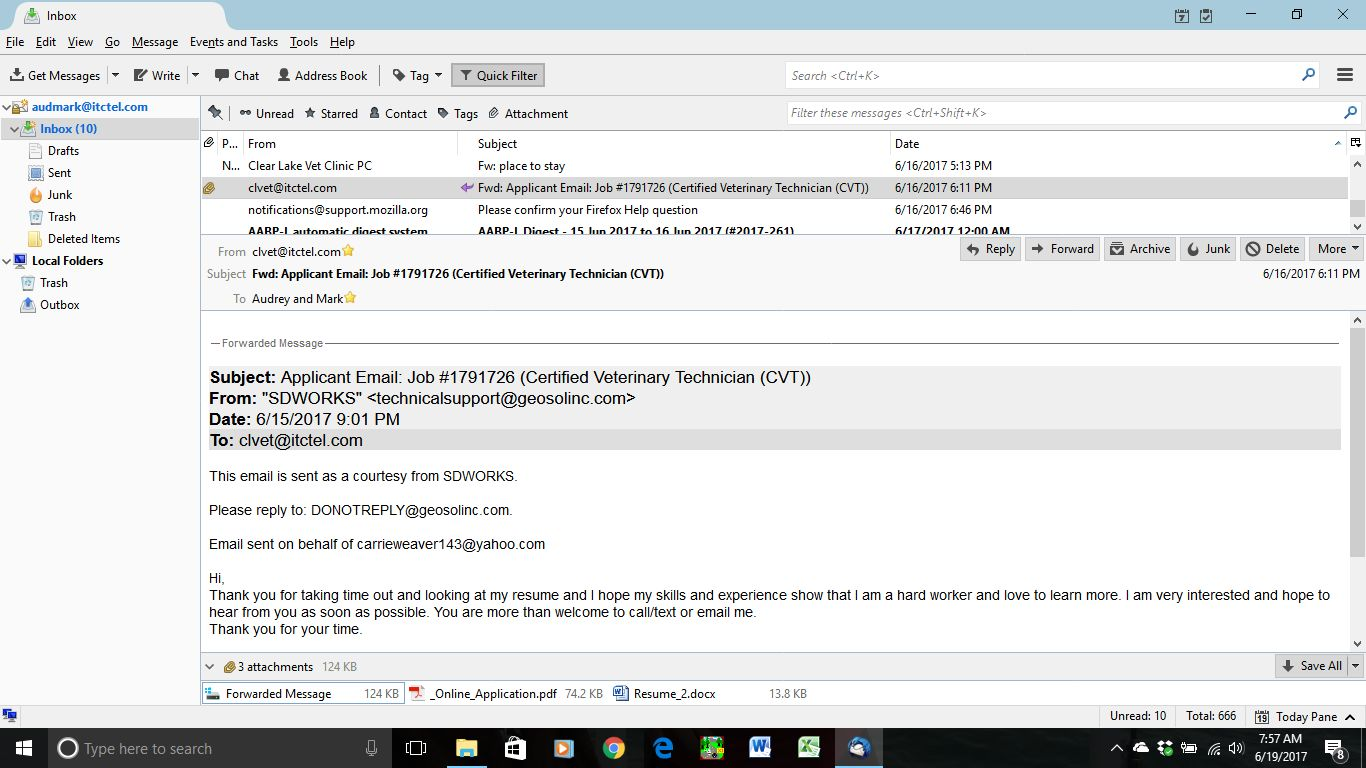
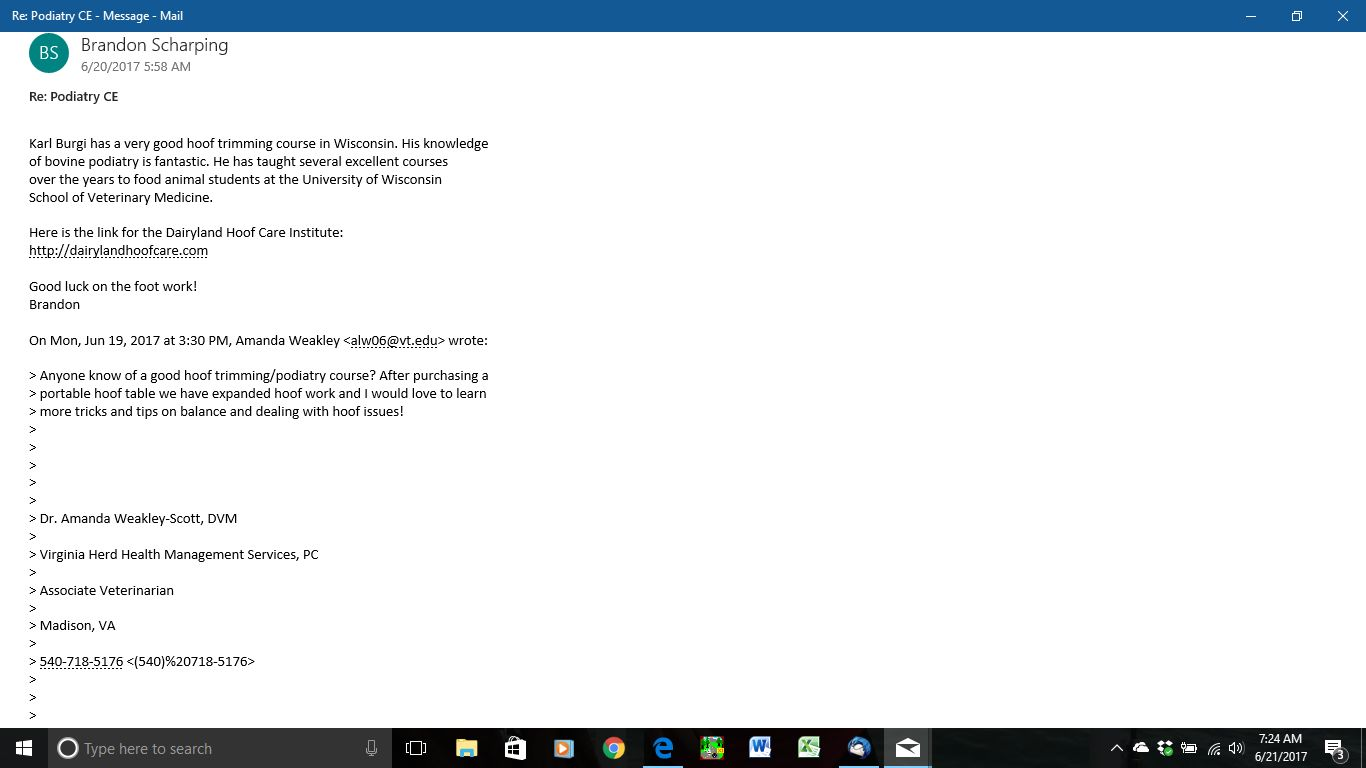
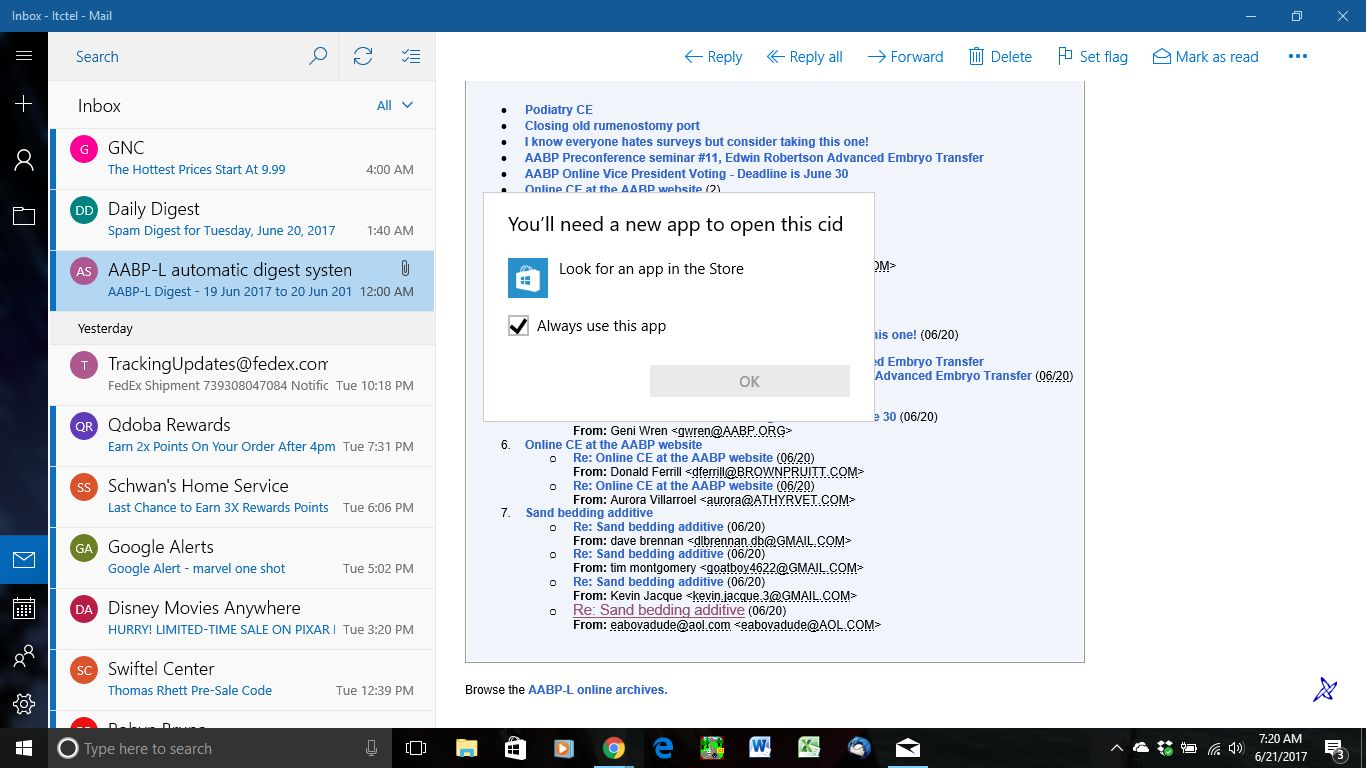
clipboard01 image is of an email digest in which the attachments are forwarded messages. I would like to use the program that would open the attachment similar to how the forward message in clipboard02 is opened.
All Replies (8)
The quality of your screenshots are low resolution images, so it is difficult to see what is going on.
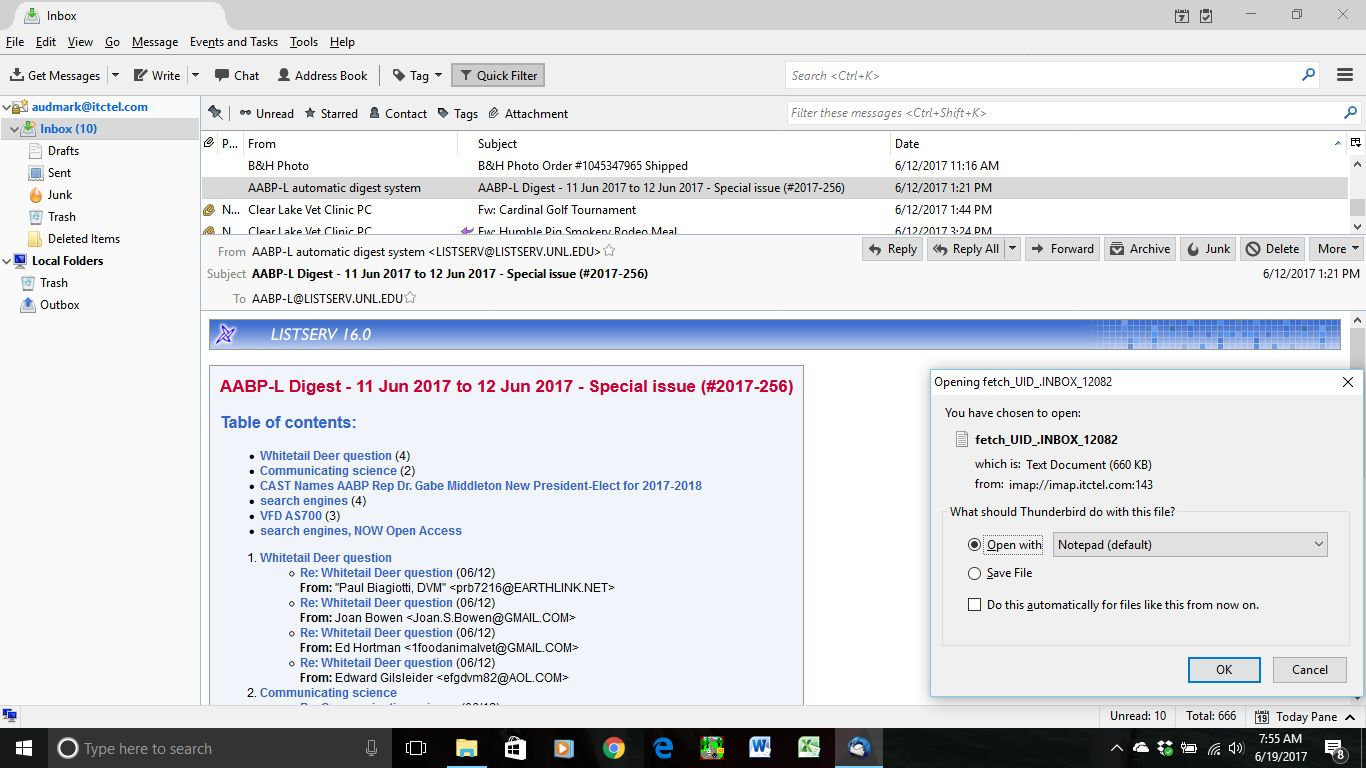
From what I can see in the first screenshot, the e-mail being viewed does not have any attachments, so I don't know how or why that "Open File" window showed.
You need to provide a better screenshot and better explanation of this "e-mail digest" and how & why that "Open File" window shows.
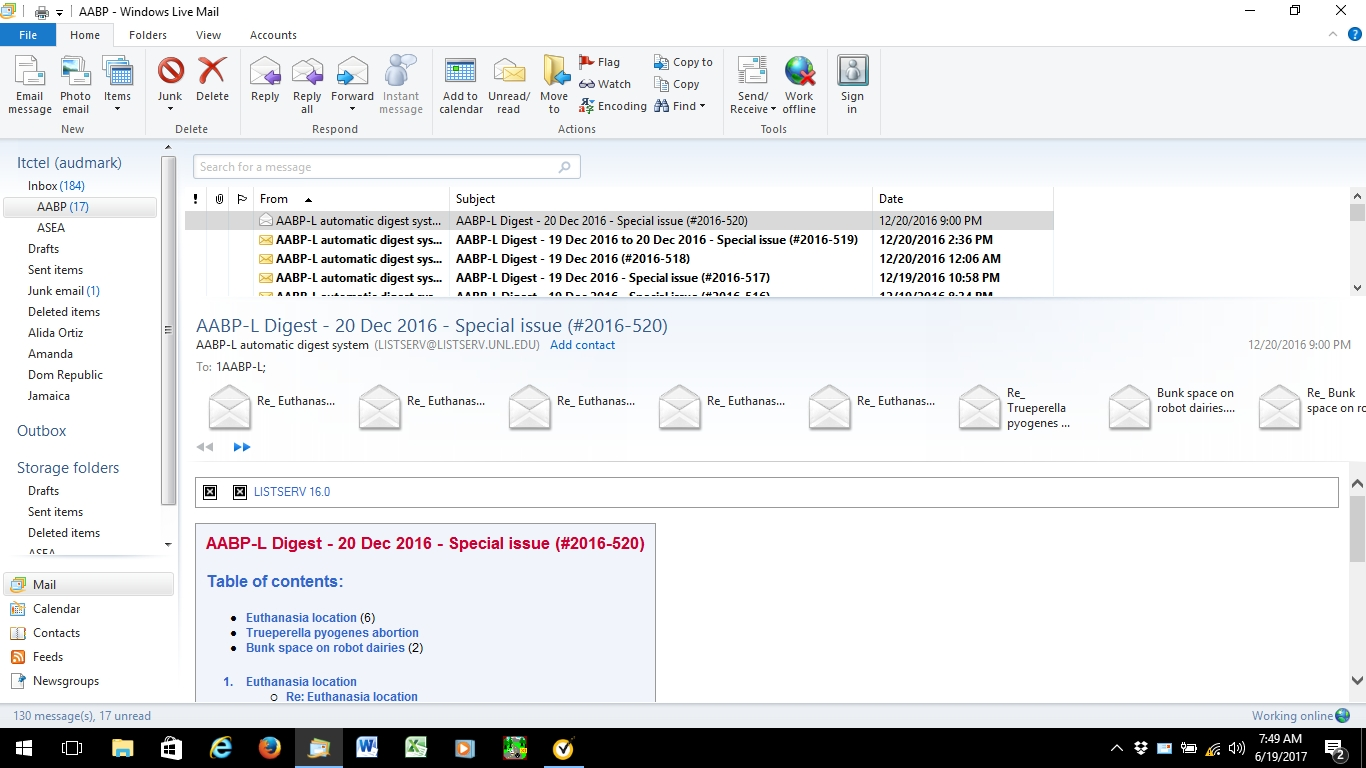
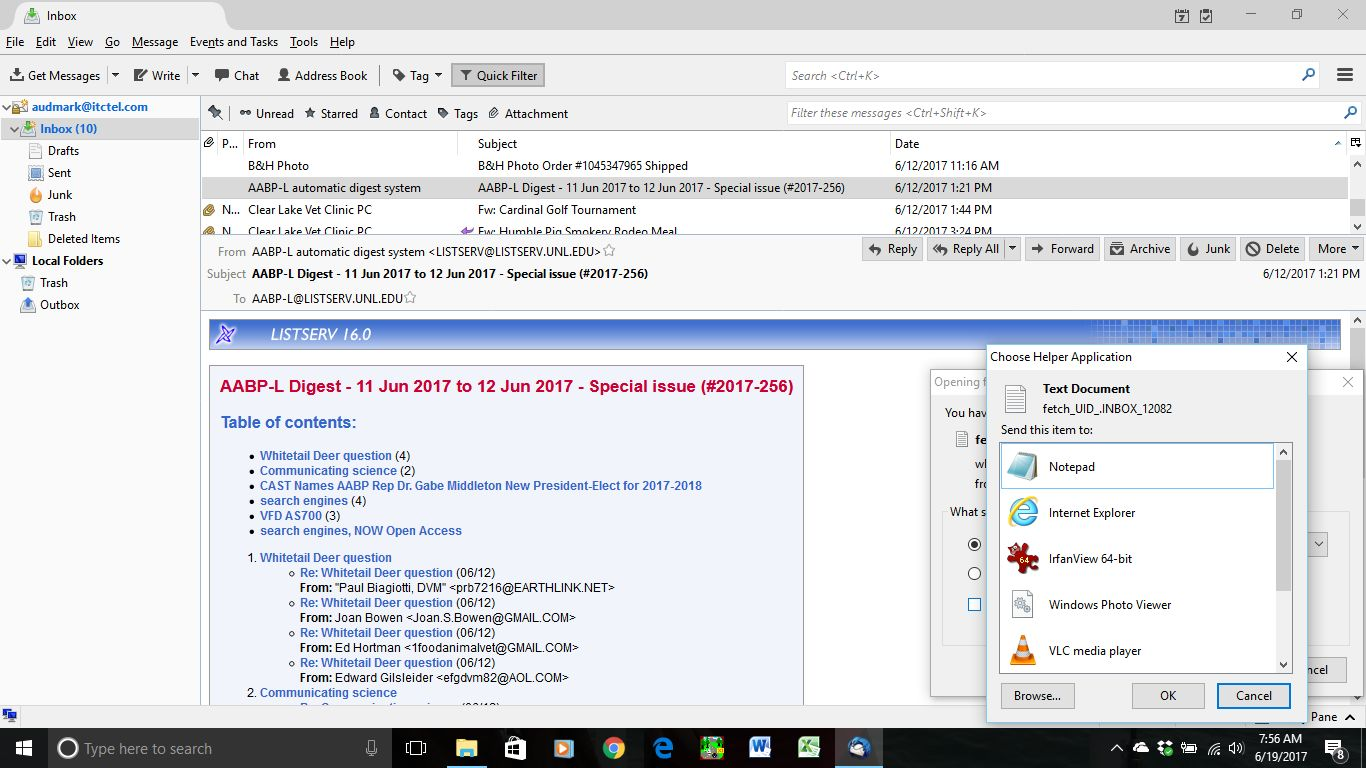
I was using windows live mail 2012 and clipboard03 shows all the attachments that come with my mail digest. new computer and Microsoft mail doesn't show attachments. I feel the attachments should be like clipboard02 that shows a forward message on the bottom. sorry there are two clipboard 04 but one shows that clicking on spot showed opens the open file dialogue. if I use text document option I can read attached message but not in email format. I would like to see attachments these digest letters provide OR I would like to know what program to open attachment so it appears like an email that was forwarded. clipboard06 is how I would like digest emails attachments to open
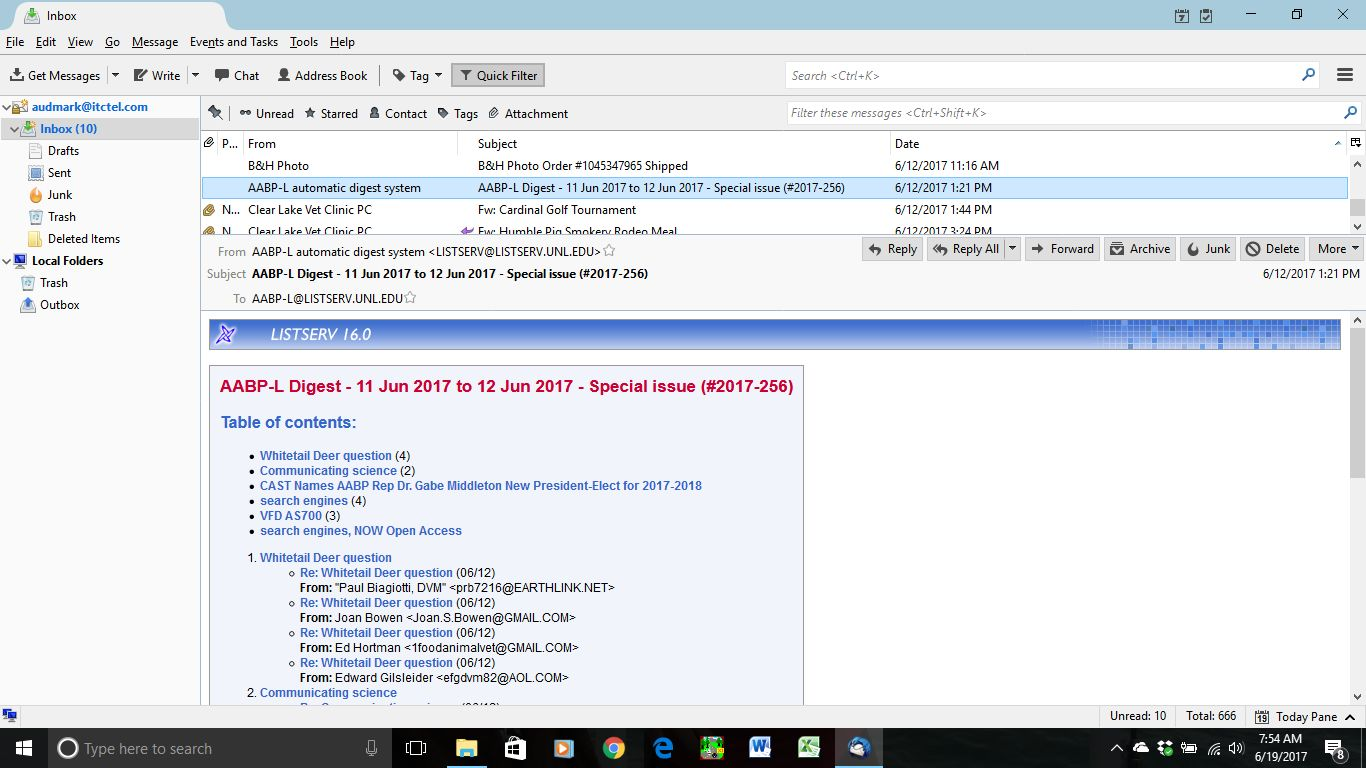
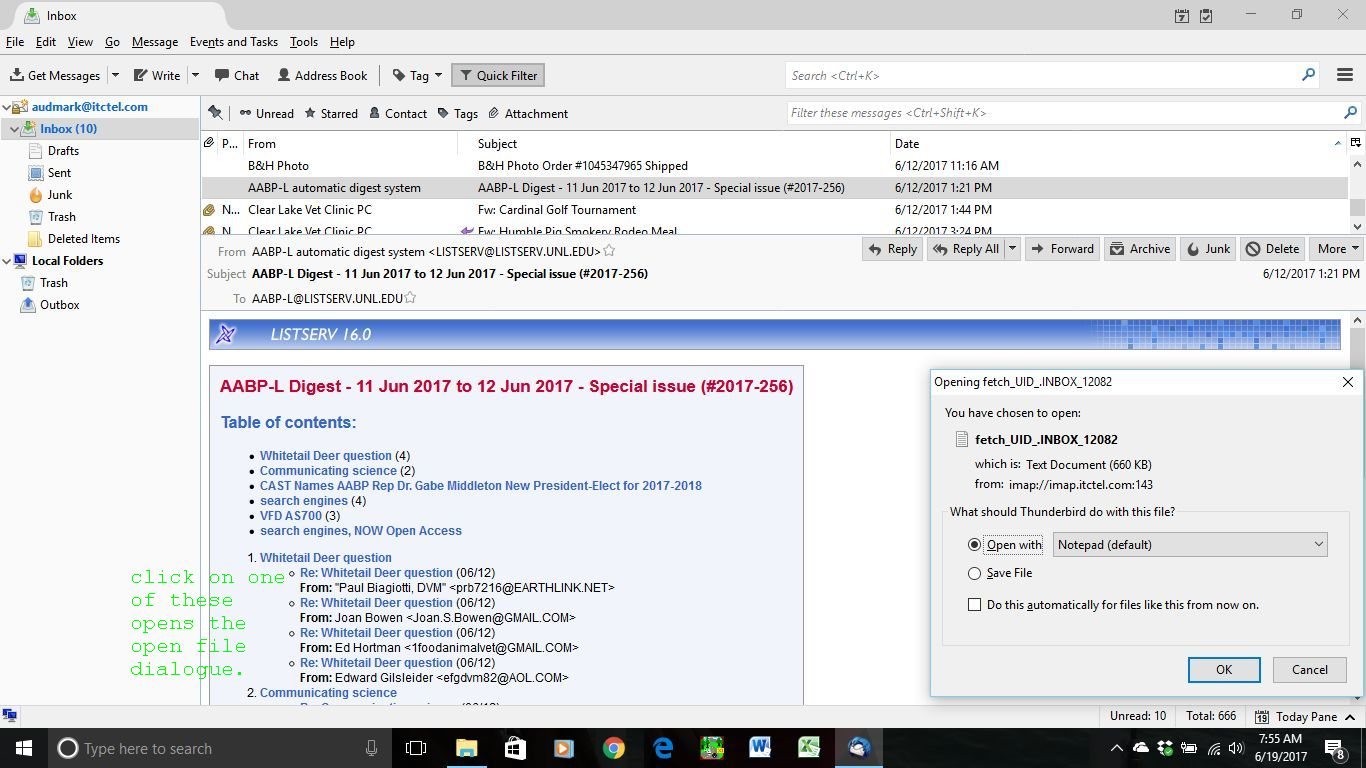
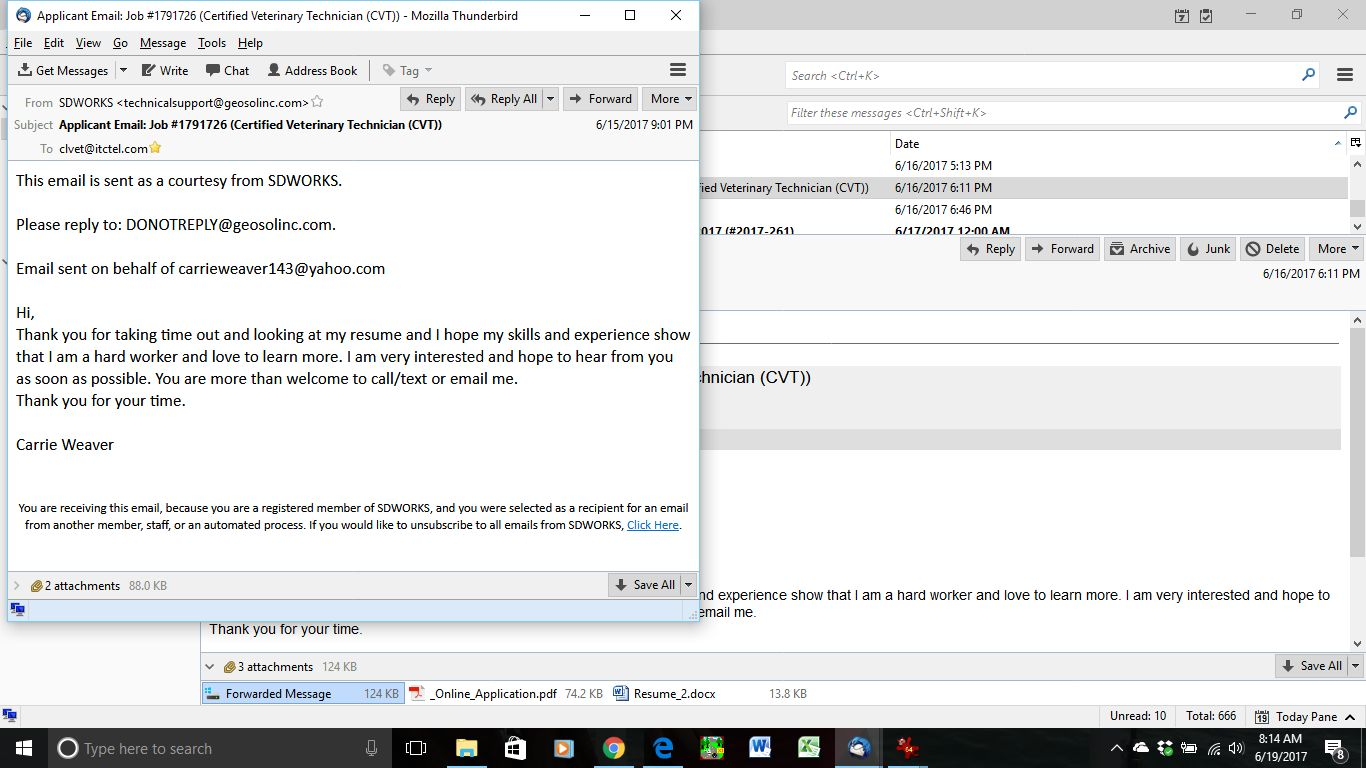
Looking at number 6 I can't find any fwd or attached mail. Most likely it's links and they are fetched when you are clicking on them. Apparently to Thunderbird they are text not emails.
When you open them in a text editor do they have mail-headers?
this is what it looks like opening it with notepad. when I used Windows Live Mail 2012 and opened an attachment I wanted to forward, the opened attachment looked like an email and I was able to forward only the one attachment.
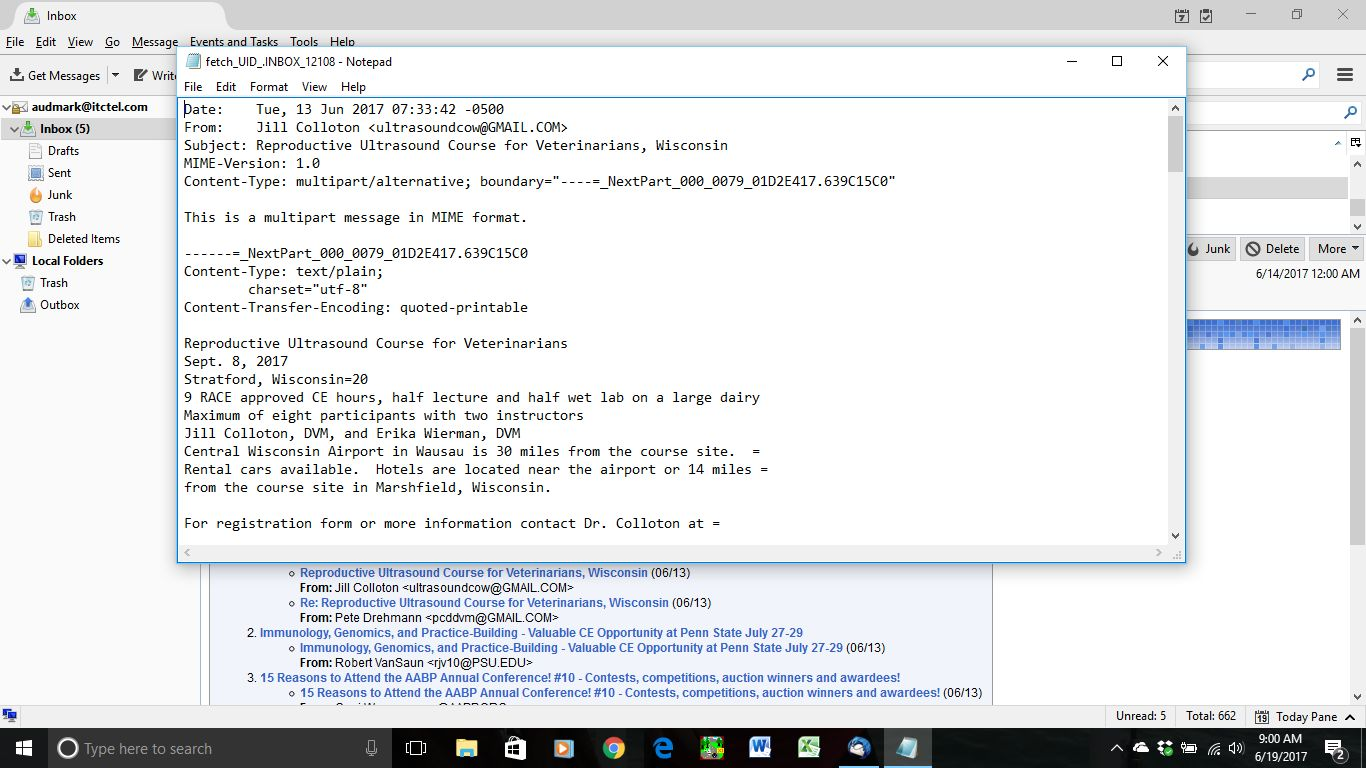
To me it looks like you don't have a full header. Without it any email-client would treat it as text unless the extension is email-specific.
When fwd the mail is stripped of some of its header and put into another "envelope" with a new header for that email. The sender can put links to the saved mails instead of including the whole text. That way you will only download what your interested in.
My thought is that's it on the senders side is wrongly saved.
Like Gnospen said, that "AABP-L Digest" e-mail does not have any attachments. It is not like your other e-mail which does have attachments. "AABP-L Digest" did not attach anything to the e-mail. This is not something that Thunderbird is doing, but what "AABP-L Digest" is doing.
If Windows Live Mail showed attachments while Thunderbird doesn't, I would be surprised. There is no difference between e-mail programs as to whether they show that attachments are present or not. If you think it is working differently now, perhaps you are remembering wrong, or this e-mail digest has changed their format.
You have to click on links in that digest e-mail to see the further content. They could have attached all the messages in the digest to this e-mail, but that would make for a very large e-mail. Instead of sending such a large e-mail, they have chosen to provide links for you to click on, so you can just see the messages you want to see.
When you click on such a link, it is fetching a file that is holding that extra content. If the filename of that file ended with .eml, then that would tell your computer and Thunderbird to open the file with Thunderbird.
That filename does not end with the .eml file extension. The filename I see ends with .INBOX_12082, which is not a standard filename extension. Thus you are prompted as to what program to open the file with. You have chosen Notepad. If you chose to open it with Thunderbird instead, then you would see it in Thunderbird. As Gnospen said, though, what you show of that file shows that it is missing most of the e-mail headers. Thunderbird may display it as plain text, not as an e-mail.
Does this help you understand what is happening?
sorry nope doesn't help this confused user. I don't know if it helps but clipboard08 shows Mail displaying one attachment. the first one on a list of 11 messages. when I open it clipboard11 is what I see. if I could view all like the one then I would be happy. click on a different message I get clipboard09. I have sent message to AABP-L digest moderator to see what my options are.
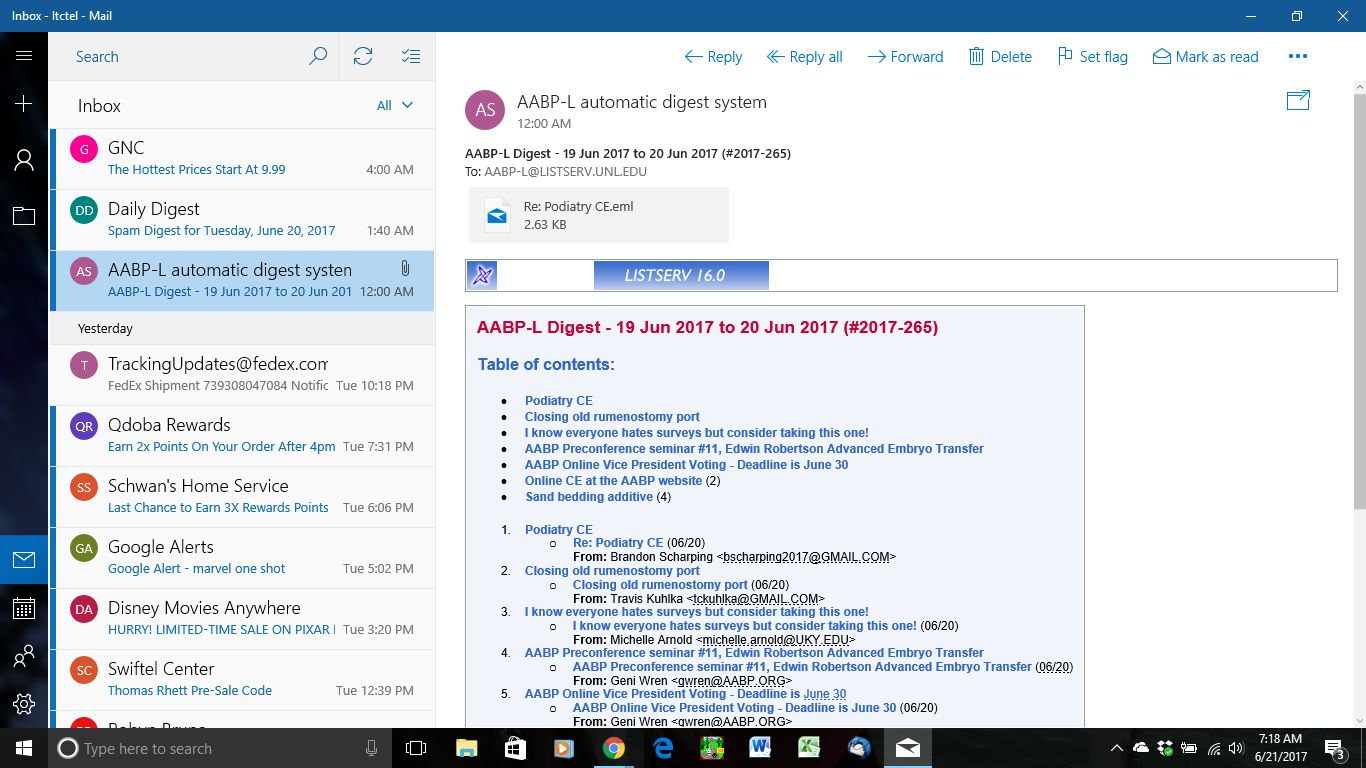
with Windows Live Mail once digest on my computer I didn't need internet connection to look at what I think are and have been calling attachments like I see in clipboard03