This thread was archived.
Please ask a new question if you need help.

Solved
Archived
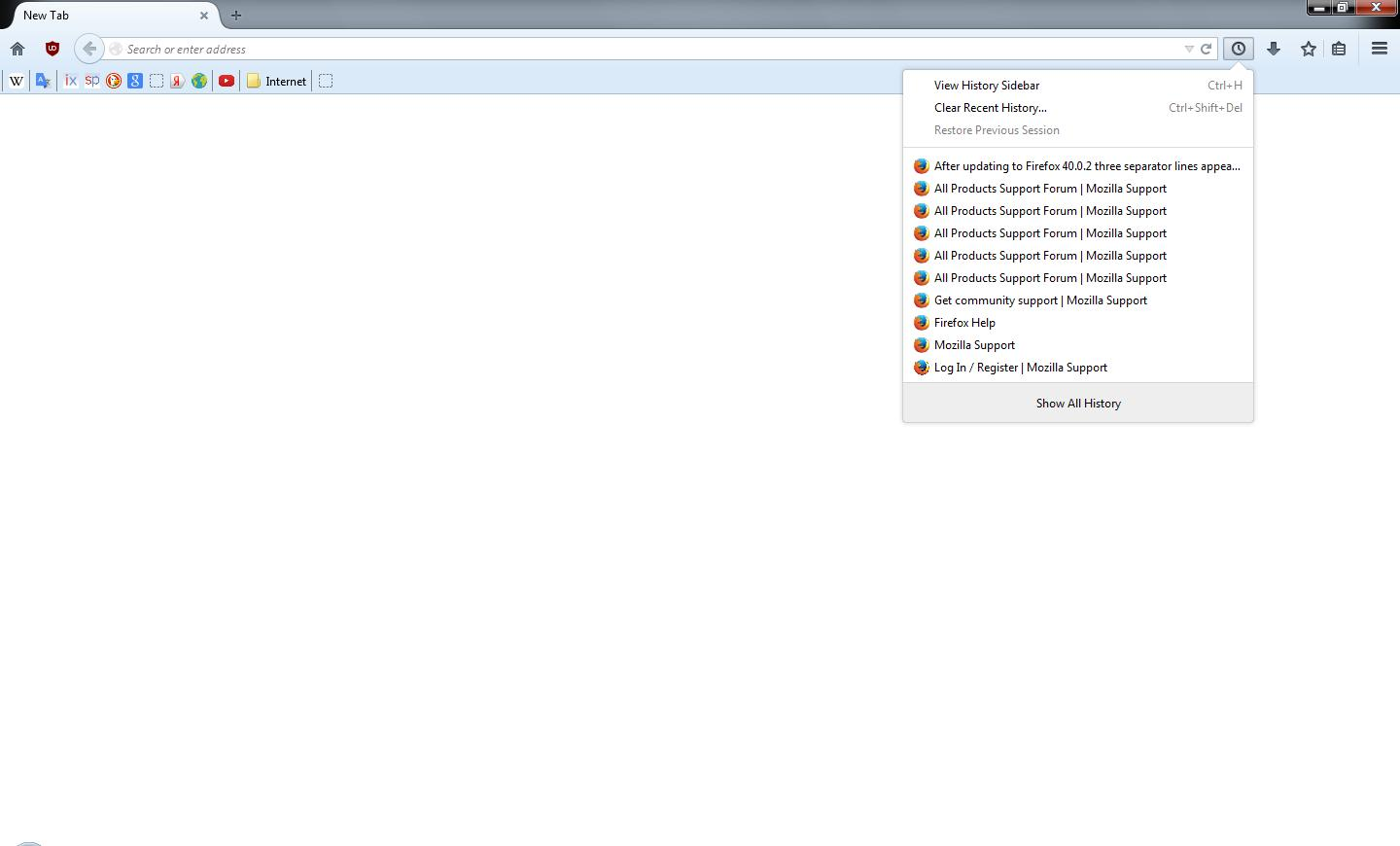
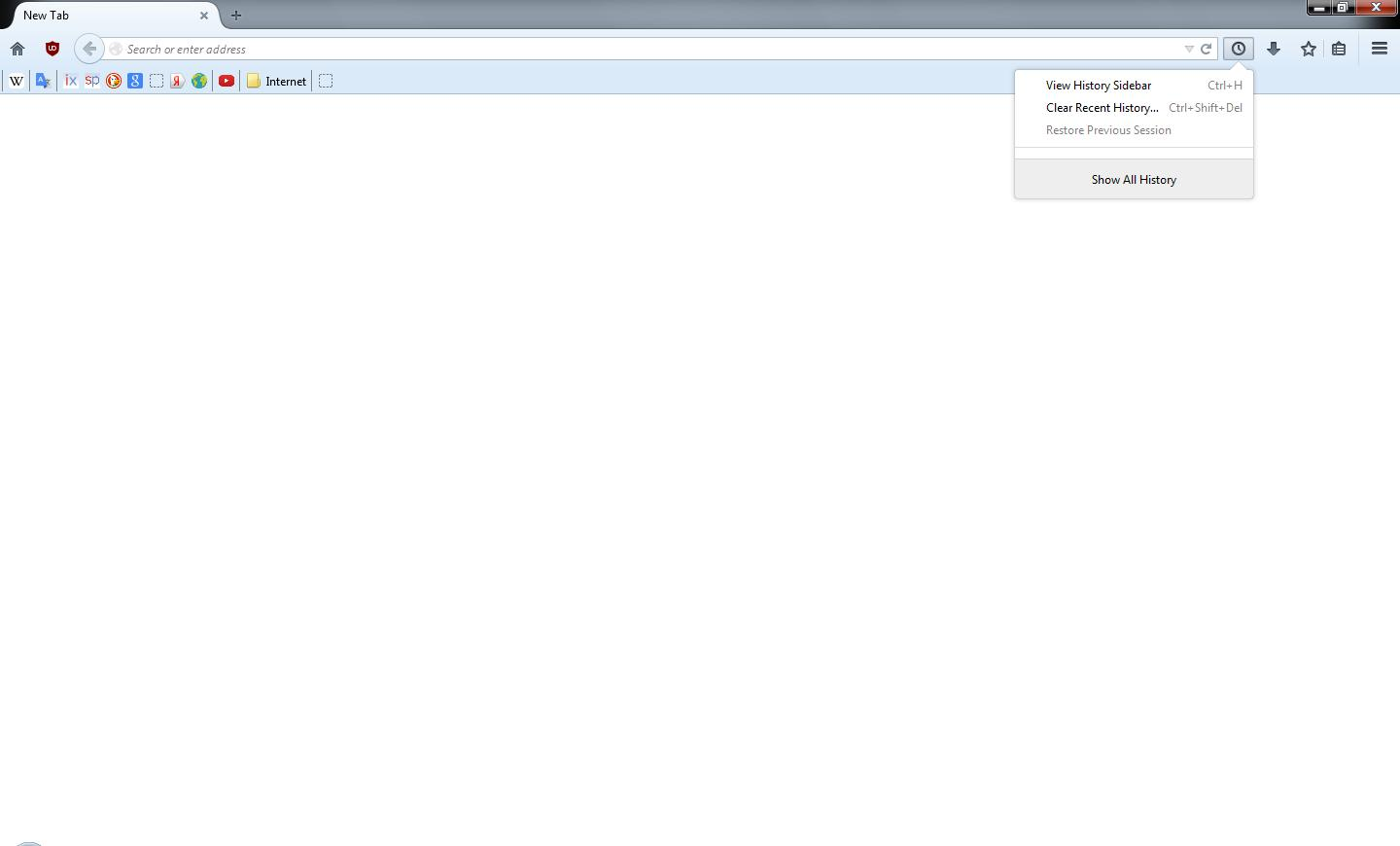
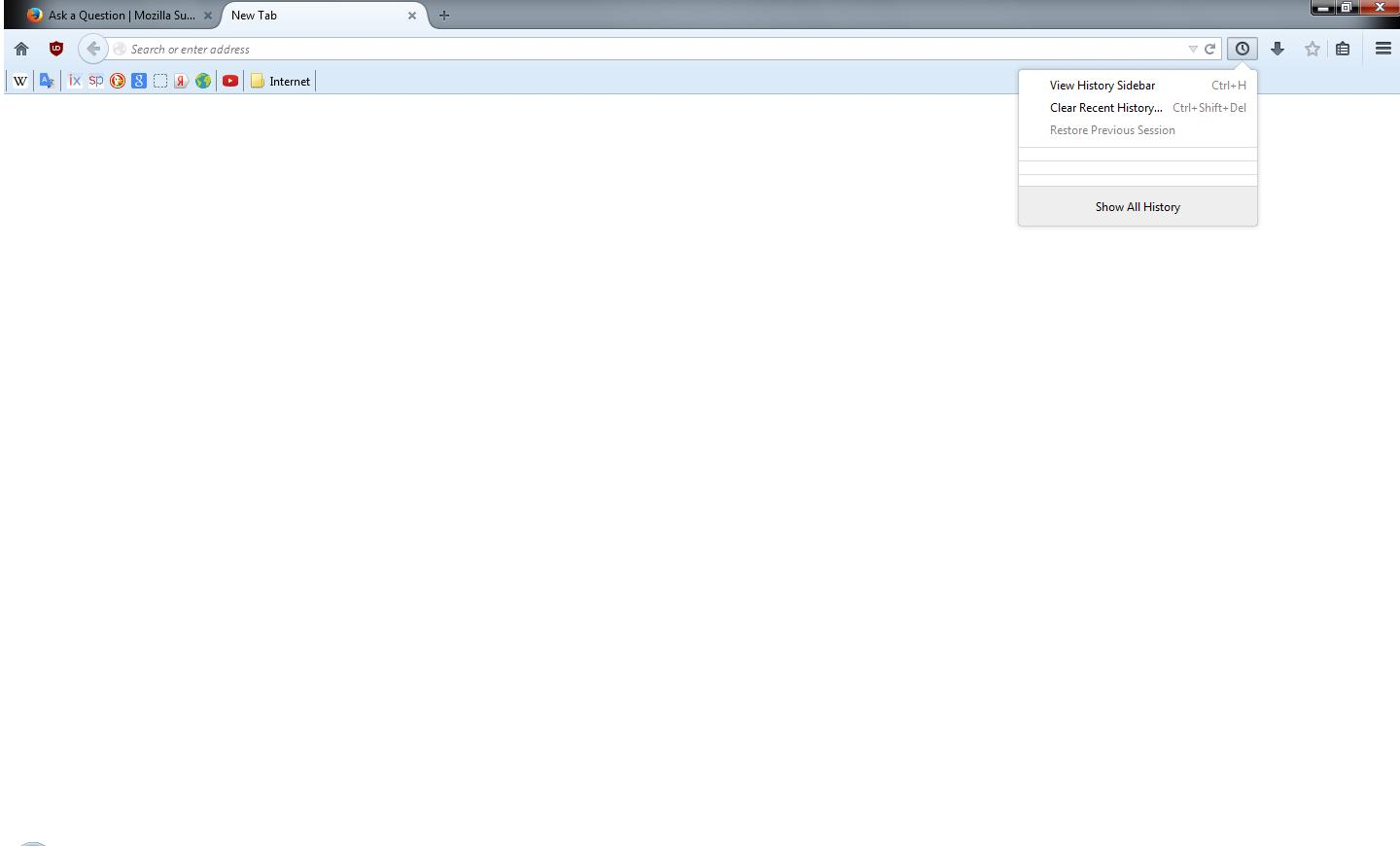
After updating to Firefox 40.0.2 three separator lines appear in "Show your history"

After updating to FF 40.0.2 three separator lines appeared in "Show your history". And they remain there even if history is cleared.
After updating to FF 40.0.2 three separator lines appeared in "Show your history". And they remain there even if history is cleared.
All Replies (1)
Chosen Solution
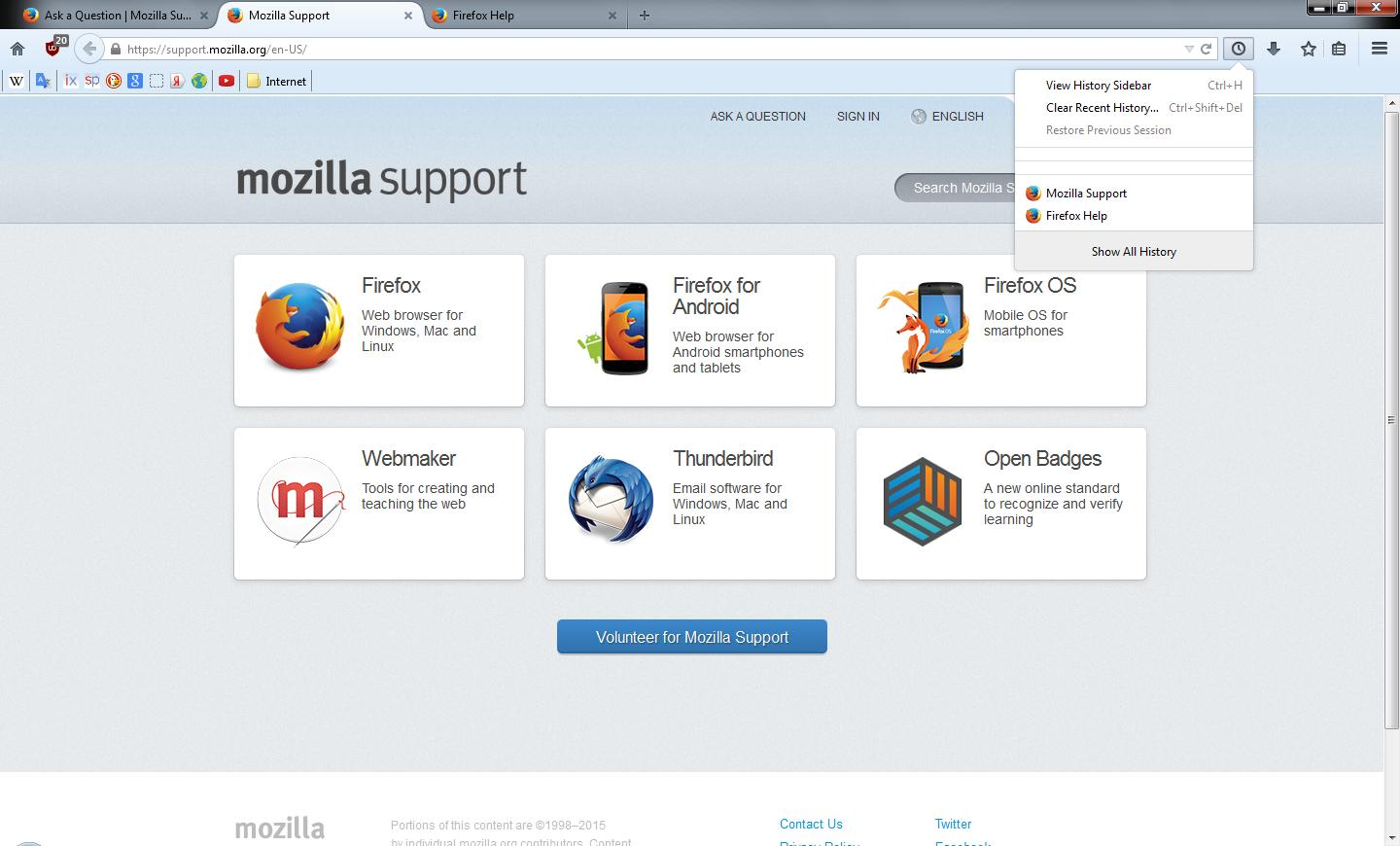
The three separator lines appear in "show your history" if the string "identity.fxaccounts.remote.webchannel.uri" has blank value. If set to default (https://accounts.firefox.com/) after restarting FF three lines disappear.
I believe this string was either absent or undefined in previous versions of FF.
If I understand correctly the FxAccountsWebChannel listens for some kind of events.