


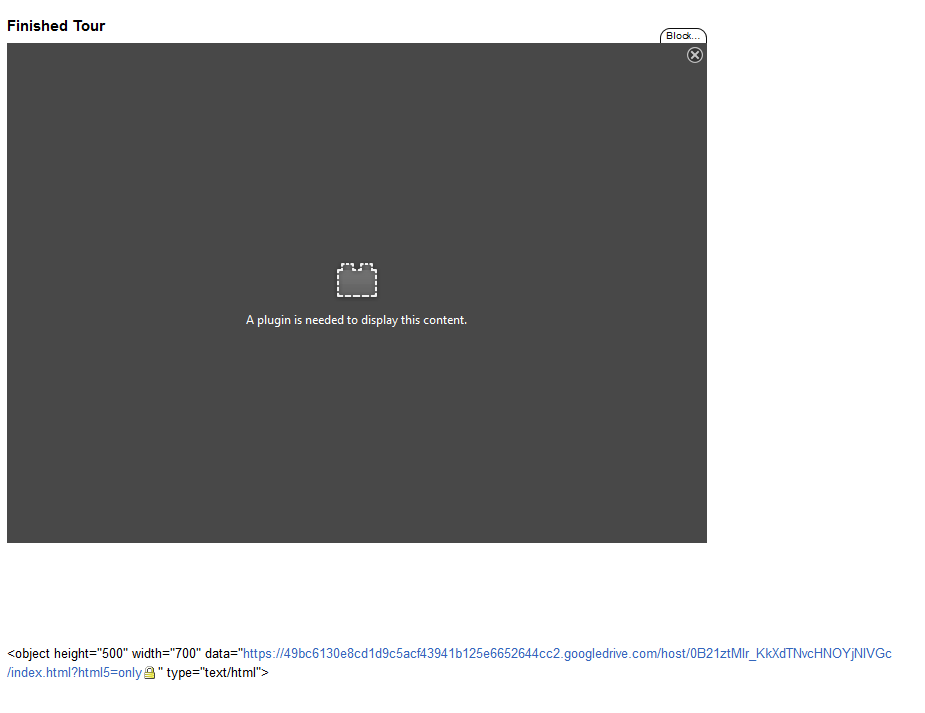
"A plugin is needed to display this content"

I saw a a previous post with a similar problem (https://support.mozilla.org/en-US/questions/1008744?esab=a&as=aaq) , but it's not for the same sort of content, and the answers did not help me.
I'm trying to view a virtual tour on a website, and I don't know why it's not showing up, but it does if I view it directly.
There is absolutely no indication as to //what// plugin is missing, and where I can get it. I am using the latest versions of Firefox and Flash, on Win 8.1.
You can find it here: http://www.autopano.net/wiki-en/action/view/Panotour_Tutorials_-_Create_a_simple_virtual_tour_and_upload_it_on_Google_Drive#Finished_Tour
It works on every other browser. The full link to the content directly is here, which /DOES/ work in FF: https://49bc6130e8cd1d9c5acf43941b125e6652644cc2.googledrive.com/host/0B21ztMIr_KkXdTNvcHNOYjNlVGc/index.html
I asked for the embed code that was used, which is <embed src="https://49bc6130e8cd1d9c5acf43941b125e6652644cc2.googledrive.com/host/0B21ztMIr_KkXdTNvcHNOYjNlVGc/index.html?html5=only" width="700" height="500"></embed>
Why can't I view the content?
Ps: Your troubleshooter add-on doesn't have a verified author, that's a bit silly.
Chosen Solution
Then you are out of luck. Embed is the only code that isn't working in Firefox with type is text/html files (iframe and object work).
See also:
- [/questions/1023400] Can't play any video in this site: http://www.b92.net/tv/najave.php?cid=60#n2726 In Chrome plays just fine.
All Replies (4)
In Firefox you can't use an embed with an HTML file. You will have to use the object tag with the data attribute.
<object height="500" width="700" data="https://49bc6130e8cd1d9c5acf43941b125e6652644cc2.googledrive.com/host/0B21ztMIr_KkXdTNvcHNOYjNlVGc/index.html?html5=only" type="text/html">
Modified by cor-el
Thanks for your response!
Unfortunately, that code is unsupported in wiki. :(
Chosen Solution
Then you are out of luck. Embed is the only code that isn't working in Firefox with type is text/html files (iframe and object work).
See also:
- [/questions/1023400] Can't play any video in this site: http://www.b92.net/tv/najave.php?cid=60#n2726 In Chrome plays just fine.
Alright, thank you very much for your help and responsiveness!