


CSS Problem on some websites

On some websites CSS won't get loaded. Some examples are:
https://addons.mozilla.org/en-US/firefox/ https://github.com/
On Google Chrome they get loaded properly so it's not a network problem. I already tried running firefox in safe mode, still doesn't work.
Chosen Solution
You can check the date and time in the clock on your computer: (double) click the clock icon on the Windows Taskbar.
All Replies (7)
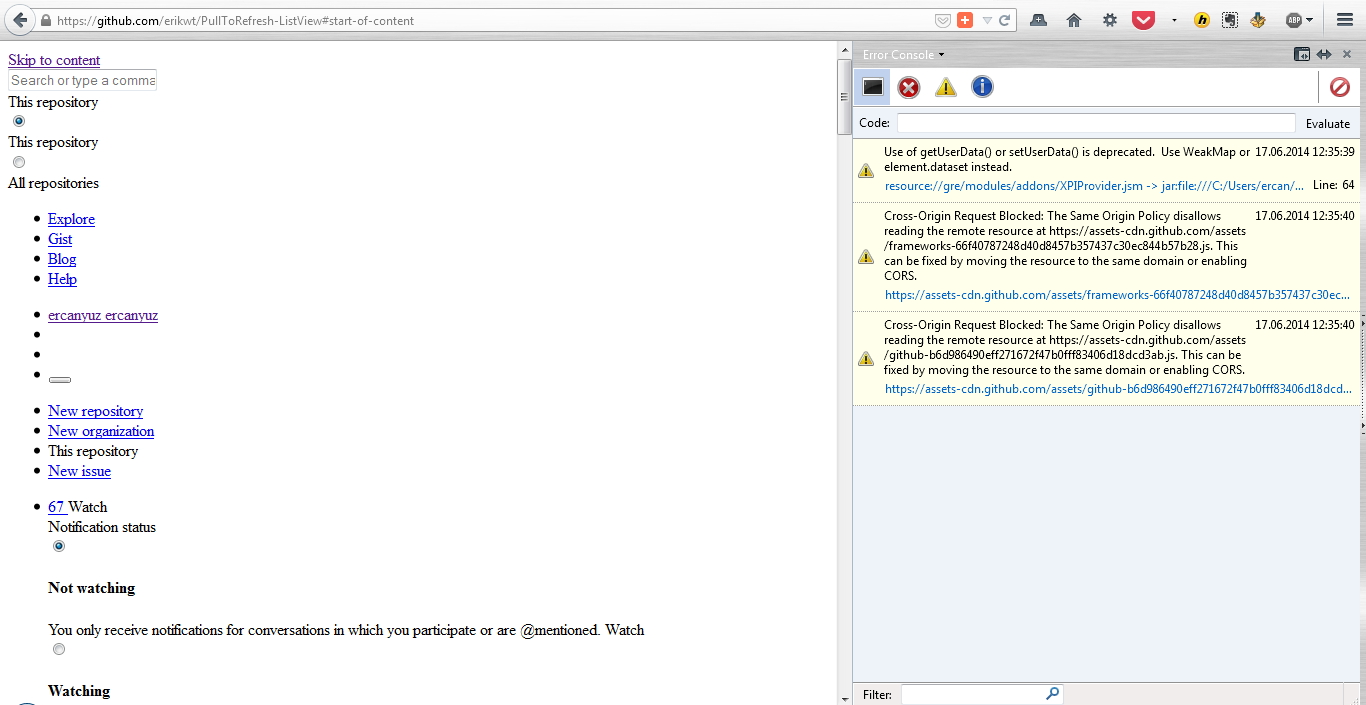
Here is a screenshot...
Here... (Damn I can't edit replies?!)
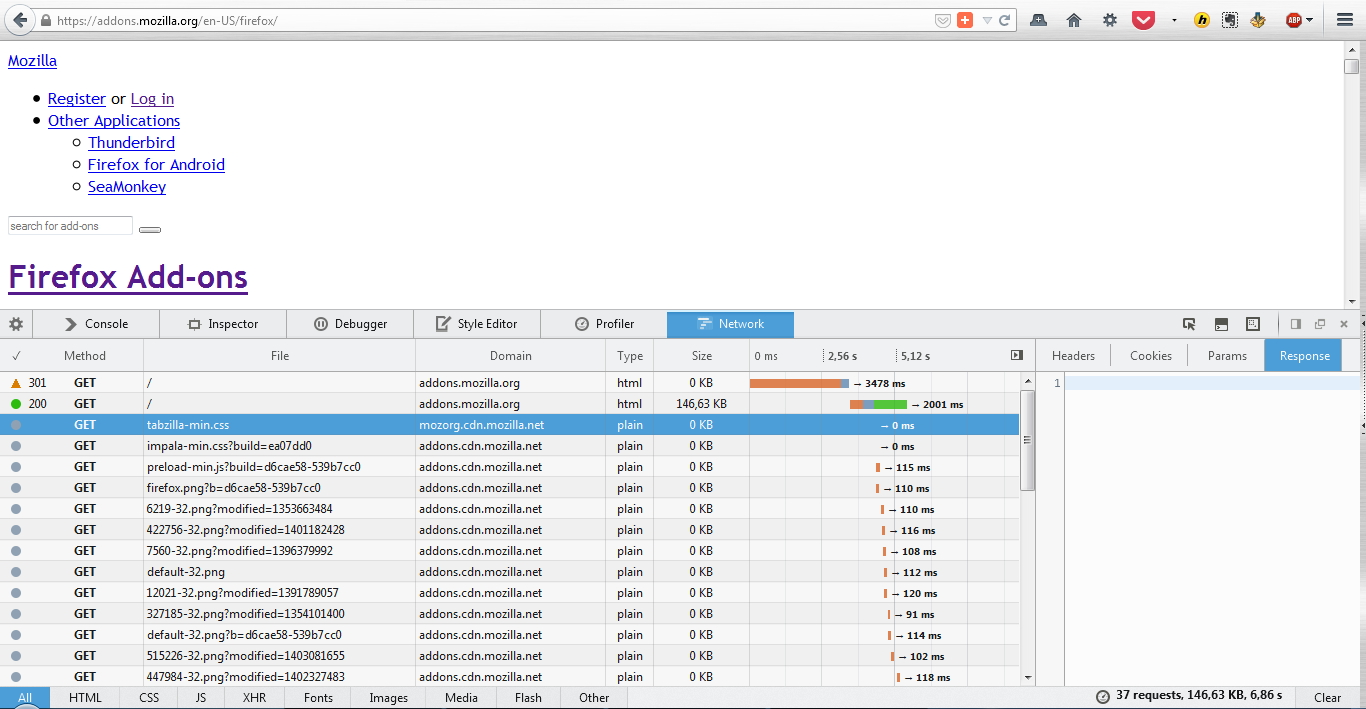
Did you check in the Web Console (Firefox/Tools > Web Developer) on the Network tab if any content is blocked and has a file size 0 (zero)?
Yes, CSS files have zero size...
Chosen Solution
You can check the date and time in the clock on your computer: (double) click the clock icon on the Windows Taskbar.
This doesn't solve my problem. My date and time are correct.
OK, you were right, my date and time were incorrect. I corrected it and now it works. Thank you!