


Thunderbird (mac) font color

I am unable to modify the font color that I see in a email. However, it shows for others. And it copy/pastes - I can change a sentence to blue, it will appear to me black, I can send it to another and they see blue; copied to me I still see black. I can copy the text and put it into word, alter it, put it back in Tbird and it all seems black to me all along, but when I send to another, they see blue. (I should maybe put it in a text editor to inspect code there???)
But I think a clue is - apologies if this is a misdirect, but just before noticing all this, it happened that when I used Constant Contact to send me a test email, the background color of that newsletter is clear -- no color. MORE, when I lookup old emails that had the same background color, while once they were colored, they now appear all clear to me. More, when I go to the gmail server, those test emails look fine there. Others receiving the tests fo not have the color problem. Oh, and the "real" newsletter also still has the color problem, when sent to me and viewed in Tbird.
SO. It is a my-Tbird problem.
I have tried to follow old threads, looking for old settings regarding color and overriding; cannot do it.
I am using Tbird 140.0.2
Can anyone please help me? THANK YOU SO MUCH!!!
Also, tried the window-closing order-of-operations thing (for font color change) but it's really not that at all....
Also, following others' threads, I got into a colors setting and tried resetting that to default but the problem persists.
All Replies (5)
Restarting in troubleshoot mode without extensions enabled does not help.

The following link might be helpful: changing font color in a reply https://support.mozilla.org/en-US/questions/1499914#answer-1718933
Thanks Yu5tiqX9og - no go. Tried that long ago. It's not a simple switch I can find at least, and it's certainly not an order-of-operations thing. It's something, I think, encoded wrong somewhere....?
Try this: Go to settings and type in 'font' or 'background'. Look at the settings that return in the results. Are you currently overriding the font color or background color for your emails? Try restoring default.
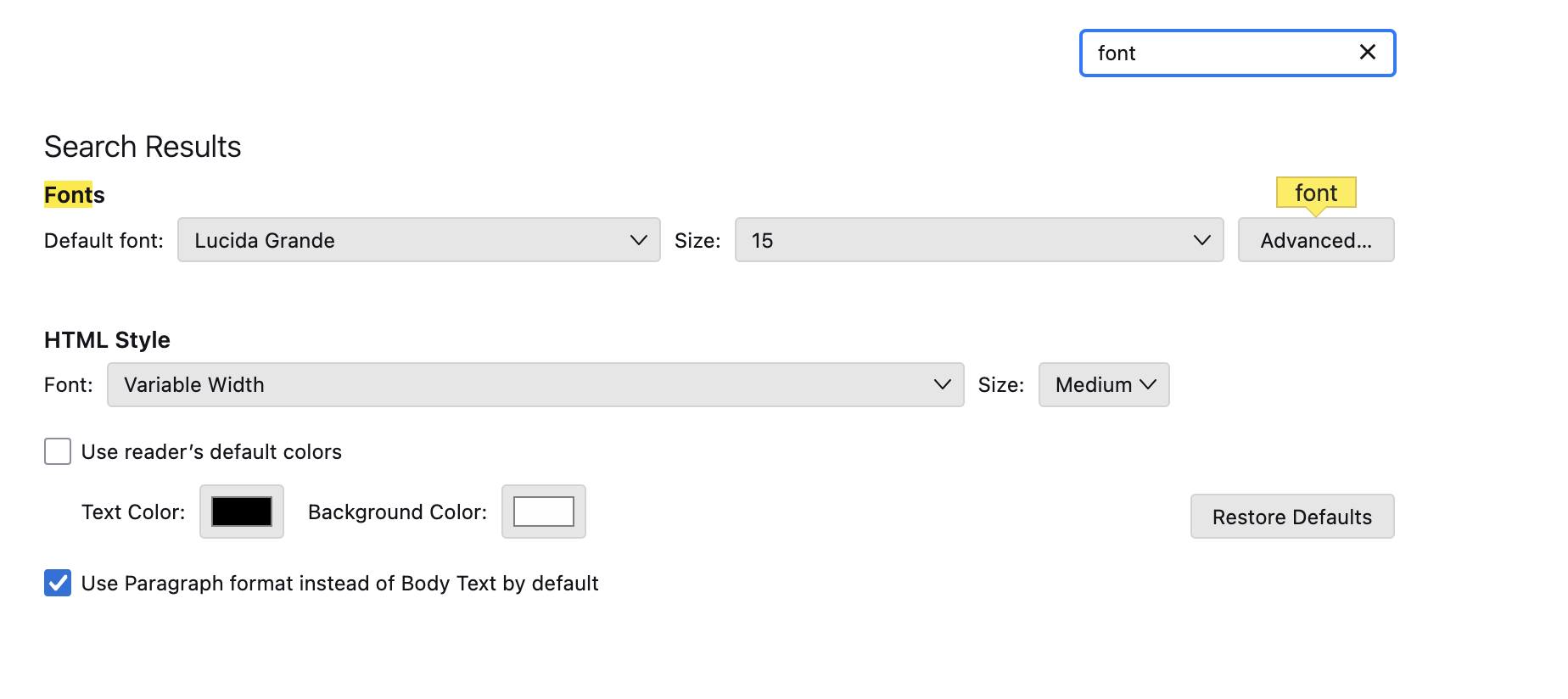
Thanks, ThundaMike - BTDT a ridiculous number of times (definition of crazy) - restored to default, restarted, cleared caches, etc....
The fact that this Constant Contact background color is clear and that I cannot *see* font color changes (thought the menu says it is there and it is there when I copy/paste for others) suggests some sort of weird display override?