


Cannot send emails in Thunderbird for Mac after update

Updated from Thunderbird 115.10.1 to 116 and now cannot send emails -- on two different machines: one an iMac (OS 18.5), the other a MacBook (OS 17.x).
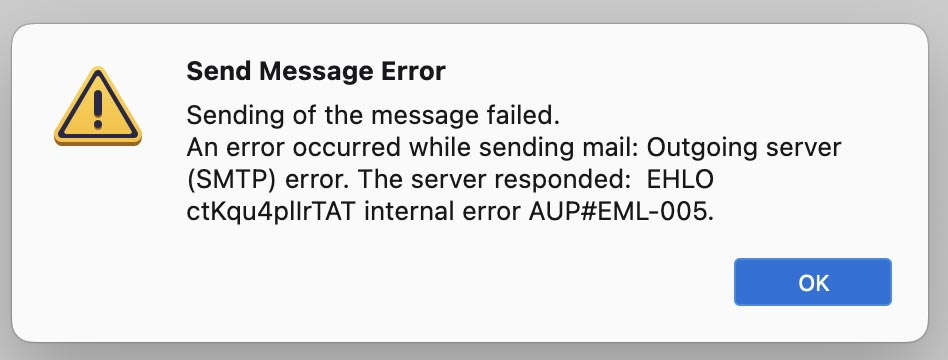
Ten seconds after hitting "Send", we get an error message saying "Sending of the message failed. An error occurred while sending mail: Outgoing server (SMTP) error. The server responded: EHLO [13 character string] internal error AUP#EML-005."
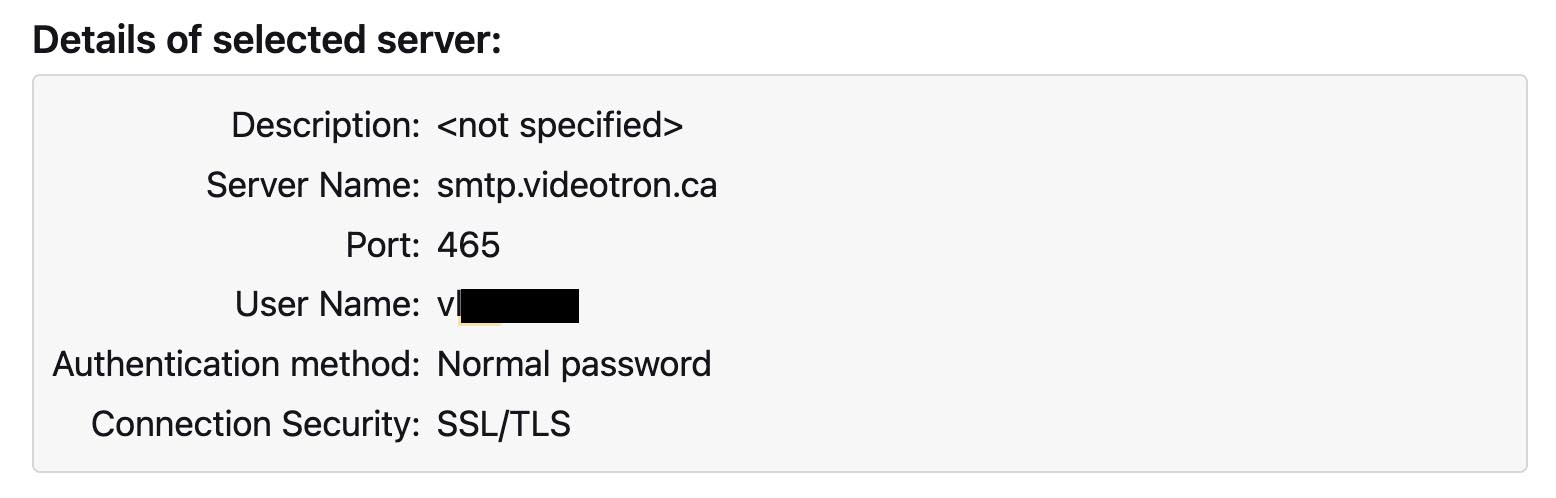
Our settings and password have not changed, and they are all correct according to our ISP. Tech Support at the ISP says they are not blocking our emails -- although that is what a "EML-005" error usually means.
(In fact we ARE able to send emails via the ISP's Webmail interface, no problem. But this interface is old, very clunky, and not a satisfactory solution to our problem.)
VPN is off. Problem persists when Firewall is off.
Have tried a clean re-install. Did not help.
Have reverted to previous version of the app and Profile folder, using Time Machine backups from before the update. Problem persists! (How can this be??)
ALSO: We have a MacBook Pro that has not been updated. It is still running 115.10.1 -- and it can still send emails in Thunderbird, over the same network connection. All SMTP settings are exactly the same. How can this be? I tried copying the Profile folder from the unaffected MacBook Pro to the iMac. This did not fix the problem.
What to do?
UPDATE (22 July): Tried connecting via my iPhone's hotspot: the iMac CAN send email via the hotspot, no error. The SMTP error only occurs when I try to send mail from via my cable modem. Called our ISP (Videotron), but they swear it cannot be a problem with them, because I am able to send mail via their Webmail interface. I am skeptical, but they state that the "internal error AUP#EML-005" is not coming from their SMTP server, that it must be generated erroneously by Thunderbird.
Modified by Montrealer
All Replies (1)

Thats a SMTP error I believe - you may want to double check your smtp scripts/protcols/password/port or something else - this is above my paygrade and I'm not on a mac or windows.