


How to disable Sync on Firefox Android?

The settings pane shows Sync is enabled. No option is visible to 'disconnect' like in desktop version.
The settings pane shows Sync is enabled. No option is visible to 'disconnect' like in desktop version.
Chosen solution
Go to your Android device's settings.Then there is Accounts and Sync section. You can turn Sync on / off there or simply you can delete your account from there.
Read this answer in context 👍 9All Replies (2)
Chosen Solution
Go to your Android device's settings.Then there is Accounts and Sync section. You can turn Sync on / off there or simply you can delete your account from there.
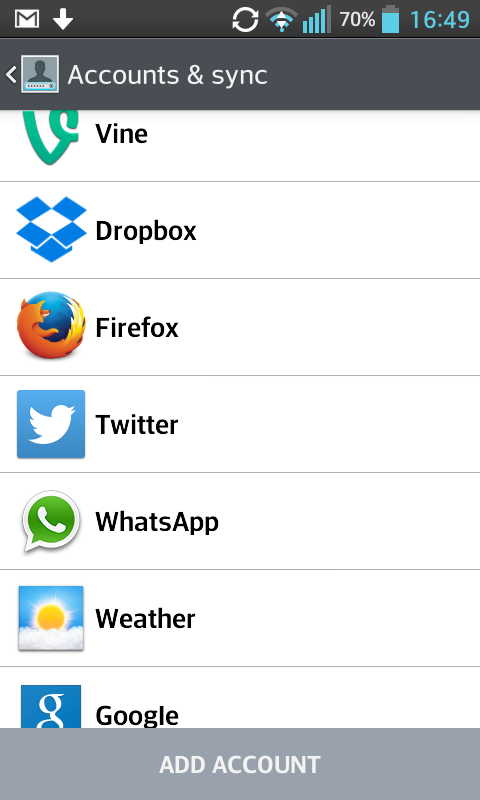
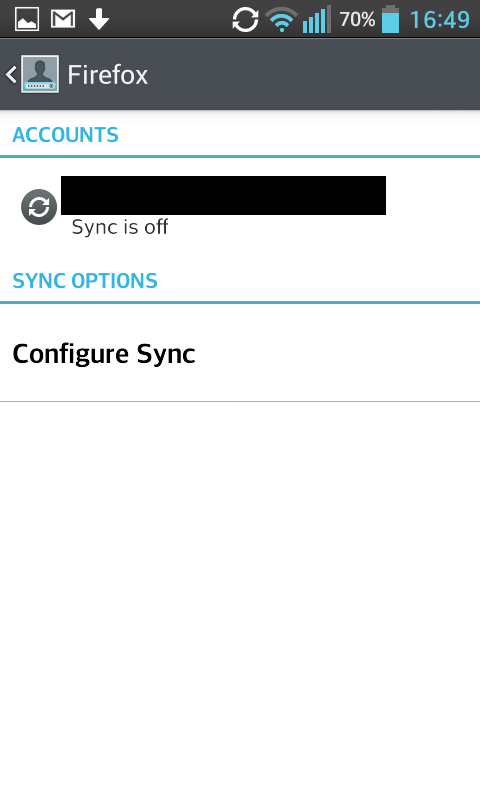
Modified by Eren Kibar
Thanks. It works.