


progress incoming mail is not visible under in screen

Under in my screen in Thunderbird I always could see the progress and how many mails are coming in. I can't find this option anymore. Where is it hidden , or how can I get this option back on screen?
Chosen solution
I had same issue with Thunderbird and server messages not showing up when you send or receive e-mail at bottom of screen. I had a plugin that was installed called "Test Pilot 1.3.9" I uninstalled it and my status bar is now working.
Read this answer in context 👍 0All Replies (7)
Using add block plus? It interferes with the updating of the status bar
Chosen Solution
I had same issue with Thunderbird and server messages not showing up when you send or receive e-mail at bottom of screen. I had a plugin that was installed called "Test Pilot 1.3.9" I uninstalled it and my status bar is now working.
Modified by wc256
Edit: Added image.
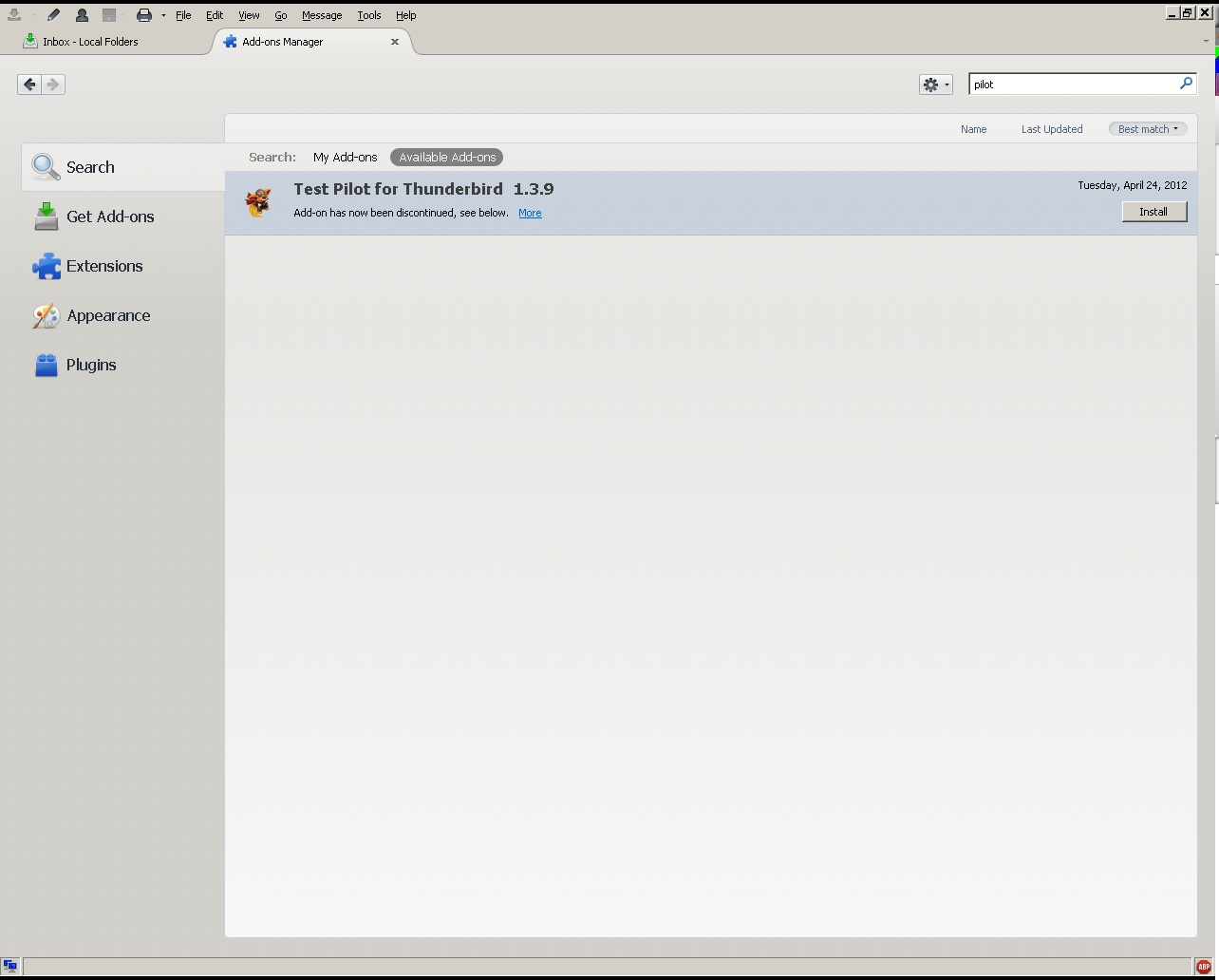
Could this be an issue with how the add ons work with Thunderbird. First time around in troubleshooting I removed the test pilot program and my status bar started working again. I close Thunderbird and reopen and status bar is not working again. it seems if i disable and re enable ad-block plus the status bar is working properly for the session/until Thunderbird is closed/reopened.
If you keep re-enabling adblocker plus you are going to continue to have the problem. This add on is broken.
I did not think you knew what you were talking about when you started a new thread complaining about Test Pilot.
This happened initially when I removed the Test Pilot program the status bar started working. Then i disabled and re enabled ad block plus and it did the same thing. i think this is more of an issue on how the add on part of Thunderbird works with the UI part. I don't think it is ad block plus as it works sometimes and sometimes it doesn't.
It is an issue with addblocker. A known bug in the add-on, so please don't keep telling us it is this or it is that to do with Thunderbird.
Have a look on the add block support forum,. Lots of discussion there about the issue and how to modify add blocker to work around the bug.