I cannot print a web page or a gmail email - I just get a blank page. Chrome is looking good right now.

No matter what I change my printer settings to or what printer i use I can't print a web page. i can copy the text and place it in a Word doc but that's just stupid. Chrome and IE will let me print fine so it's not me MacBook pro. What do I do to fix this or do i have to just use chrome and forget about FF?
Frank PS - Even our crack tech team can't figure it out.
All Replies (1)
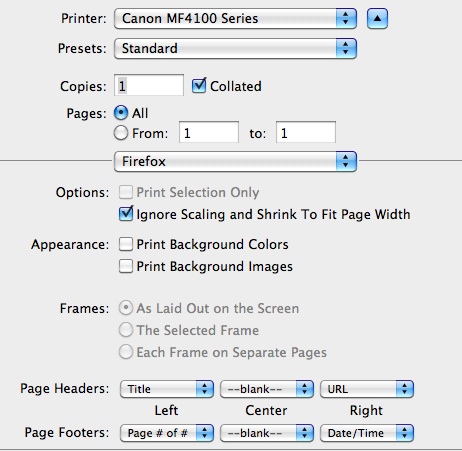
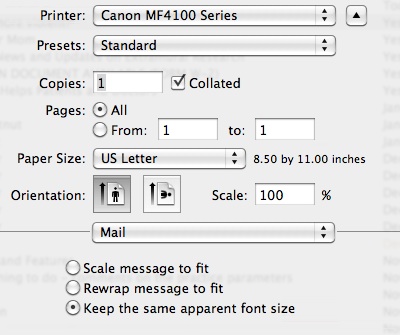
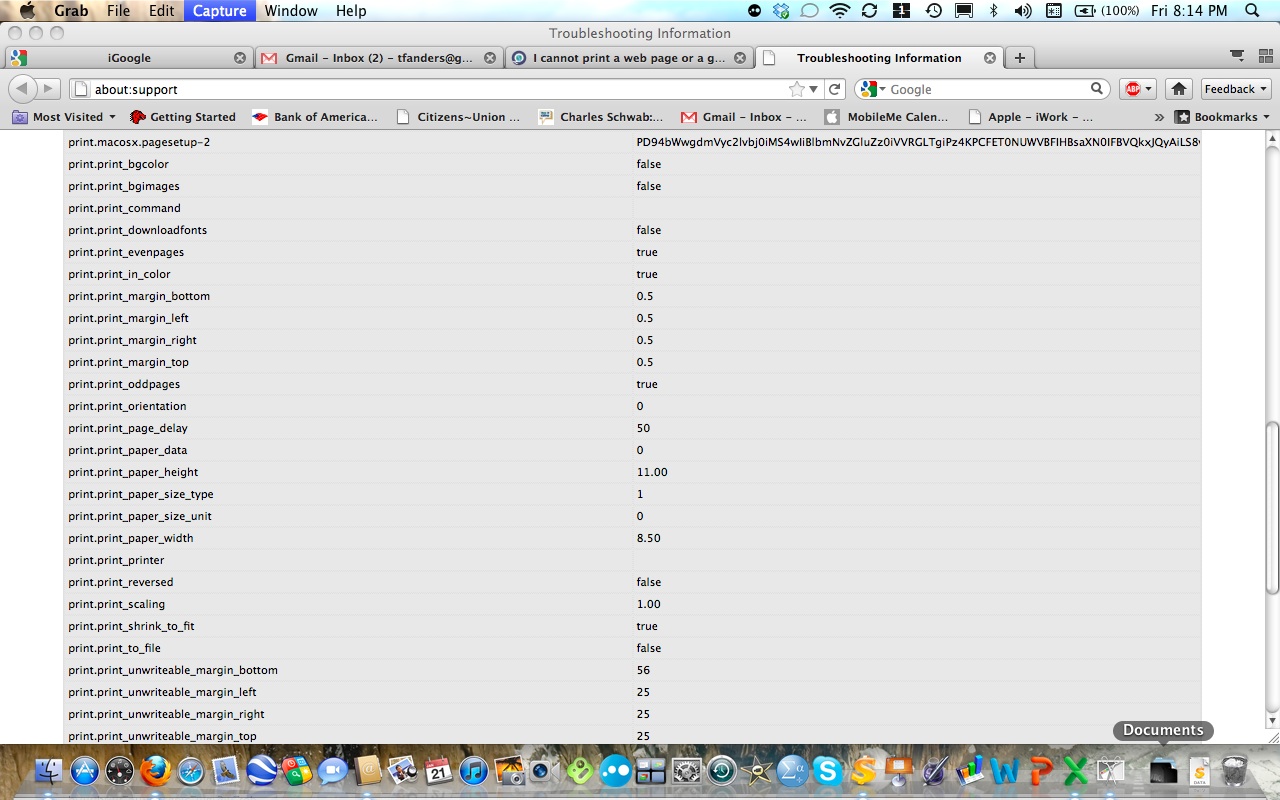
I can print Web pages, but I cannot print Gmail emails using FF 4.0b9. My Mac Mail program emails print fine. I am using a MacBook Pro OS X 10.6.6. I have reset all of the printer settings to no avail. Below are the printer dialogues for a Gmail and a Mail print. Why does the word FIREFOX appear in the middle of the Gmail dialogue box. I have also attached a copy of my Troubleshooting Information page. Thanks for the help.