


How to make a PWA Windows taskbar shortcut skip Discord landing page? And what determines the type of shortcut that is created?

The PWA feature is really cool.
For some websites like Discord, there's a small hiccup.
If I create a PWA Windows taskbar shortcut, that shortcut always goes to the Discord landing page, requiring another click of 'open Discord' to get to the web app itself.
Somehow I figured out how to bypass this in the past, but I don't remember how (lol).
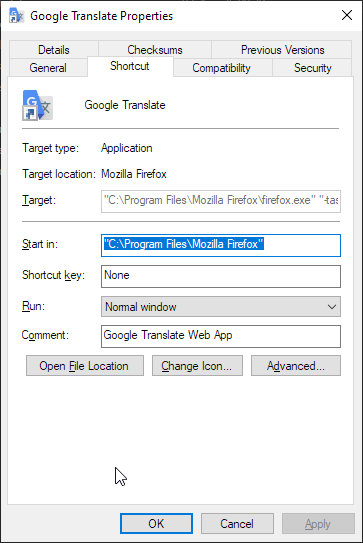
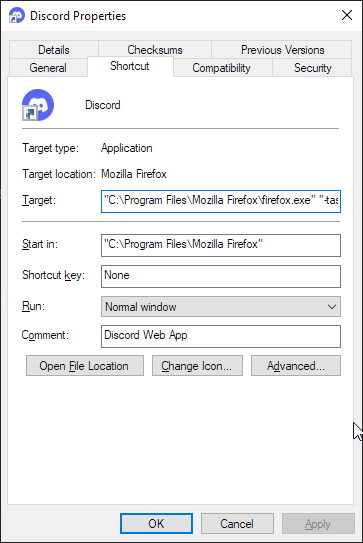
The Windows taskbar shortcuts I made previously that successfully bypassed this have target fields that look like this:
"<path to firefox browser exe>" "-taskbar-tab" "<UUID>" "-new-window" "https://discord.com" "-profile" "<path to firefox profile>" "-container" "<container ID, usually a single digit>"
I tried replicating this in a new Firefox install on a new machine, and I ran into a few issues:
1. new PWA taskbar shortcuts don't always have an editable target field. I don't know why. I had to keep adding, deleting, and re-adding random sites as PWAs to get examples of the two different types of shortcuts create 2. even once I did manage to get a shortcut working with an editable target field, adjusting it to the template above didn't help bypass the Discord landing page.
Any ideas?
All Replies (3)
Bonjour
Is it your question
https://support.mozilla.org/en-US/questions/1540766
Profiles - Where Firefox stores your bookmarks, passwords and other user data https://support.mozilla.org/en-US/kb/profiles-where-firefox-stores-user-data
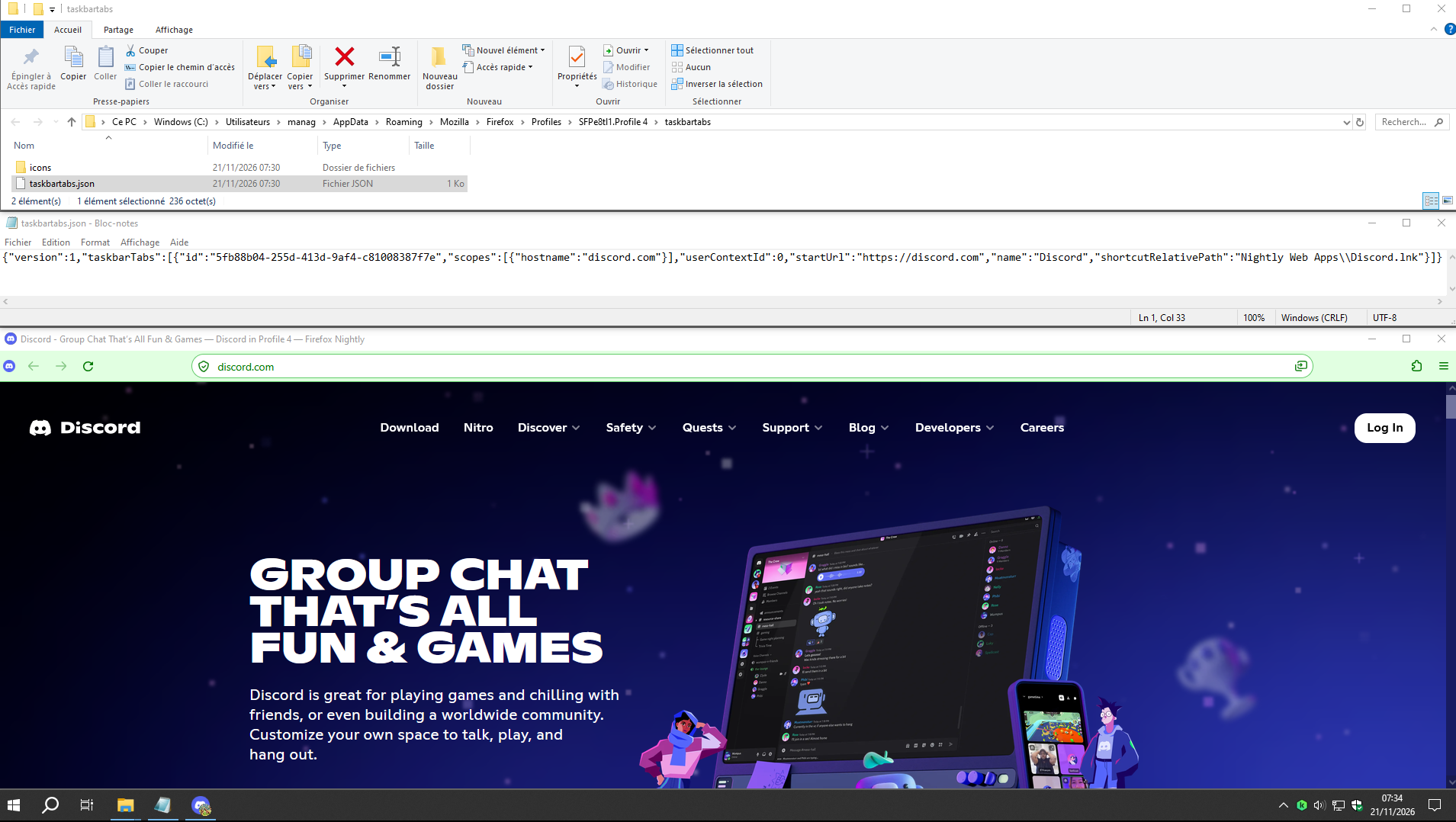
In your profile folder, take a look at your, taskbartabs.json, file.
Modified by Agent virtuel
Chosen Solution
A test.
Screenshot1. Launch, website pinned with the desired URL. The path portion of the URL gets truncated.
Website pinned closed.
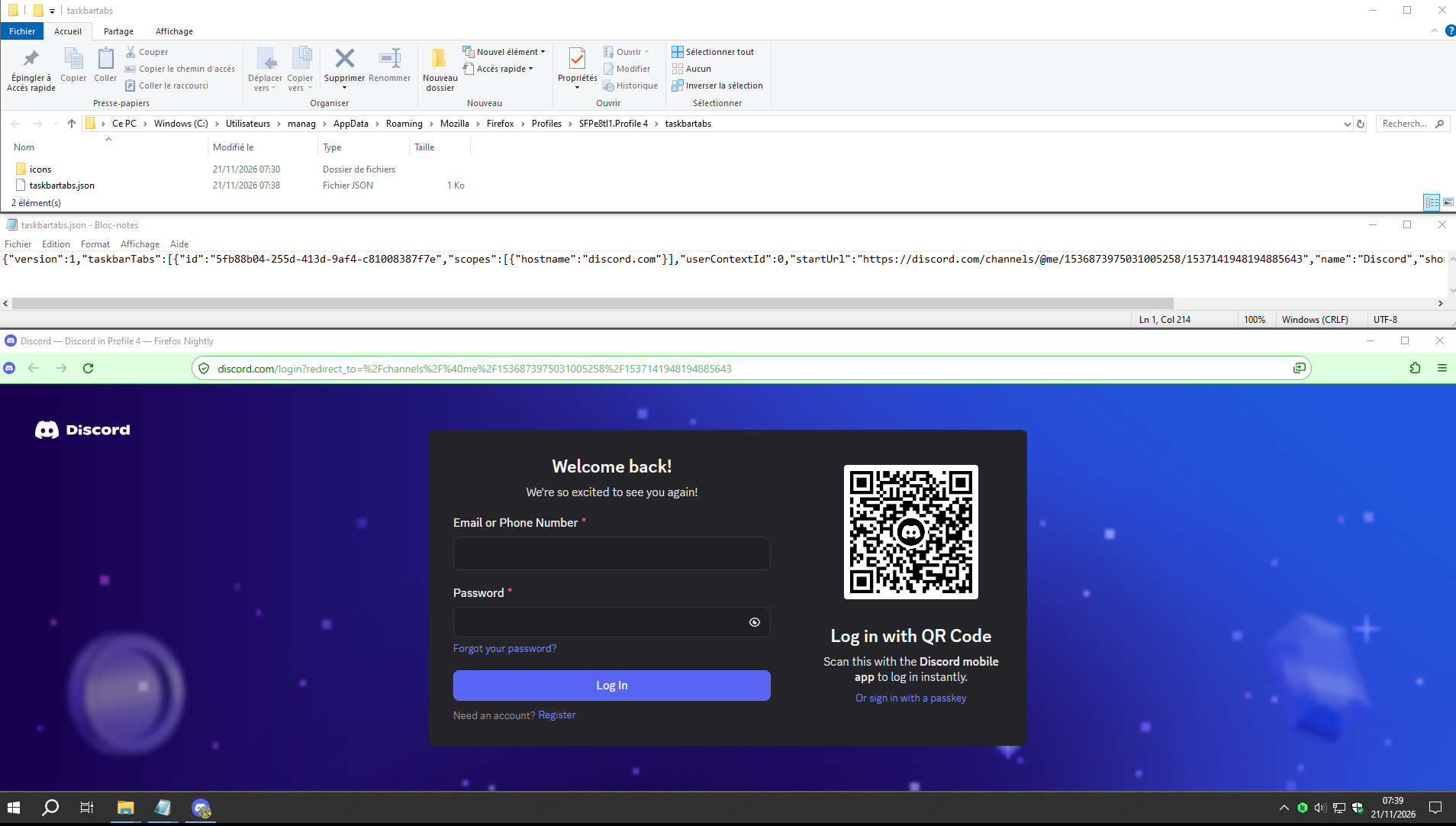
I edited taskbartabs.json with the desired URL, and saved.
Screenshot2. Launch, website pinned, apparently it works.
Modified by Agent virtuel
It works, thank you. I could not find that question when I searched.
As a curiousity any ideas why FF creates two types of shortcuts?