


Nova force-enabled in Nightly, how to disable it?
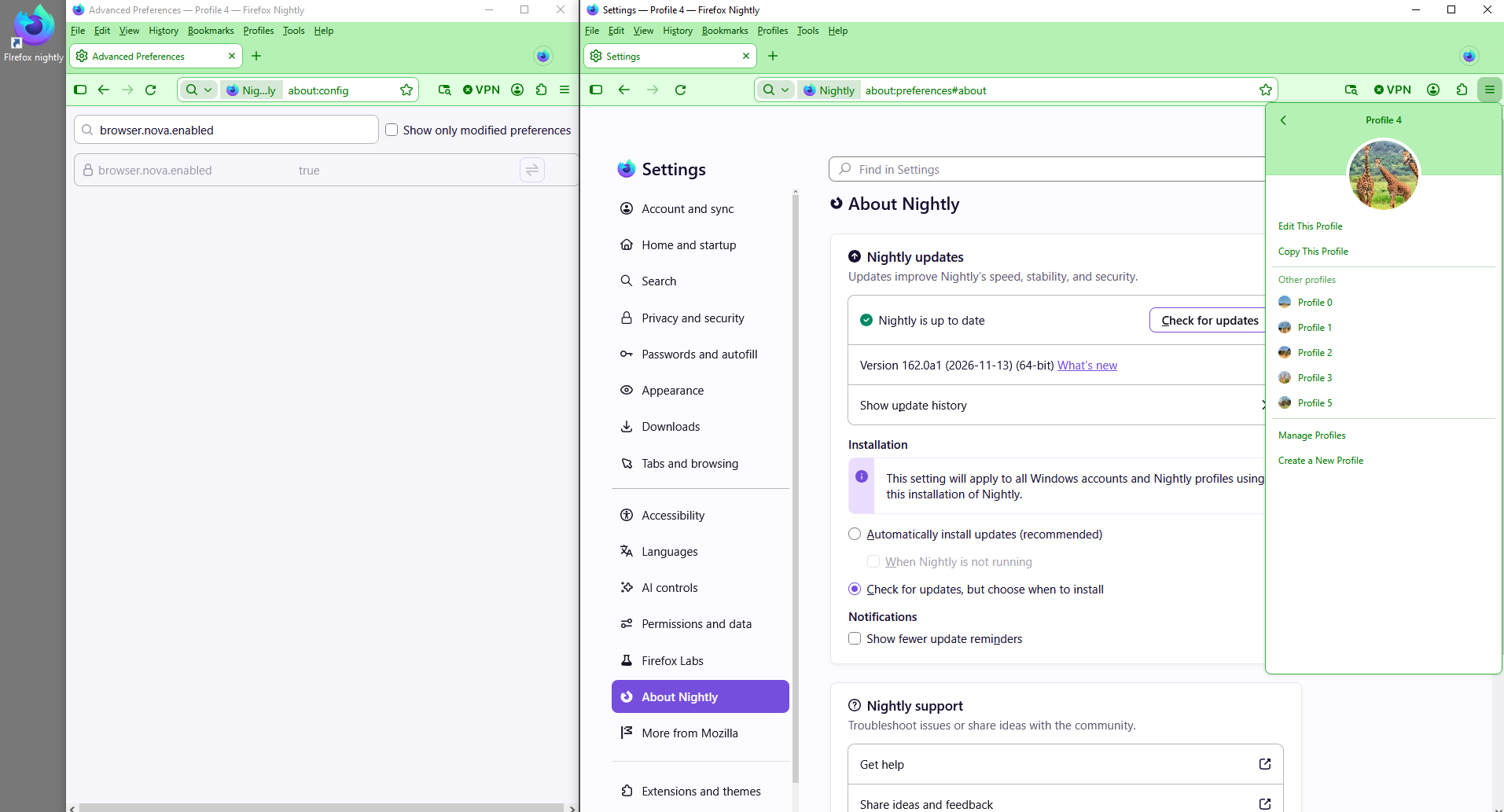
i noticed recently that Nova is force-enabled in Firefox Nightly. I don't like Nova, and i want to disable it again. I tried going in about:config and looking at the "browser.nova.enabled" setting, and there's a lock on that setting which i can't change.
How can i disable Nova again?
All Replies (6)
Bonjour
A discussion thread How to Disable this disturbing nova design https://connect.mozilla.org/t5/discussions/how-to-disable-this-disturbing-nova-design/td-p/139558
Just to see with, userChrome.css and userContent.css, together.
WARNING from the moderator team: This script is not provided by Mozilla and is not officially supported.
Firefox is a work in progress and, to allow for continuous innovation, Mozilla cannot guarantee future updates won’t impact your customizations. For this reason, Mozilla does not officially support style rules customization.
Please read Firefox advanced customization and configuration options to learn more.
Modified by Paul
Agent virtuel said
Bonjour A discussion thread How to Disable this disturbing nova design https://connect.mozilla.org/t5/discussions/how-to-disable-this-disturbing-nova-design/td-p/139558 Just to see with, userChrome.css and userContent.css, together.
check your setting in the screenshot, its got a lock on it, you can't change this. It used to be user-modifiable, but now it's not.
I checked.
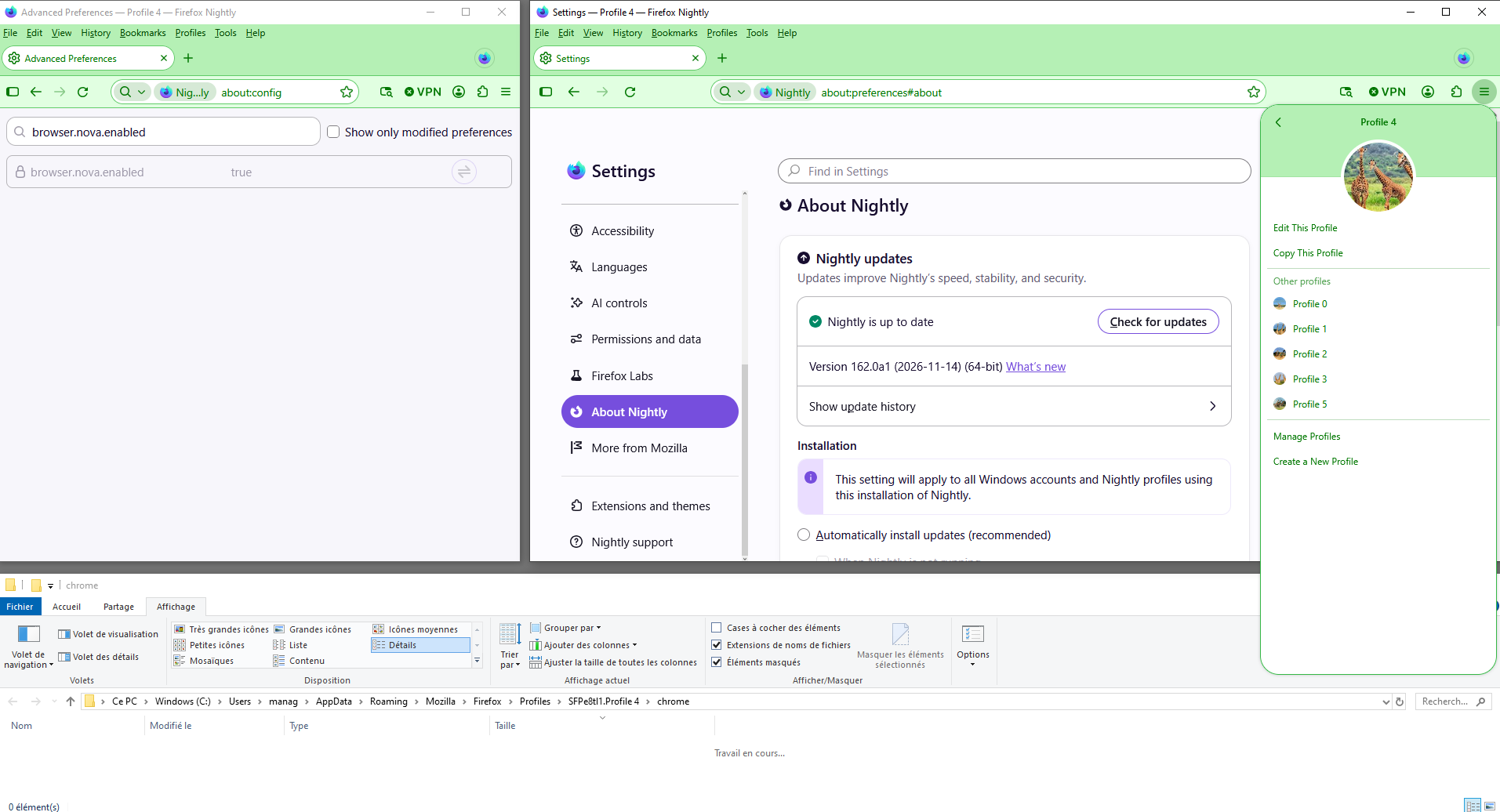
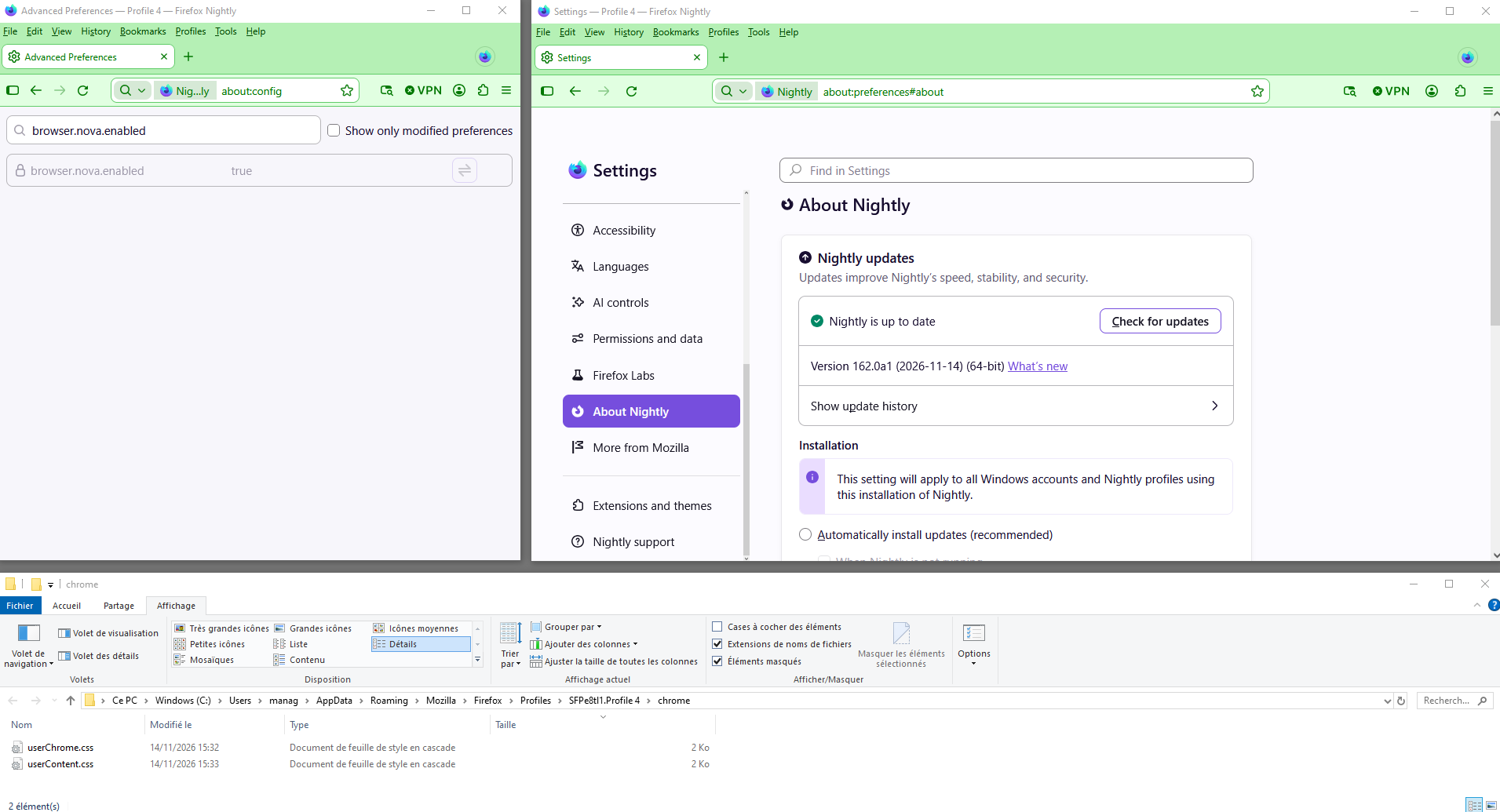
apparently Nova will be enforced/mandatory on regular Firefox on November 24th?
Yes. Any workaround has not been recommended for this very reason - these prefs are not supported and only existed for testing of Nova beforehand. They were never designed to be used long term and as expected are being removed.
Modified by Paul
About user interface, A discussion thread https://support.mozilla.org/en-US/questions/1610222
Among others discussions,
To complement, https://support.mozilla.org/en-US/questions/1610048#answer-1858632