


The news keeps popping up.

The news keeps coming halfway up on my screen when I turn on Firefox. I have (under customize your homepage) turned off "Show news and interests" and "Trending on Bing". I have also tried refreshing Firefox and a couple of other things. What can I do?
All Replies (7)
Try turning them ON and then OFF via the main Settings: support.mozilla.org/questions/1601504
Thank you, but that did not work.
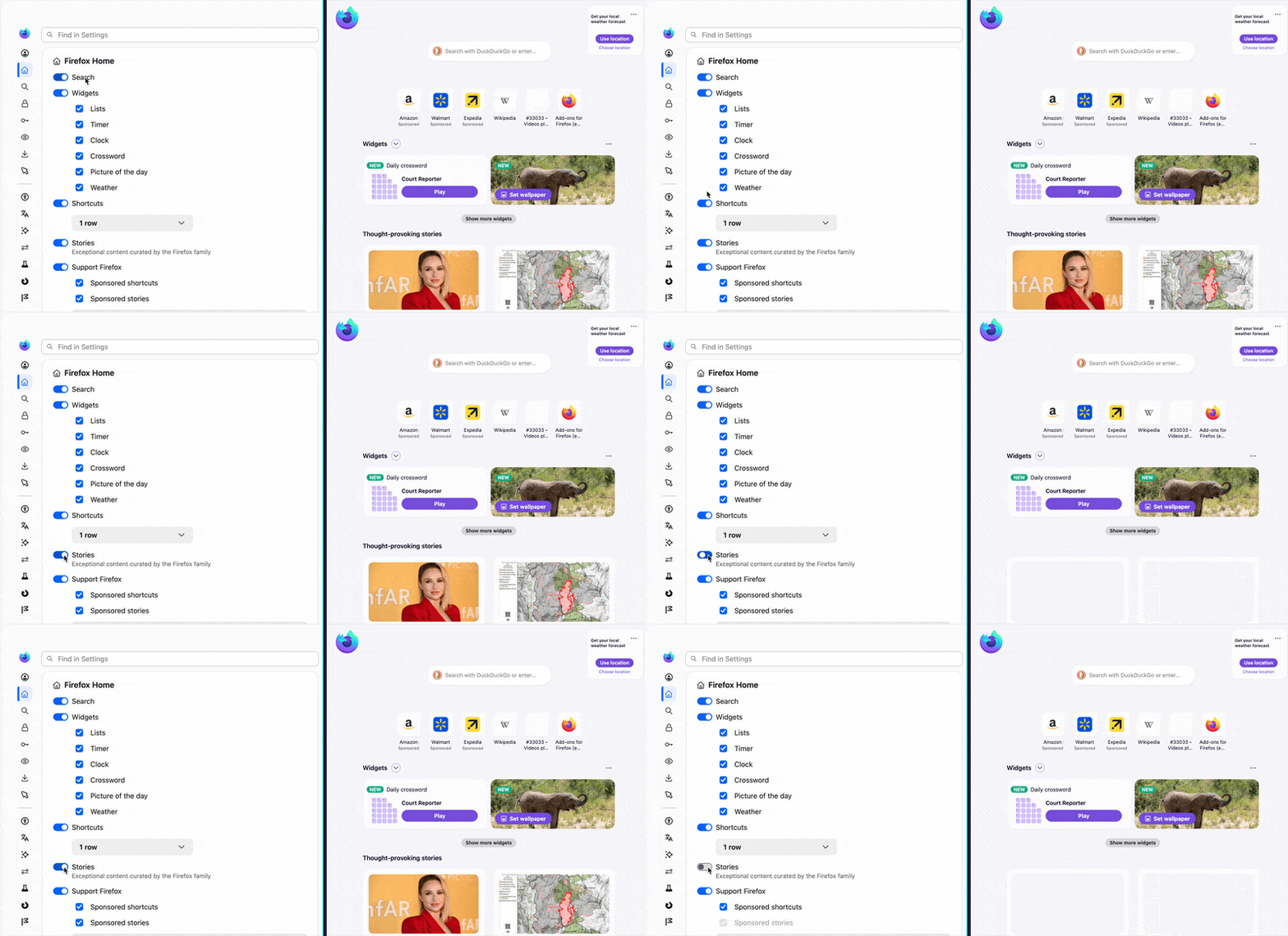
If you go to browser Settings › Permissions & data and scroll down to "Firefox data collection and use" and uncheck: "Allow Firefox to run feature studies" and "Allow Firefox to improve features, …" and see if that changes anything, and potentially restart the browser then, and see if the Stories "disabled" preference gets honored now?
(Please keep in mind these preferences will also remove other functionality, so you might want to use this just for test, end enable them back on afterwards.)
Just to confirm, we're talking about these "Thought–provoking stories" here:
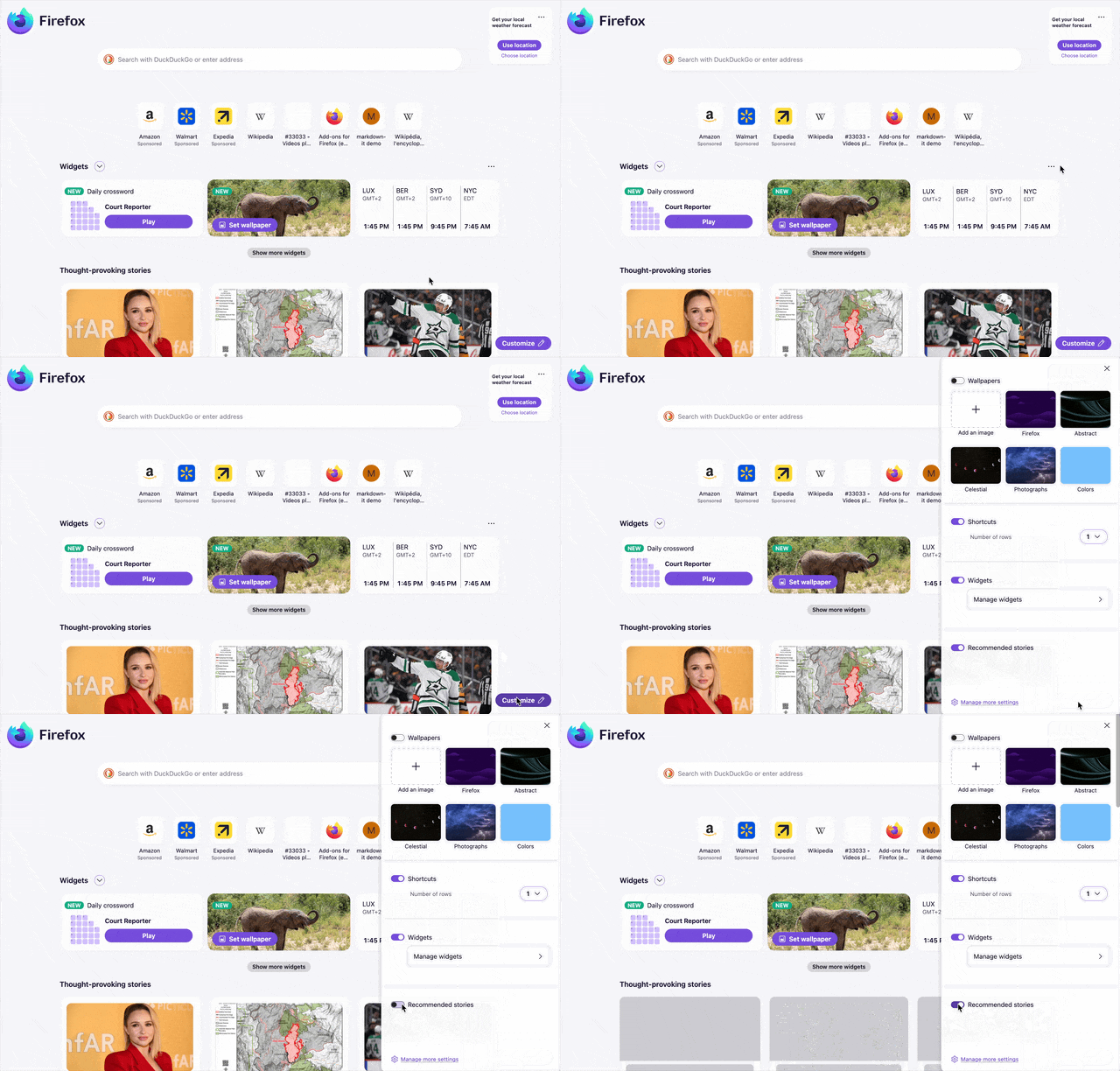
Hi, Maybe not. When I open the browser there is always the nice Bing wallpaper and lately halfway up there are pictures with news headlines. I can make then disappear by pressing the inverted v twice. But in the past the news stayed down right away, never even came up. Now I try to turn it off in "customize the page". I tried clearing the cache. I tried refreshing, nothing worked. Thank you, Monika Braun
Hi, I should mention that this is on my desktop. Monika Braun
Hi Monika. If the above doesn't appear similar to you have use as your home page, could you please perhaps attach a screenshot here showing what your home page looks like, and what the customization settings look for you (both in the home page customization panel and in browser home & startup settings)? Thank you.