Open
You just introduced a new "HTTPS-Only Mode" -- as of the last version or two, it no longer allows access to an "http://" site. All such sites are blocked only by Firefox. Is there a fix?

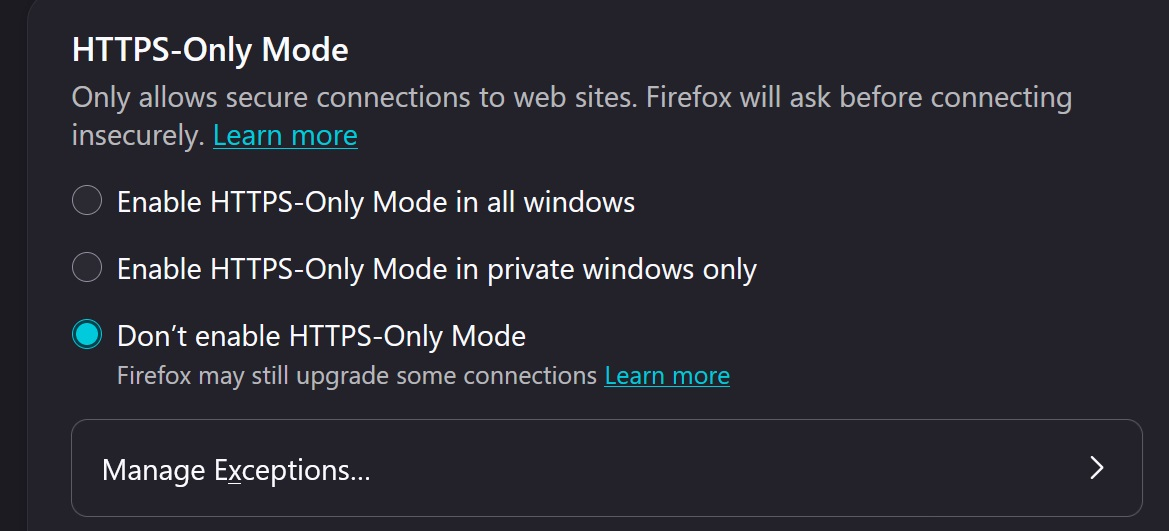
In the Settings, the "HTTPS-Only" feature seems broken. There is an option to 'Don't enable" this feature, but that doesn't make any difference. I can get to an "http:" site using any other browser, but not with the latest Firefox.
In the Settings, the "HTTPS-Only" feature seems broken. There is an option to 'Don't enable" this feature, but that doesn't make any difference. I can get to an "http:" site using any other browser, but not with the latest Firefox.
All Replies (1)
The https:// only mode has been there for a couple of years from what I recall or even longer, when did you last update?
and see image