


When I print from Firefox, there is always a header/footer. It is marked as off/none. How do I get rid of these

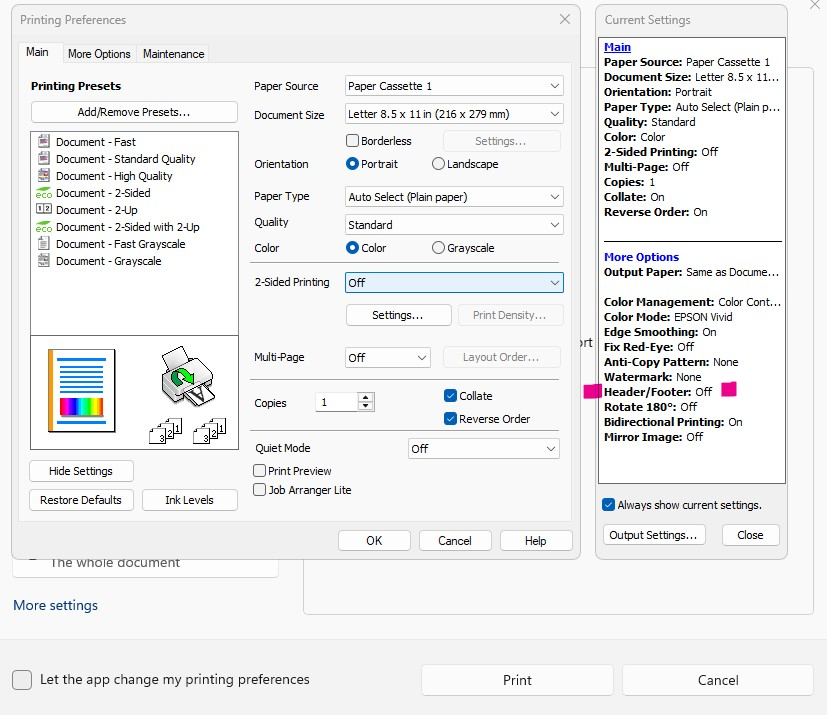
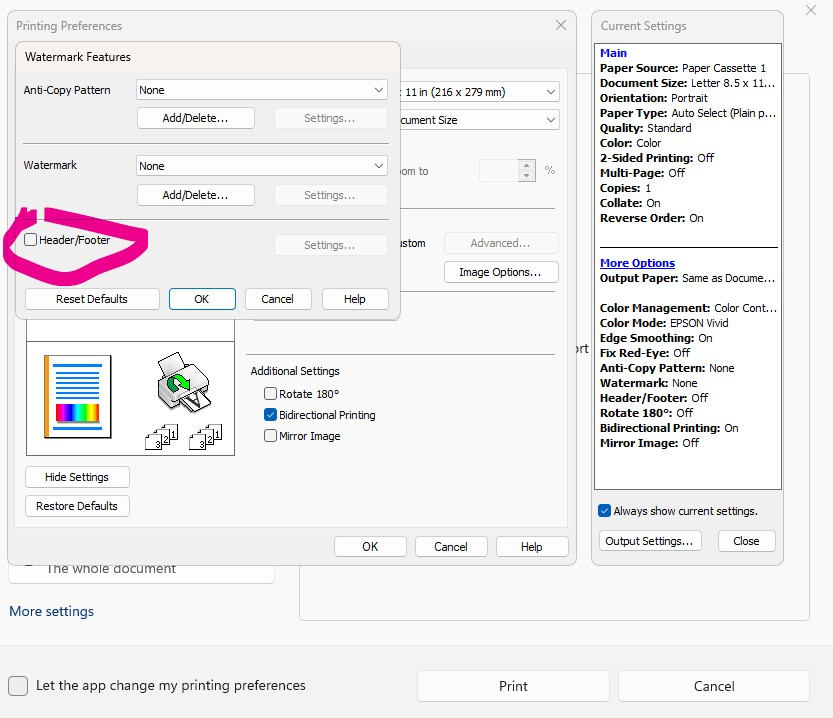
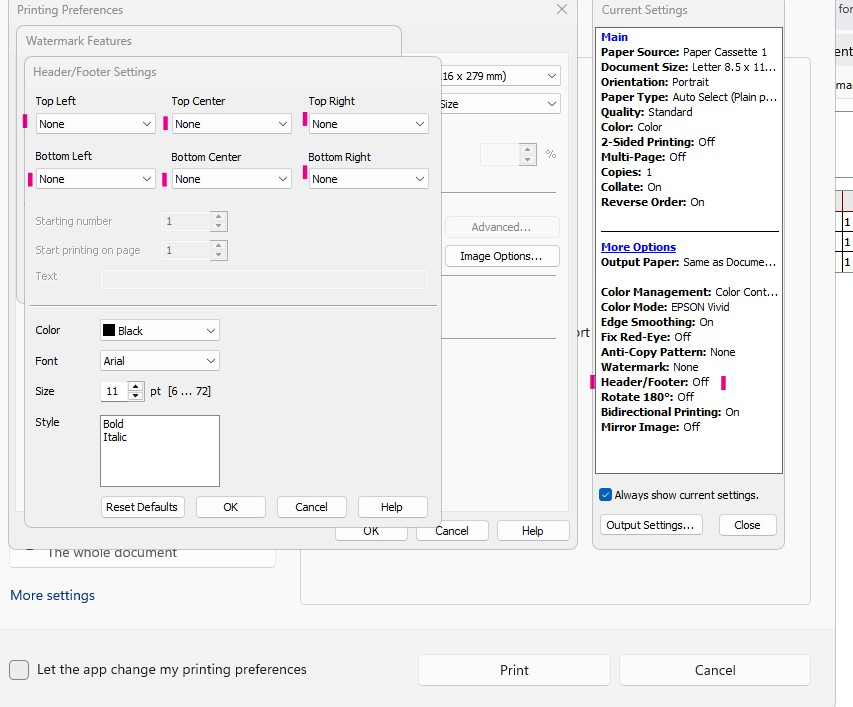
A few updates ago, headers and footers started appearing on anything I print from Firefox. No other printing from any other source does this. All the settings (advanced settings) show header/footer as off, and 'none' in all the header footer options. I have attempted every combination available and can't get rid of the headers and footers. I Don't Want Them!
Chosen Solution
Is it possible you have perhaps in the past modified your settings to skip straight ahead to the system dialog? support.mozilla.org/questions/1371179
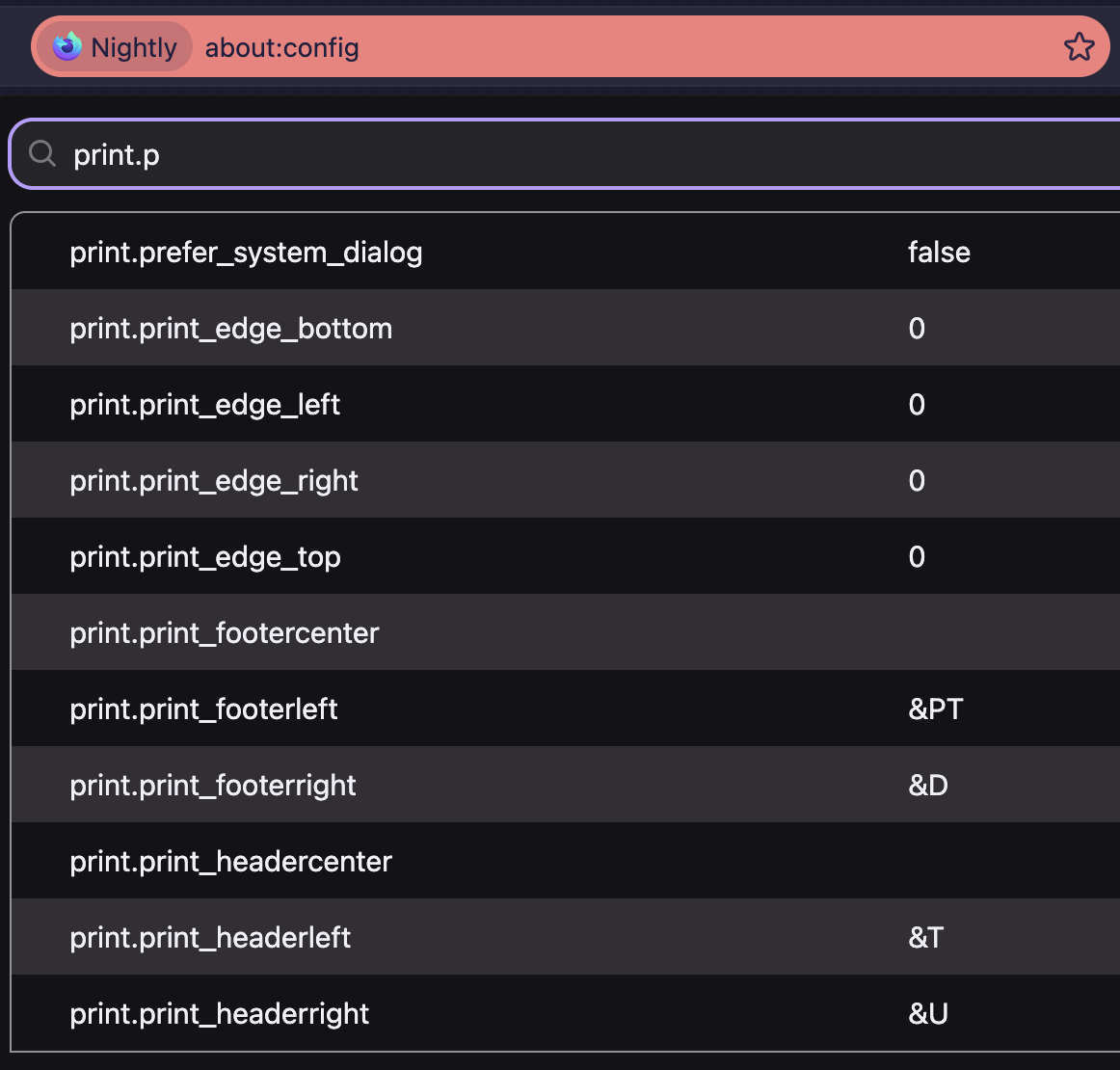
Depending on how you're comfortable with the inner settings, you might want to either reverse that preference to then be able to access those page–content settings, or directly set the headers and footers in those prefs to empty strings:
All Replies (12)
Is it possible you may also need to check the Firefox print options too, before handing off to the system dialogs? If this is not about margins per se, but the page title, URL etc. getting printed, that's a browser setting that you should be able to enable/disable in the advanced options expanding the "More settings" dropdown in the initial print preview pane.
Firefox print options are useless. I included screenshots of the more settings and advanced options and they are all showing header/footer is OFF. It still prints the header footer no matter what the settings are showing. It prints if they are On or off, if set up or with None. This only happens if the print is initiated through Firefox. If the page has it's own print option then it doesn't happen. I went through the instructions for how to turn off the header and footer and they do not work.
I read through and tried more suggestions. click Help and select More Troubleshooting Information Go down to the Printing section and click |Clear saved print settings. | (That is not a clickable box.) Down in the Printing Section: The |Clear saved print settings| button in this section allows you to reset all modified print preferences. This might help fix printing problems in Firefox. (Again, It is not clickable.) There is nothing else in this section.
I need something that works! And I need it now!
Are you having issues with page margins, or with the actual tab title/URL text getting printed?
Issues with the header footer of title/url and page # and etc. being printed in the header and footer areas. Only when printing directly through Firefox print. Nothing gets rid of it. Options and etc all show no header/footer and settings have 'none' in all possible choices for header/footer. It prints whether it is marked yes or no, no matter what it is set for. All other printing from pages opened in firefox that have their own print option do not print a header or footer. None of the instructions from Firefox work.
Do they appear even in the actual preview when you turn that option off in the "more settings" pane? (video attached) — or they disappear from the preview but end up printed eventually anyway?
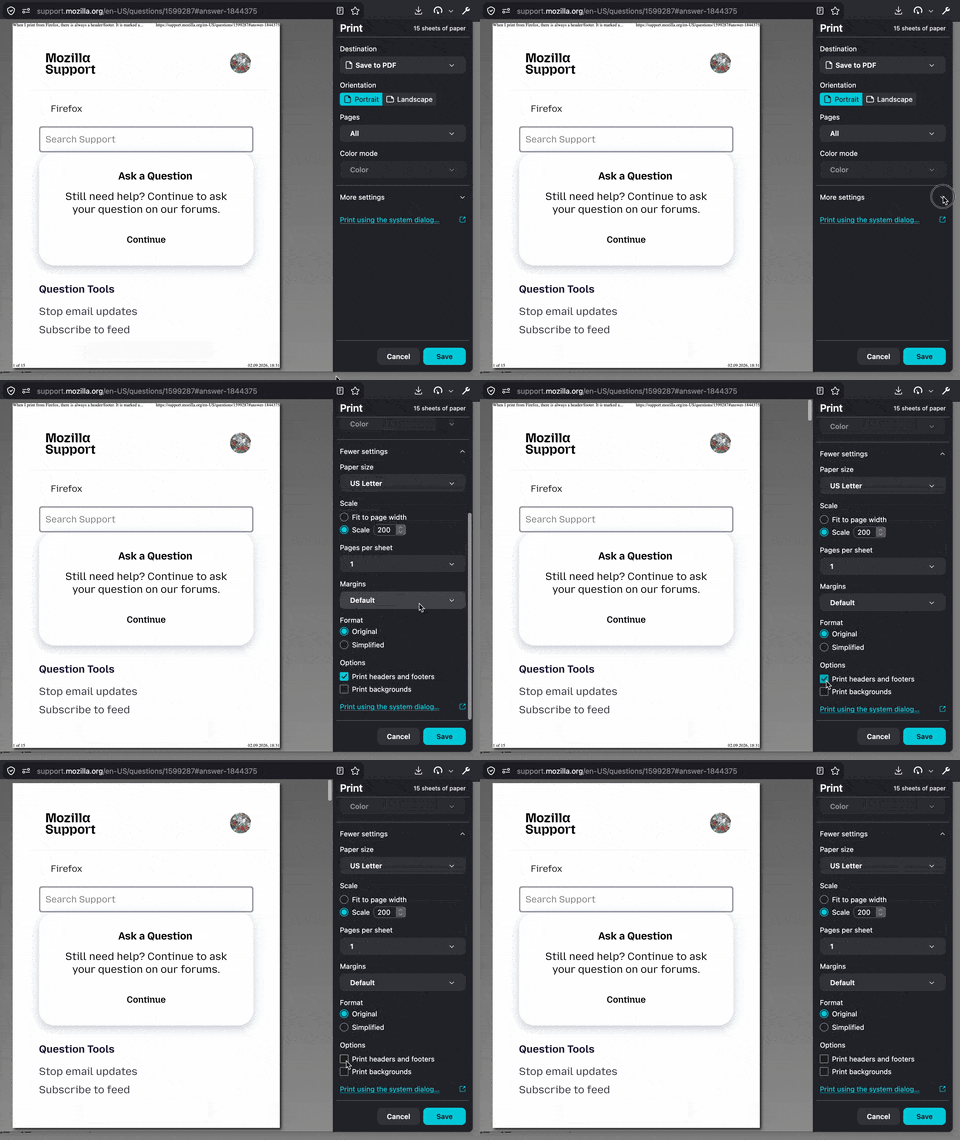
What is in your video is not what I see.
'This app does not support print preview' is all I ever see. See my pics for what I see.
It prints the header/footer whether it is marked to do so or not. Whether it allows apps to change settings or not.
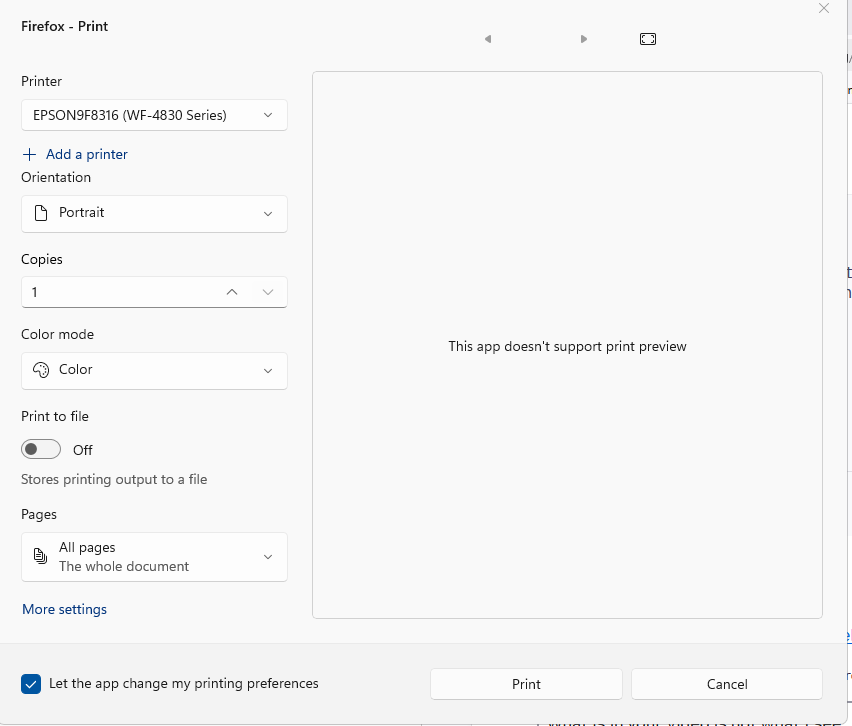
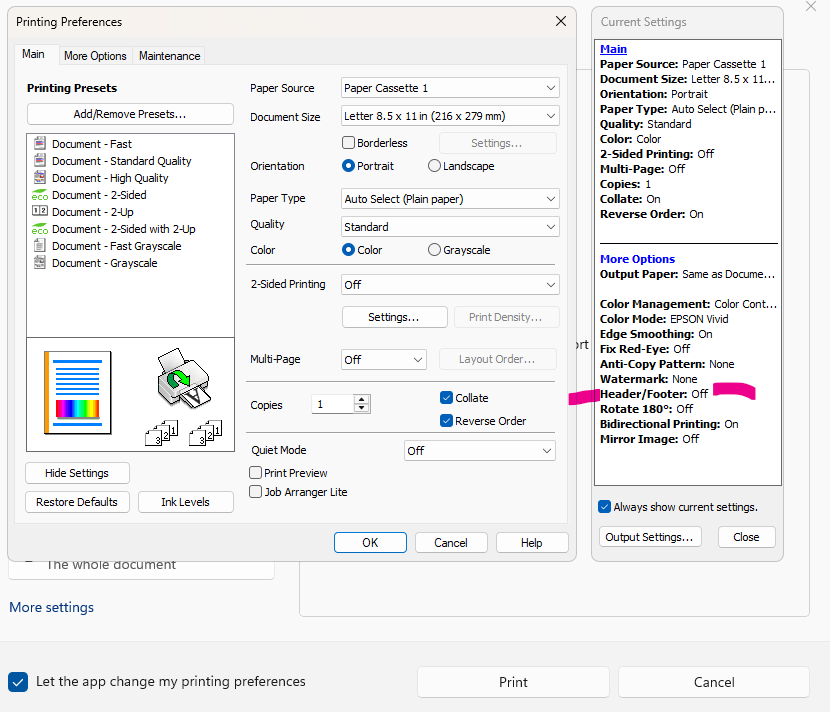
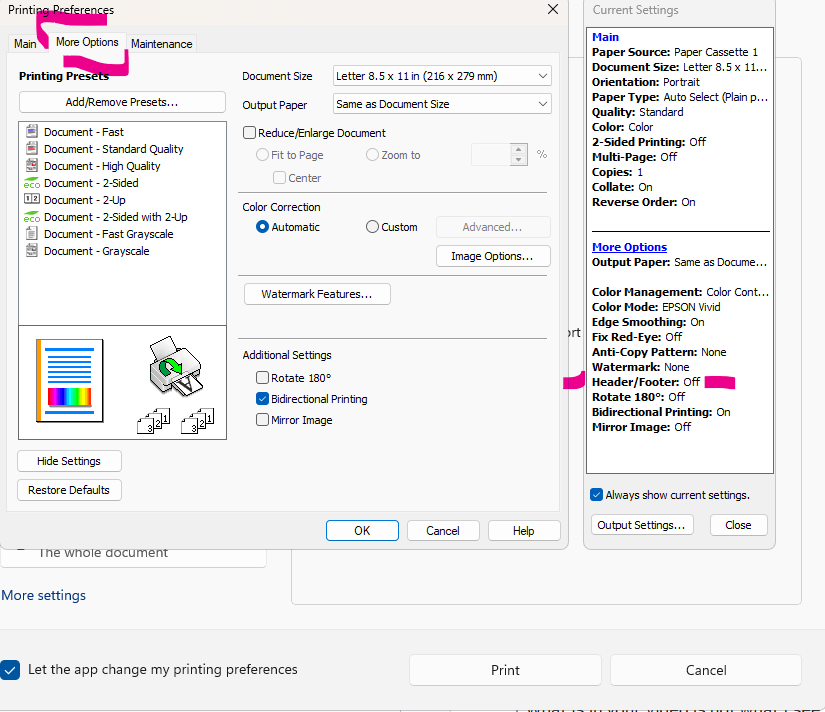
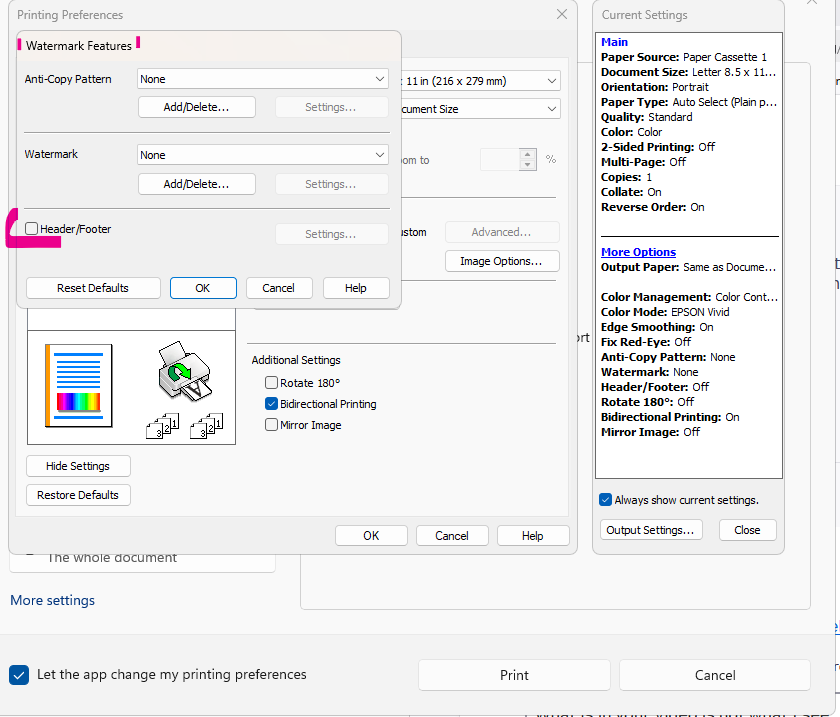
And the settings inside this section: ?
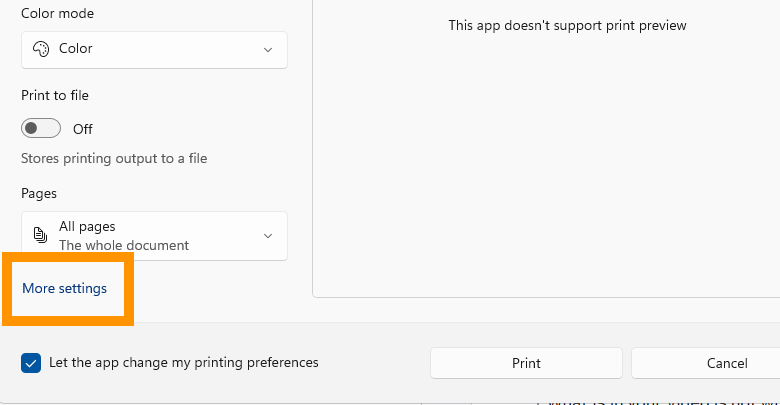
That is what the 2nd - 4th screenshots are of. What I see with 'More Options'
Chosen Solution
Is it possible you have perhaps in the past modified your settings to skip straight ahead to the system dialog? support.mozilla.org/questions/1371179
Depending on how you're comfortable with the inner settings, you might want to either reverse that preference to then be able to access those page–content settings, or directly set the headers and footers in those prefs to empty strings:
I haven't changed anything. It happened after a firefox update.
print.prefer_system_dialog was set as true. I changed it to false
I can now see a preview and clicking through settings, I can unclick footer/header.
I still have to go to 'Print using system dialogue..' in order to change the paper tray, which I do often.
thanks!. Just wish I could print without all the extra clicking! And this is not the first time my printing has been made difficult by an update.
Oh the setting should be remembered — so once you leave the headers/footers unchecked in the internal dialog, you should be able to flip back the print.prefer_system_dialog to your preference to go straight to the full system one, and the page metadata should be kept disabled for you. (And if they ever reappear, you'll now know how to go back to that pref to change the options if need be.)
Thanks! I am attempting this now. Yea!!!! It worked. Thanks so very much. So glad we finally got to a solution that worked.