


How do I change the standard number of copies in printing from Thunderbird?

Since some time my standard number of print copies in Thunderbird has changed from 1 into 2. I have to adapt this number each time I print. How can I change this back?
All Replies (5)
two suggestions...
- check the defaults in the windows printers
- reset the defaults for printing in Thunderbird using the troubleshooting information on the help menu. (It is almost at the bottom of that information)
Thank you for your reaction. I found a large number of settings for printing (even for old printers that are no longer in use) in the trouble information you referred to, but I see no link to the numbers of copies to be printed! Can you help me? Kind regards, Niek
Use the button I said to use to reset the printing. I would think that would be self explanatory, but if not this is the button I meant..
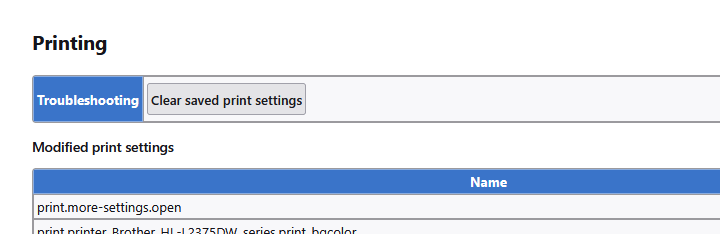
Matt, I now did exactly what you advised me to do: there are no more saved print settings left, but unfortunately the standard number of print copies stays at 2, also after complete restarting of the PC. Do you have any other suggestions to solve this problem? (E.g. is there a way to re-install Thunderbird, without danger of losing my stored emails?) Regards, Niek
Did you check the operating system defaults as I suggested?
Type print in the task bar of windows. Select printers and scanners and look at the defaults of the printer in question. The following is from a brother printer on my system, but a number of copies is a very standard feature for printers.
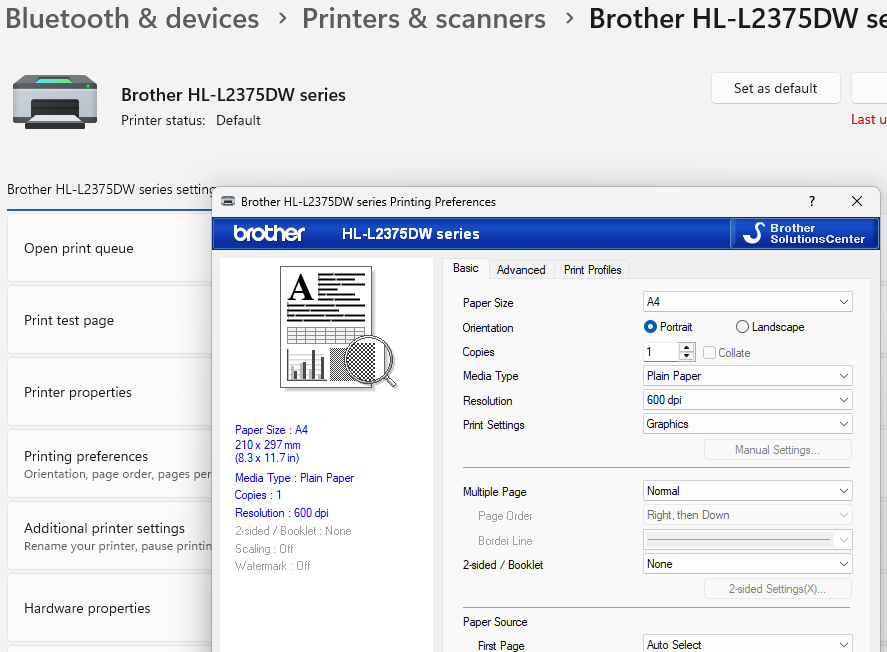
Those are the only two reasons I am aware of that Windows prints more than one copy by default.