Unable to access Unsecured Website when doing local development.

seems that after Firefox 150.0.3 (20260511200624). I cant access locally deployed servers that are not secure. the Firefox forces https when hitting http://localhost. I've tried to disable the HTTPS setting altogether. Even in developer mode it still overwrites http to https.
All Replies (4)
Nope, it doesnt open it. this one does go to the firefox page asking whether you want to go to the unsecure site but when you click continue to http site it does nothing. So this is just an usecured server right http://httpforever.com/ ? is it suppose to have a landing page?
jbr said
Can you access http://httpforever.com/ with its locks still staying insecure?
Works fine for me onWin 11 / Fx 150.0.3
http:// . .. insecure . . . but opens with no warning
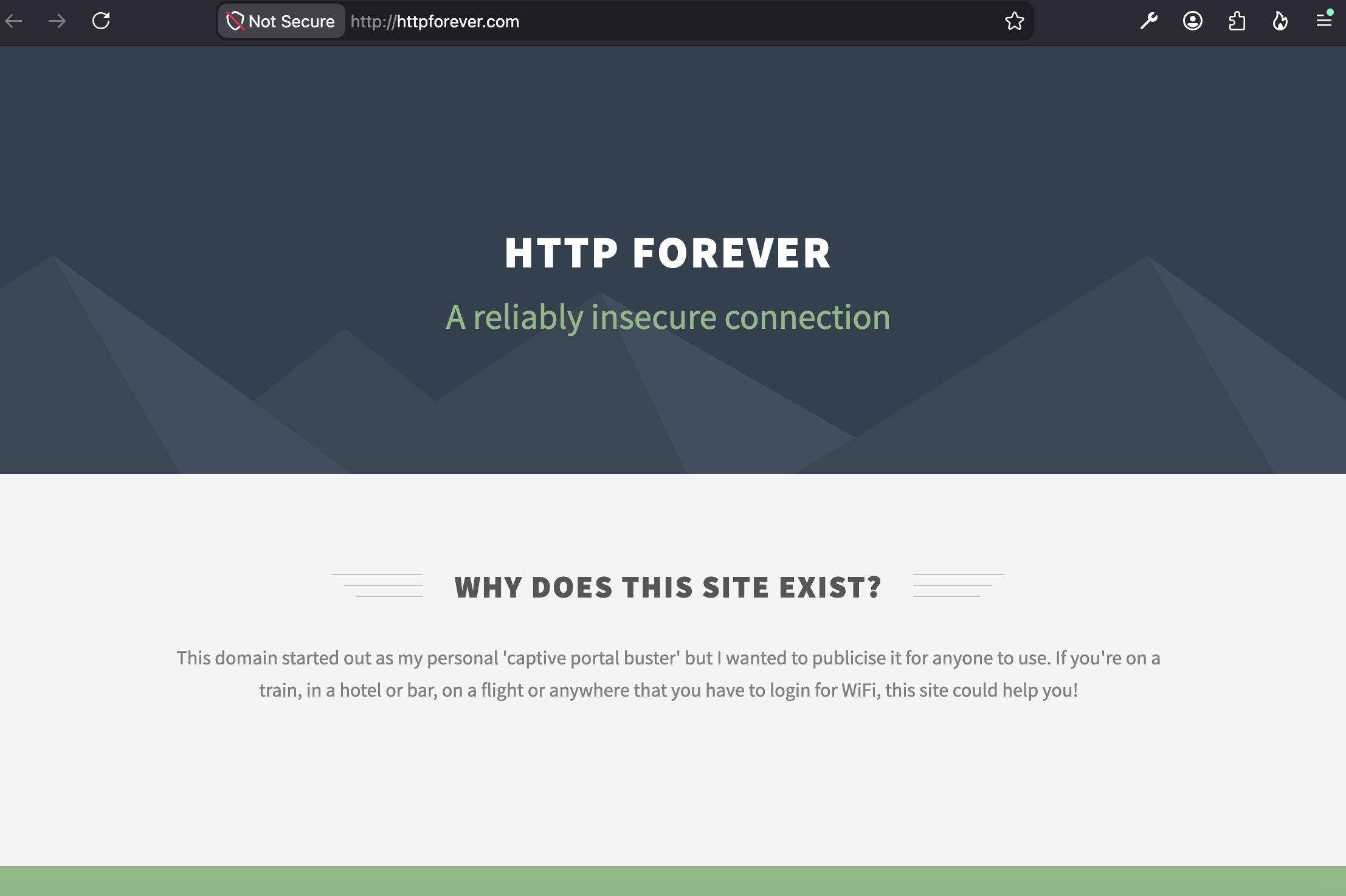
Correct, the site is intentionally only available over insecure connection (does not provide a secure version to get upgraded to) for testing purposes — I'm attaching how it looks below.
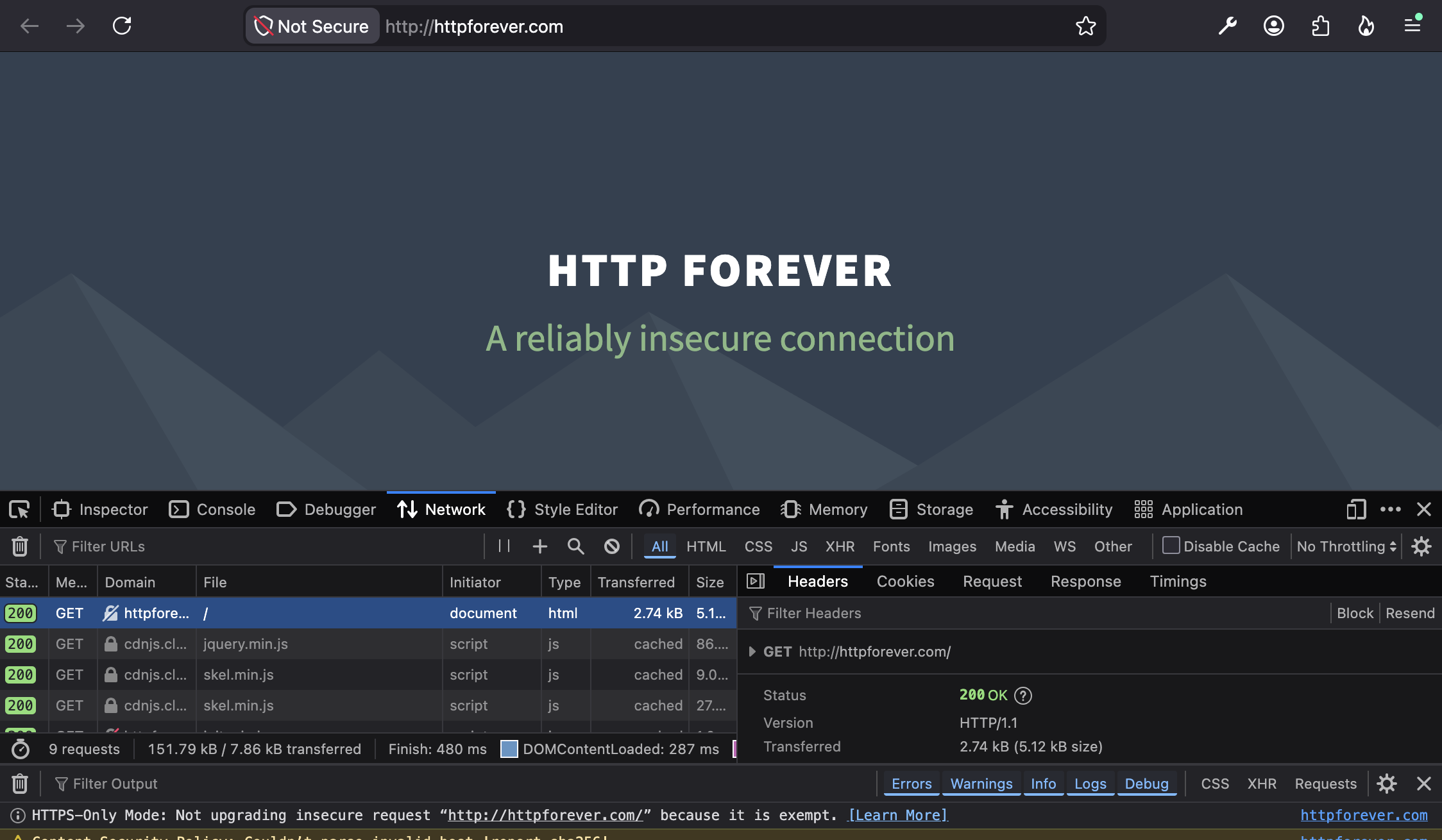
Even if you have HTTPS-Only Mode in Firefox set up, this site is reachable once you accept the warning (HTTPS–Only error in the linked article to compare the wording if that's the same you get), so not being able to connect may point to "something" interfering.
Have you ruled out addons, antivirus/endpoint security software etc.? Does it happen in private tabs too? Disabling DoH, VPN and similar? Other browsers can connect? (What's your macOS version?)
You can also check for any console messages regarding that, and also inspect how the response looks like (i.e. no redirect attempts in the headers and similar, it's just plain 200 OK as seen below.)