


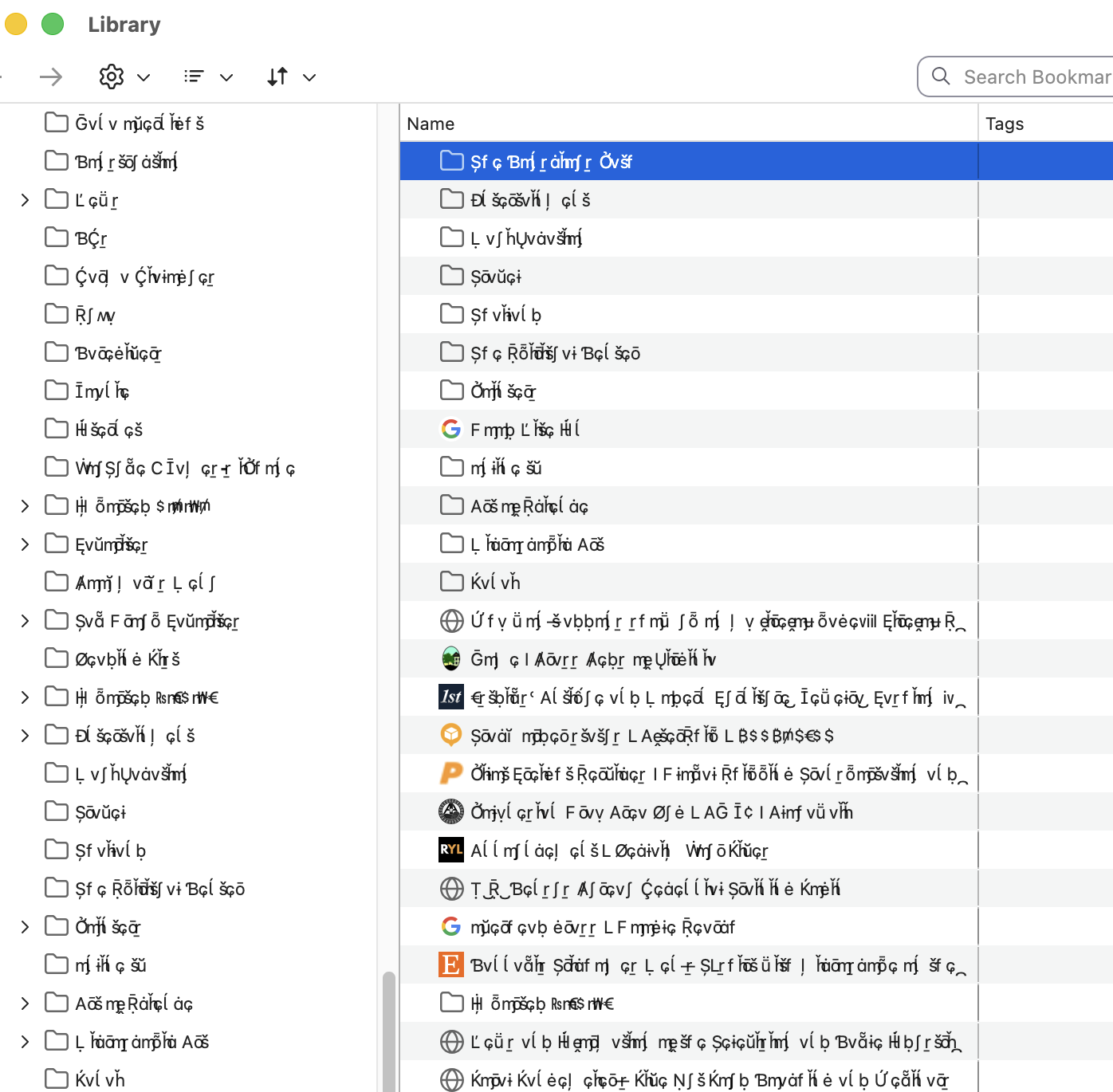
English language selected in settings but bookmarks in a different language

English language selected in settings but bookmarks in a different language
All Replies (8)

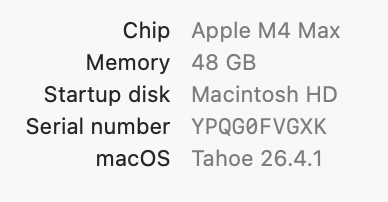
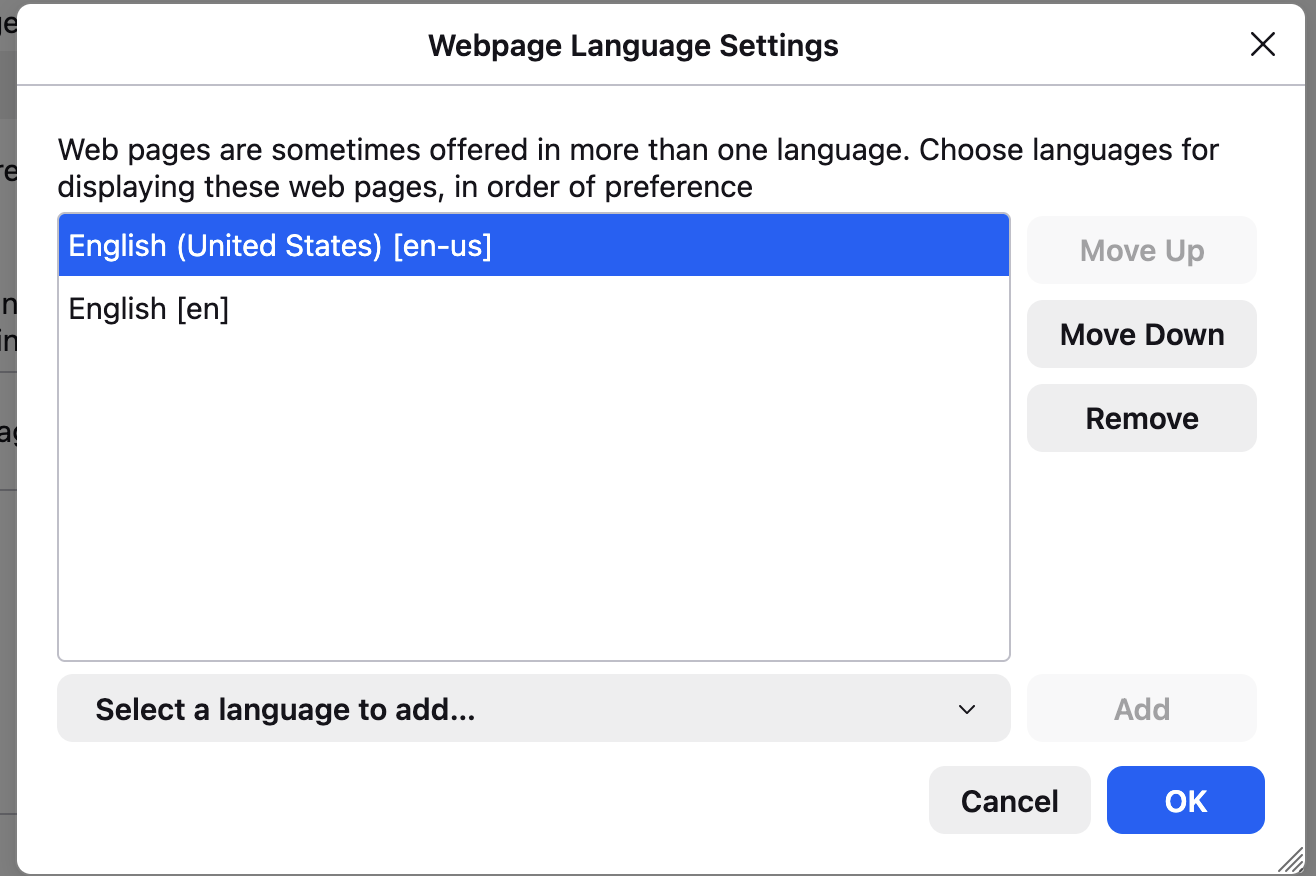

This is a font problem.
That is a font issue we regularly see reported on Mac. Issues with a weird looking font or missing glyphs can be caused by a problem with a specific font and you need to identify this font and fix this. You may find that this can be resolved by finding and removing duplicate fonts installed in the local ~/Library/Fonts folder, that are conflicting with standard system fonts.
You can check in Font Book for font issues like corrupted and duplicate fonts. Note that you should be careful about disabling "Allow pages to choose their own fonts, instead of your selections above" as this will cause issues with iconic fonts used by webpages to display small icons (you may see text labels instead of icons).
Since this is happening in the user interface, you would have to use the Browser Toolbox to be able to inspect this font unless this also happens in a webpage including built-in about: pages like Settings.
I don't know. I just cleaned up my font book and that took care of the problem.