


140.10.1esr on Windows 11 Has Major Issues with Interface

Not sure what you guys were going for with this update, but here are a few issues of many:
-Can't right click to print
-Right click to reply to all does not appear
-Can't right click to open in conversation view no longer appears, meaning I can't respond to add a thought to a message I just sent. Requires addon that works sometimes without a restart
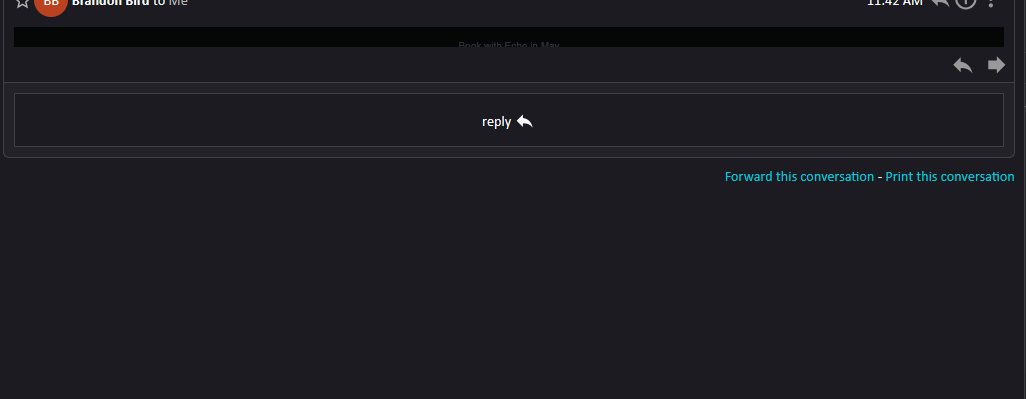
-Emails display in a very thin horizontal stripe making them invisible without clicking the menu and switching to classic view. Sometimes they correct themselves after a time, sometimes they do not.
All Replies (1)
puzzling. I can rightclick and print. I can also rightclick and respond to all. I cannot assess your email issue, as your screenshots don't address the issue. maybe a screenshot of the message list pane will help, if that is where your complaint lies. More information will help. Also, the people are users, just as you. We make no decisions on features to offer or not offer. Our role is just trying to help other users with thunderbird as it is. I look forward to the screenshots. :)