


How to remove the Open Link in Split View option in the dropdown menu?

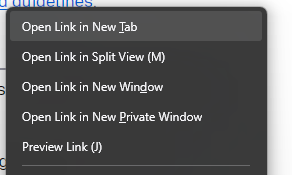
Hi. Now that the 'Open Link in Split View' has annoyingly replaced the spot previously held by 'Open Link in New Window' i keep clicking on it accidentally (muscle memory).
I don't want to have to retrain my muscle memory, but despite creating css file generated by Claude that should in theory remove the option, and putting it the Profile Folder, it will not go away.
How do i remove it?
All Replies (10)
Chosen Solution
Hey Planetash,
That’s a totally reasonable concern. I’ve also heard similar feedback from others recently. You might find this thread helpful: /questions/1578736.
Thanks, Kiki! I used rohe1318's solution and that worked perfectly, cheers! Here's the solution for anyone else who wants to remove it.
rohe1318 4/24/26, 6:19 PM
Had same issue today in FF 150.0, but it's simple to fix.
Open Firefox In address (URL) bar type: about:config Accept the warning, if you're willing to take the risk In search bar on next screen, type in: browser.tabs.splitView.enabled It will be shown as True Change that to False by clicking the 2-way arrows at right end of that line Done!
Additionally, you can look also at browser.tabs.splitview.hasUsed directly below the one above It's likely set to True - meaning you've used splt view You can change this one to False - meaning you've never used split view, but it really doesn't matter. You only have to change the first one to remove split view from the FF right-click menu.
Hello
If, browser.tabs.splitView.enabled value false, using Split View https://support.mozilla.org/en-US/kb/split-view-firefox, is not possible.
browser.tabs.splitview.hasUsed A subject https://support.mozilla.org/en-US/questions/1573181
Hi planetash,
Thanks for sharing your feedback. We bring this to the product team and they're now planning a more permanent fix for this issue (Bug 2044138).
While the fix has not yet been implemented, we wanted to let you know that your feedback has been heard and taken into consideration. We appreciate you taking the time to report the issue and help us improve Firefox.
Thanks, @planetash ; I too was getting increasingly annoyed by the nagging about split view, and stupidly I thought "if I use it once, maybe it will go away and never come back". Well, I don't know if that would be the effect (yet), but I do know that trying to un-split the view after it being damaged, I lost a technical comment I was in the middle of writing spread across three reference tabs. I think I've re-created that from memory of the main points. I've set the flags in my about:config to hasUsed=true and View.enabled=false, in the hope that this disappears and never darkens my desktop again. But I expect the nagging will resume - and generate more "get rid of this shit" comments to Mozilla.
But thanks for helping, regardless of whether it works permanently.
Hello
Split View in Firefox https://support.mozilla.org/en-US/kb/split-view-firefox
browser.tabs.splitView.enabled, value to false, you, don't want use Split View
These similar discussions https://connect.mozilla.org/t5/discussions/split-tab-is-annoying/td-p/126488
Modified by Agent virtuel
Modified by Agent virtuel
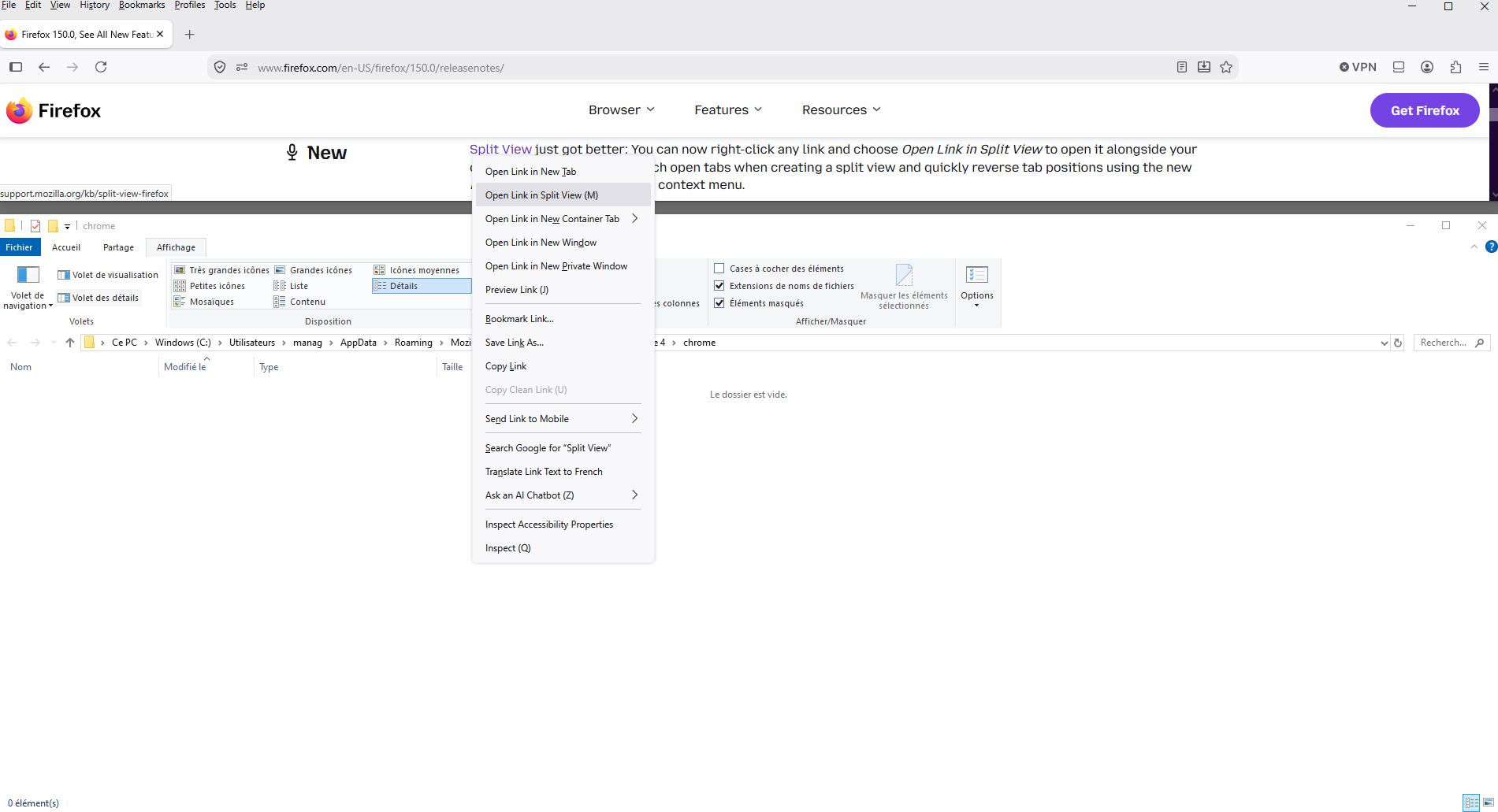
Just to see
Screenshot 1, without userChrome.css Screenshot 2, with the help of userChrome.css
#context-openlinkinsplitview{display:none!important;}
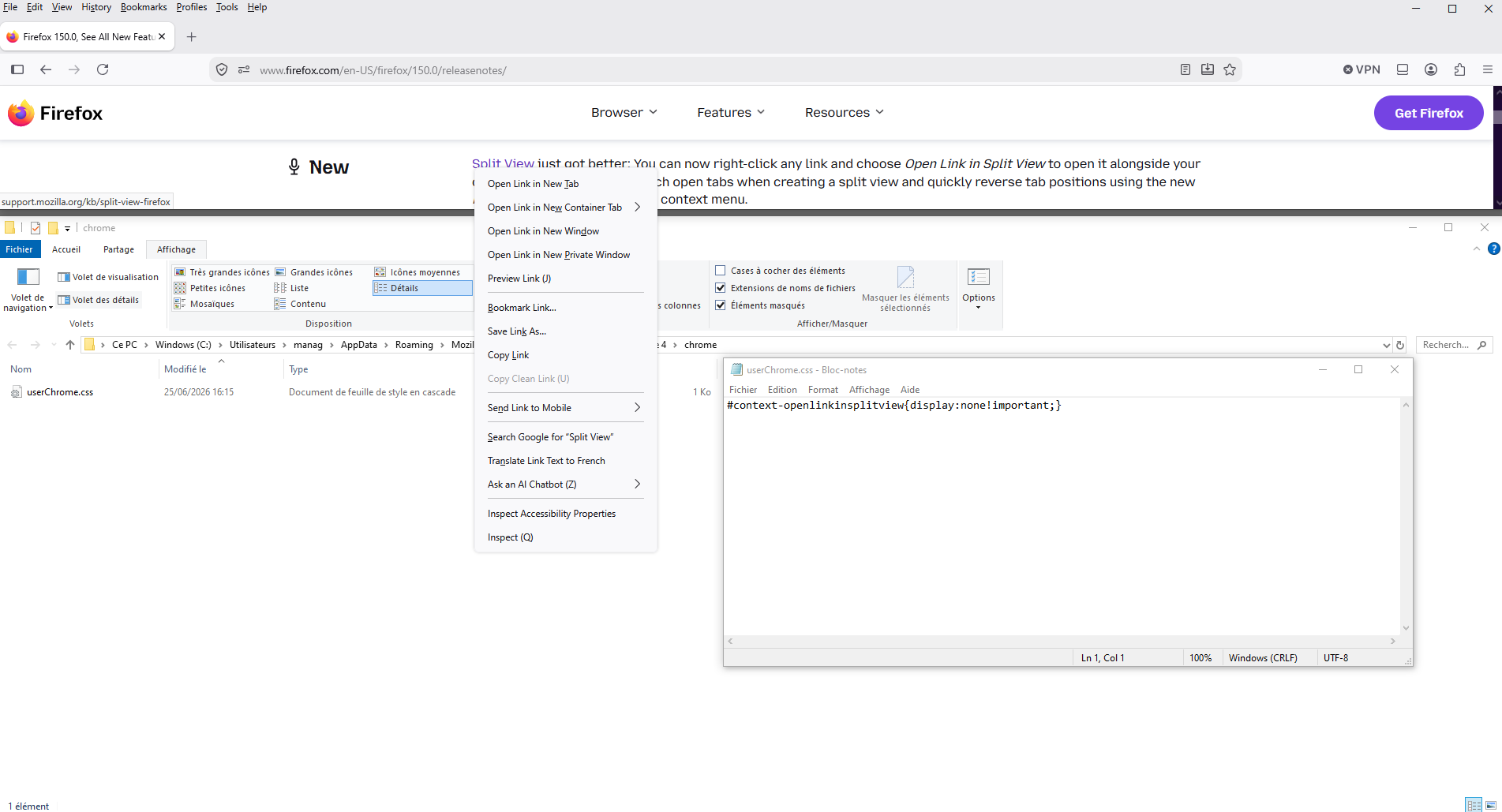
Good, I'm not seeing any mention of Split View.
(For some reason I got 2 notifications for the "how to disable" response.)