


Deleted Profile on MacOS, Firefox not opening

MacOS 15.5
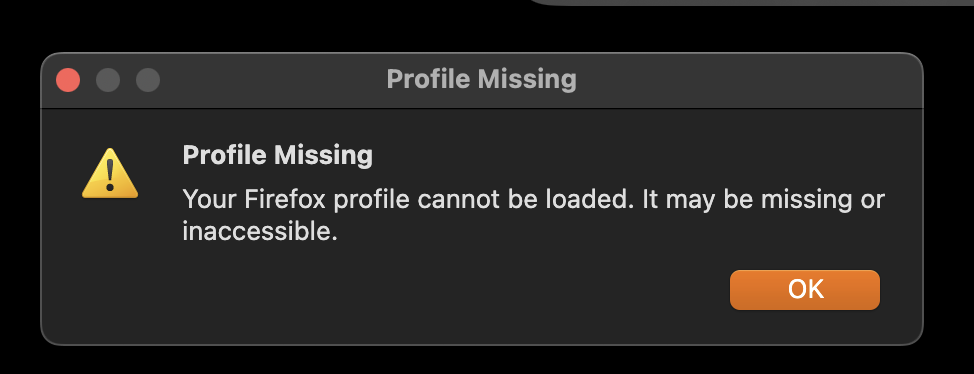
I accidentally deleted my Firefox profile not knowing its criticality. When trying to open Firefox, I receive "Profile Missing. You're Firefox profile cannot be loaded. It may be missing or inaccessible.".
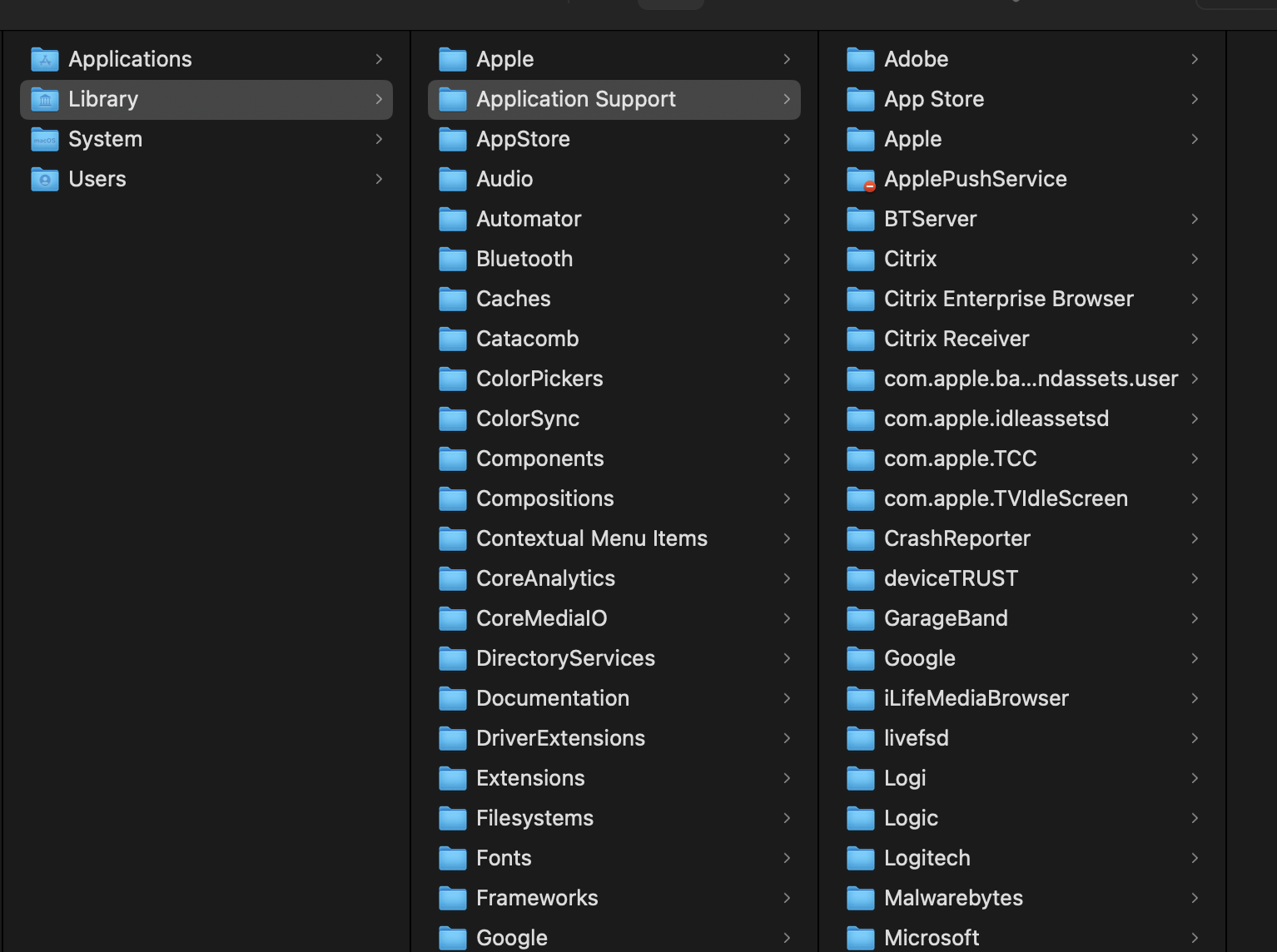
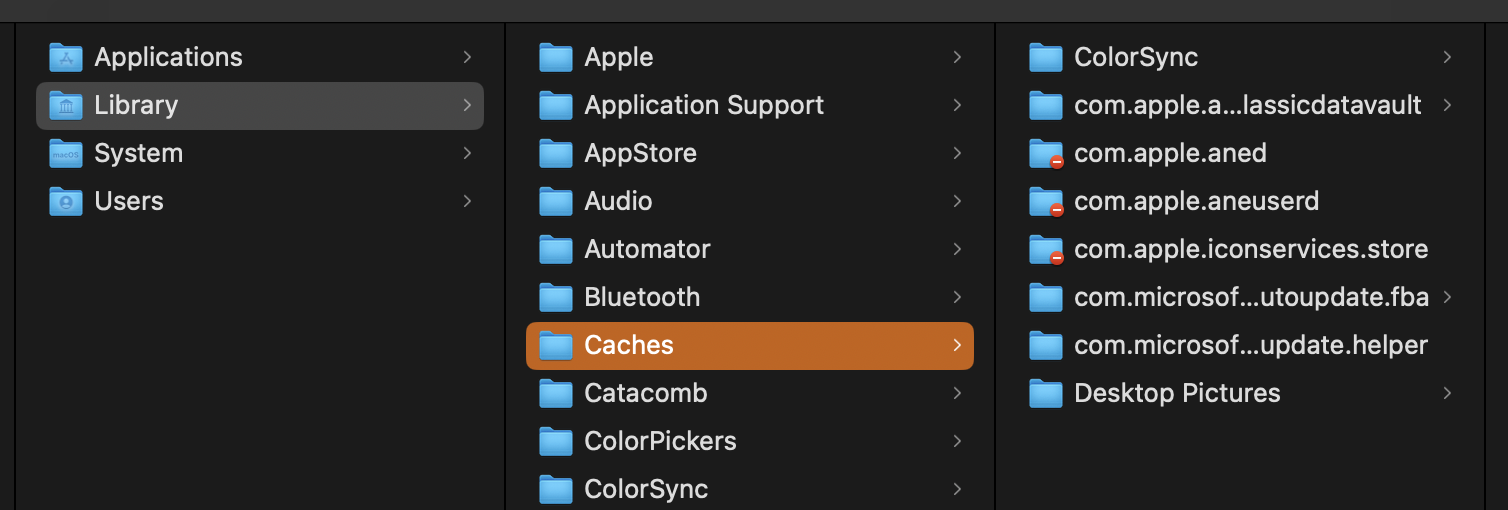
1. I have uninstalled and reinstalled Firefox to no success 2. In the Library/Application Support directory, there is no Firefox or Mozilla folder 3. In the Library/Caches directory, there is no Firefox or Mozilla folder 4. I have tried opening Firefox by pressing option + click, no change in behaviour
All Replies (2)

P.S. on macOS there is a Library folder and a ~Library folder which contains the Firefox folder. Your screenshot is of the wrong folder. See Profiles - Where Firefox stores your bookmarks, passwords and other user data under this section:
Finding your profile without opening Firefox: 1. Click the Finder icon in the dock. On the menu bar, click the Go menu, hold down the option or alt key and select Library. A window will open containing your Library folder. 2. Open the Application Support folder, then open the Firefox folder, and then the Profiles folder. 3. Your profile folder is within this folder. If you only have one profile, its folder would have "default" in the name.