


Firefox not syncing
My firefox deleted all my passwords and bookmarks last night. I manually inputed everything from scratch and now it has all deleted again. I pressed sync no multiple times and nothing is popping up. I am extremely annoyed. If this isn't resolved I must switch to a new browser.
All Replies (1)

FYI... SYNC IS NOT A DATA BACKUP SERVICE https://support.mozilla.org/en-US/kb/sync
Firefox browser sync
With Firefox, you can pick up where you left off when you switch from your desktop computer to your mobile phone to your tablet. Firefox lets you see your bookmarks, your browsing history, your saved passwords and more, no matter which device you're using.
Sign up for a free Mozilla account and you'll be able to sync your data everywhere you use Firefox and other Mozilla products.
All your data is encrypted on our servers so we can't read it – only you can access it. We don't sell your info to advertisers because that would go against our data privacy promise.
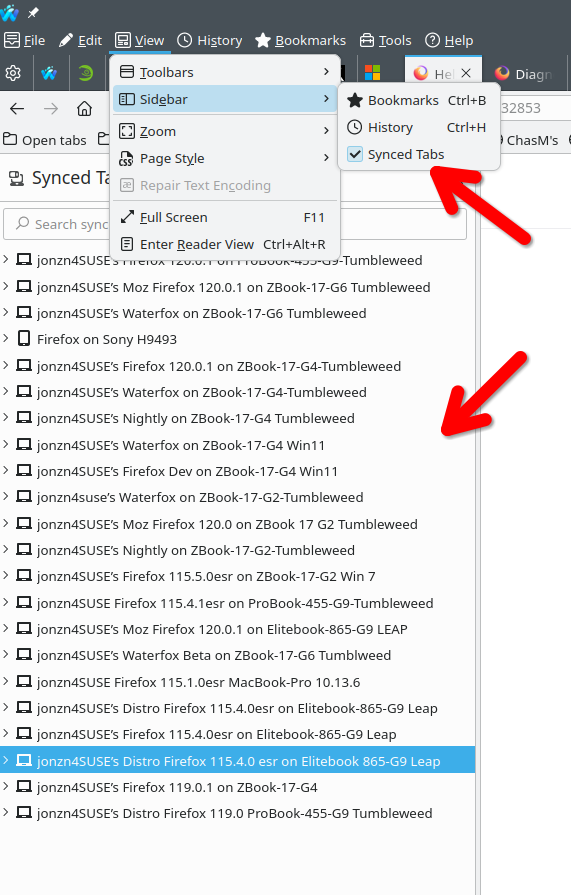
Modified by jonzn4SUSE