


Firefox 149.0 - after update can't save any file, instead it tries to Open everything - Linux Debian

1. This could be under-reported problem. People will have problems reporting this bug
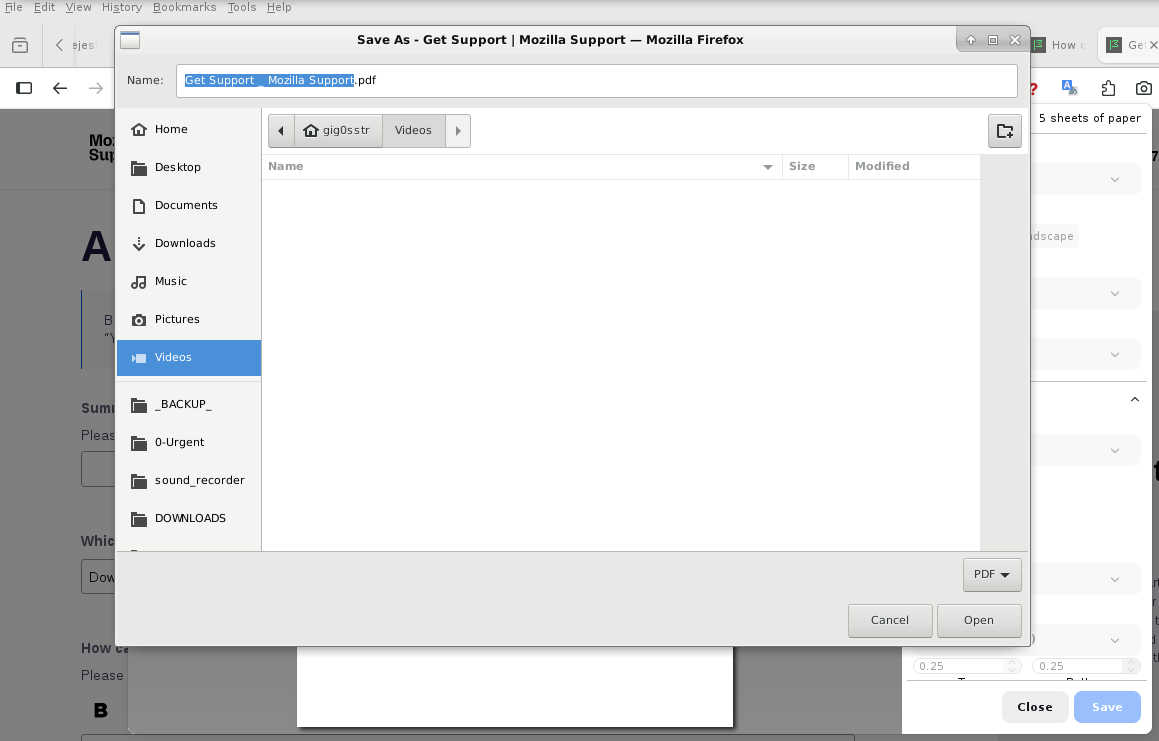
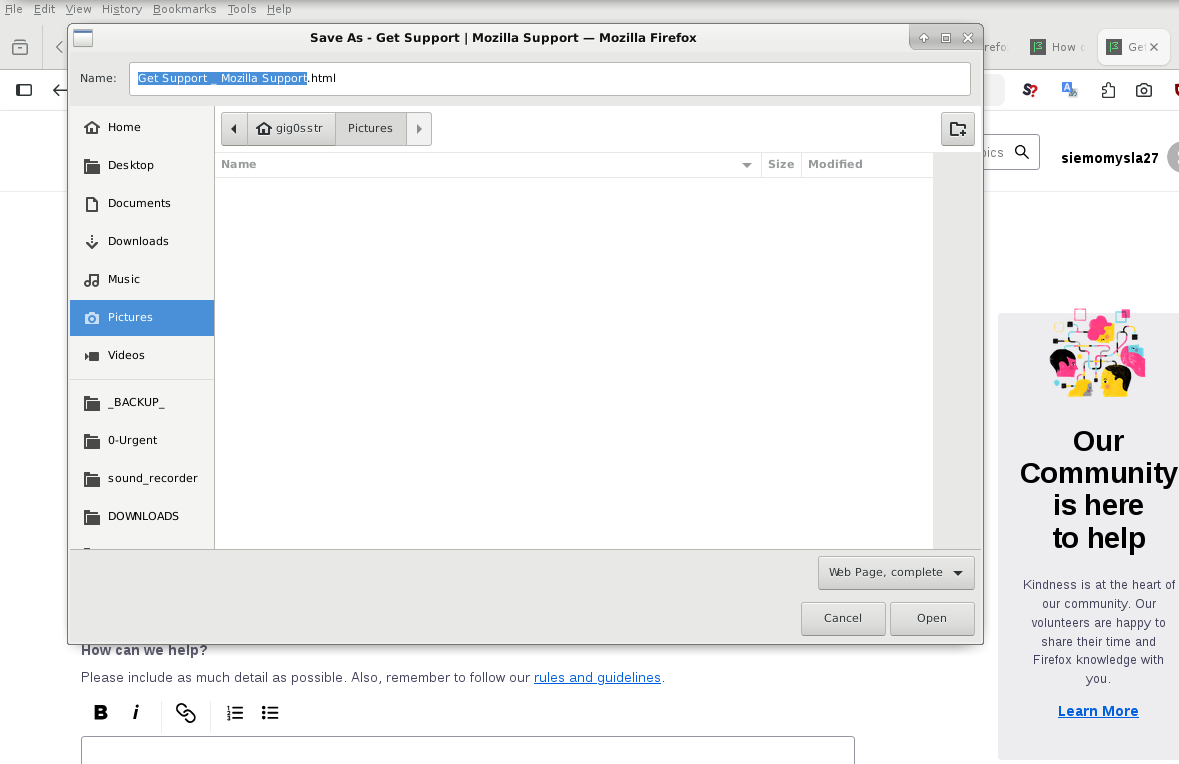
2. Whenever I try to save anything (image, website, Ctrl+S, print website to file, Ctrl+P, screenshots, same problem) my Firefox tries to "Open" something instead. I see dialog window with header SAVE, but the final button is labeled "Open" and after clicking it usually nothing happens. A haven't been able to save anything since this update. Only system-wide screenshots work for me now.
I had to use another installation in order to attach screenshot here. In the problematic 149.0, after clicking "Browse..." and selecting file, nothing happens, and no upload, moreover button won't respond to clicking anymore. Then I force refresh, and this text within this form disappears, but attached image appears.
3. Yesterday I have updated my Firefox to 149.0, using official debian sources, mozilla-deb - 1.0 -
cat /etc/apt/sources.list.d/mozilla.list deb [signed-by=/etc/apt/keyrings/packages.mozilla.org.asc] https://packages.mozilla.org/apt/ mozilla main
4. I have Linux Debian, (old version, Stretch+backports, yes, I am moving things already to new hdd), maybe it's related: 4.9.0-19-amd64 #1 SMP Debian 4.9.320-2 (2022-06-30) x86_64 GNU/Linux )
In order to fill this form I am using separate installation 140.9.0esr (64-bit), you could warn Debian teams not to propagate this error.
5. I have checked Console and Debugger, but they seem website-related. This error happens on every single website. Tried already troubleshooting mode, same problem. Please help us.
All Replies (4)
Try downloading Firefox from Mozilla. Download, unzip, and run firefox-bin from the folder and see if you have the same issue. https://www.mozilla.org/en-US/firefox/all/#product-desktop-release
Thank you for answering.
1. Same problem with the newest 149.0 - when downloaded firefox-149.0.tar.xz directly from mozilla.org, extracted, run /opt/firefox/firefox-bin
2. Works without problems with a previous one, I downloaded Firefox 148, with created link: https://download.mozilla.org/?product=firefox-148.0-SSL&os=linux64&lang=en-US
3. For testing, I have downloaded another firefox-esr, this was 140.9, this one I will use for saving files.
This can be serious. This newest 149.0 Firefox can't backup bookmarks, can't export setting from any of my extensions, - Obviously It can't download any file, even new firefox binaries :) - Unfortunately, accidentality I have opened older profile with this newer firefox149, it had locked out this older profile claiming compatibility issue. - I have modified compatibility.ini, this workaround is life saver
4. Hope we could fix this.
Modified by siemomysla