


Thunderbird Don't show Link Wrapped Logo in Some Emails.
Hello.
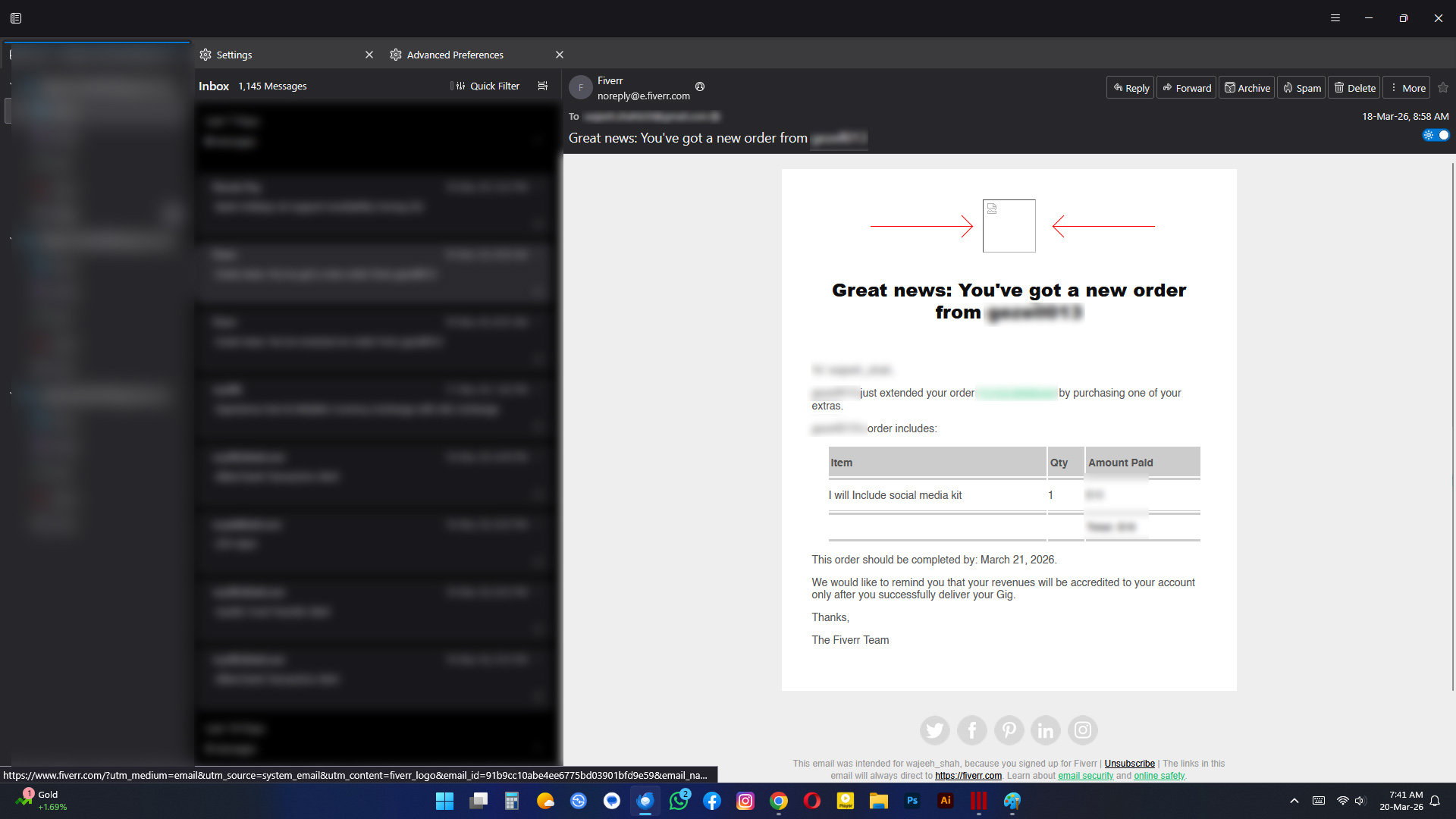
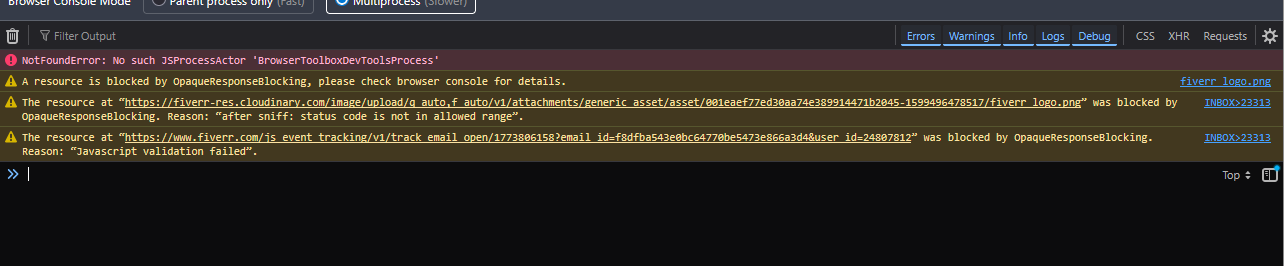
I just installed thunderbird for the first time and i really liked it but there is a problem some of my emails particularly from from Fiverr don't show Fiverr logo at the top within the email maybe that logo has linked wrapped in it on which i can click and it take me directly to my fiverr profile. These are official emails from fiverr. What i have tried: I tried every possible solution that i can get on internet. Show Remote content turning on and off, Turing Simplified view on and off. Turning of the Proxy from auto detect and Turning the DNS off. Fiddling around view settings. Changing settings in Configuration like mailnews.message_display.disable_remote_image, browser.opaqueResponseBlocking.javascriptValidator, browser.opaqueResponseBlocking, etc. But it didn't load the logo image and keep showing broken image place holder. This is also the case with my bank mail, my bank email sometime have an image with warning about OTPs not just text it also don't load. I also tried disabling the spam protection and i only use minimize to tray extension which i disabled to check if image loads or not ans tried to run it in Troubleshoot mode but no luck. I will really appreciate If anyone could help me and fixed the issue . :)
Thanks.
All Replies (2)
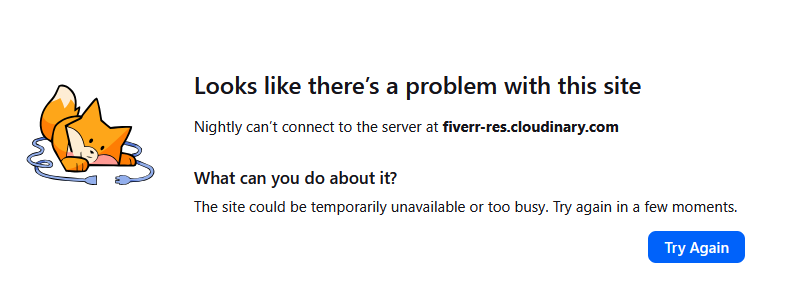
Could be but i have tried Outlook and Mailbird they don't have this problem. Also tried on another PC with different email account and internet connection. All accounts are Gmail.
Modified by Sidra