


Account Folders

I have recently set up this new email address but only Sent and Deleted Folders have loaded - so how do I obtain the missing basic folders?
All Replies (10)
Have your account received any messages? That may be a cause. If IMAP, rightclick on account name in folder pane and click 'subscribe' and see if you can set them up there.
Many thanks David for your quick response to my request for help! BUT, when I do as you recommend and tick the boxes nothing happens. Curious - so do you have any further thoughts?
I am unsure on whether the folders appear until there is a message there. And on that, I am tapped out. I wish you well and there are others here with more technical expertise who may respond.

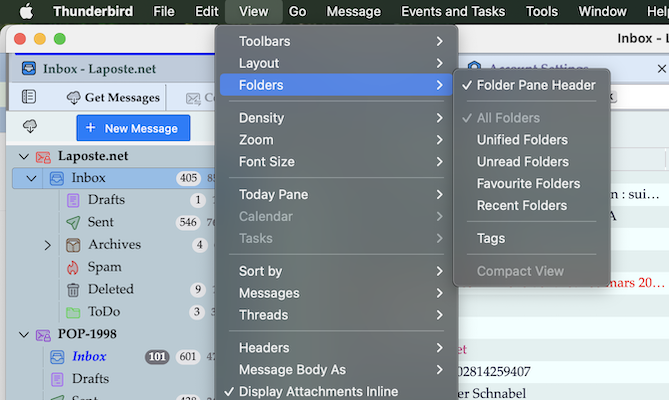
For Windows users the menu bar is hidden by default. Holding the Alt key will display it ... https://support.mozilla.org/en-US/kb/display-thunderbird-menus-and-toolbar#thunderbird:win11:tb147