


Extra tabs

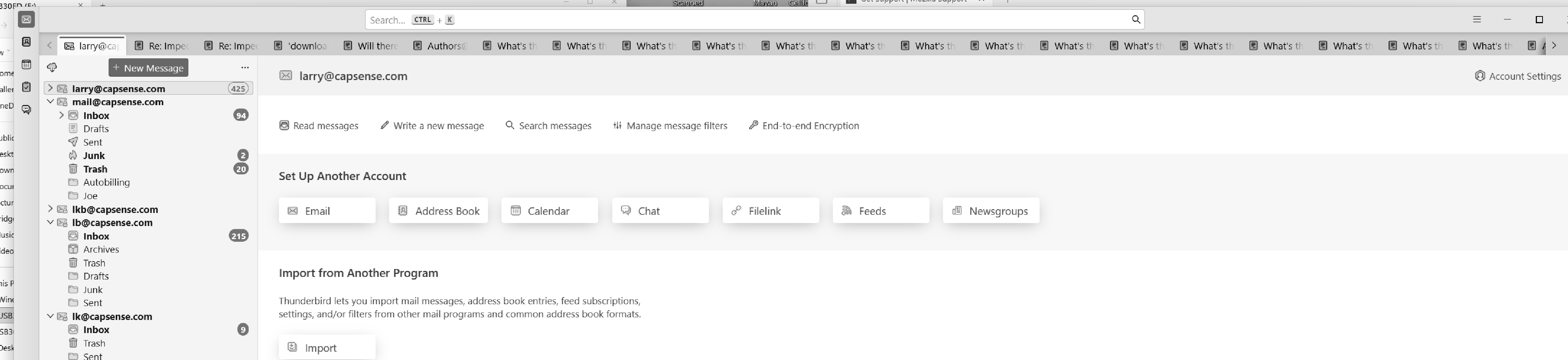
Very large number of extra tags on all pages, can't remove them.
Very large number of extra tags on all pages, can't remove them.
Chosen solution
R-click on the Mail tab in the left corner and select "Close Other Tabs" in the context menu
Read this answer in context 👍 0All Replies (5)
Look at the .jpg, up at the top, lots and lots of tags. Most say "What's...:. I can delete one by one, but I never come to the end... ...Larry
Got it, thank you for clarifying. What app is it, though? Does not look like Firefox to me.
Chosen Solution
R-click on the Mail tab in the left corner and select "Close Other Tabs" in the context menu

Modified by Mapenzi