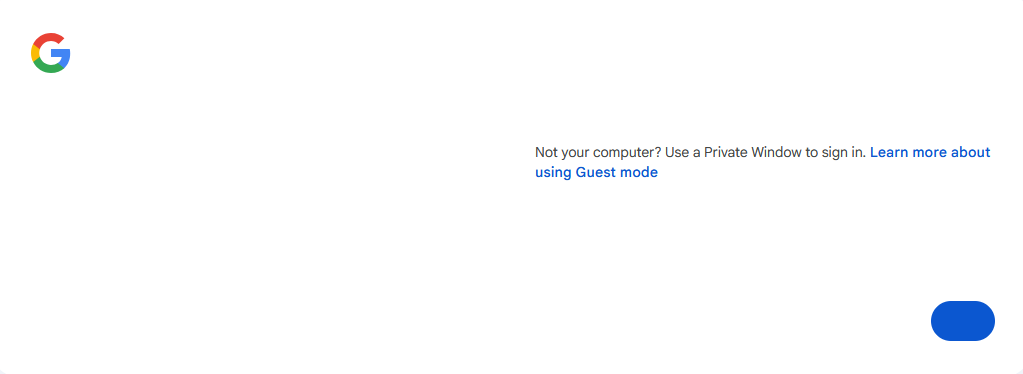
can no longer sign in to gmail
I can't sign in to gmail as I used to for years. (It works ok when I use Private Browsing, but that's inconvenient.)
WHAT USED TO HAPPEN: when I was at the sign in page, my password manager (Dashlane) filled in the username and then a screen asking to use the passkey. I said yes, and got in to Google with no problem.
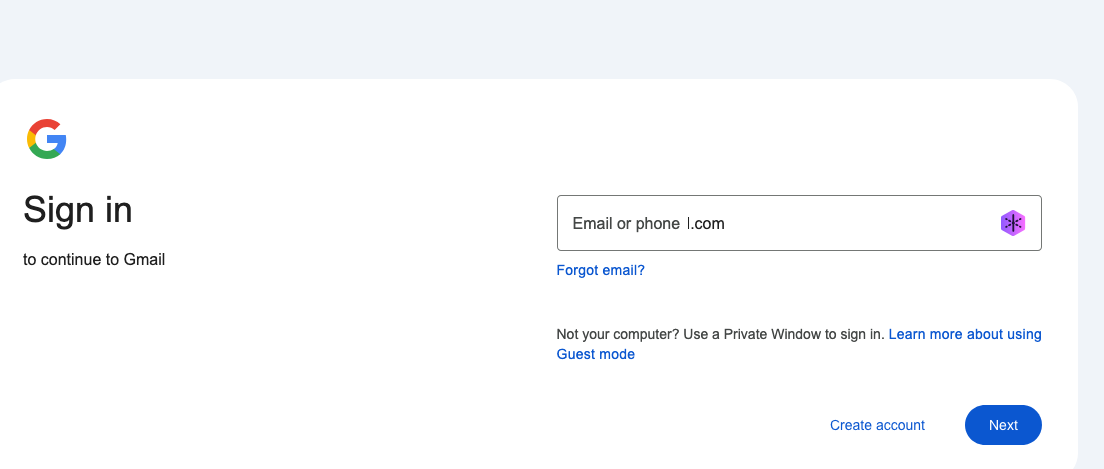
NOW: the password manager fills in my username (my name at gmail.com) and when I hit "NEXT" in the sign in field I get email or phone l.com When I click in the field that disappears and my username appears. When I hit NEXT it goes back to "email or phone l.com". Same when I hit return. Same when I enter my phone number. SO maybe it's Dashlane (my password manager)? But when I disable that and TYPE my username (or phone number) in the field, same stuff happens.
BUT when I use a private browser window, the gmail sign in works as before, and so that's what I've been using -- but it's not convenient having 2 windows open. Before it was just a tab in one window. What changed? Why? Can I change it back? Thanks!
All Replies (6)

Geo's Firefox said
(It works ok when I use Private Browsing, but that's inconvenient.)
Sounds like an add-on is the issue.
I can sign in with no issue. see screenshot


Might it have anything to do with Firefox Relay? Since that will affect email input fields.
I've disabled Firefox Relay. The same weird behavior continues. I enter my email on the Google sign in page and when I click next it (my email address) is replaced with "email or phone 1.com".
My login works fine with safari, so it must be a firefox thing. I may have to try other browsers (with privacy-aware features)
Thanks to those who read and commented
If you're done, mark it as resolve and have a good day.

I, too, have this issue and it started on, or about, May 1, 2026. When I attempt to log in to either Gmail or Google, I receive the screen I've attached here. No area to submit user or password and it's the same whether in regular or private mode.