Windows 10 reached EOS (end of support) on October 14, 2025. For more information, see this article.

Search Support

Avoid support scams. We will never ask you to call or text a phone number or share personal information. Please report suspicious activity using the “Report Abuse” option.

Learn More

How to set line spacing in mailbox list and messages list?

more options

Just updated from Ubuntu 20 to 24. Seems Thunderbird has not been auto-updating. I have three email accounts, each with multiple folders and sub-folders. I have three windows open, one for each account because they are for three purposes. Before the change each full height window could accommodate all the folders for its account (plus the un-expanded two lines for the other accounts). Now the folder lines are further apart and they don't fit so I can't tell when a new message arrives in one of the other accounts. Is there a setting for the spacing of the folder listing, and if so, what is it? Similarly I can not see so many messages listed in the classic layout without enlarging that pane and reducing the space for the messages. The spacing is larger than it used to be. Does it have a setting?

Thanks, David
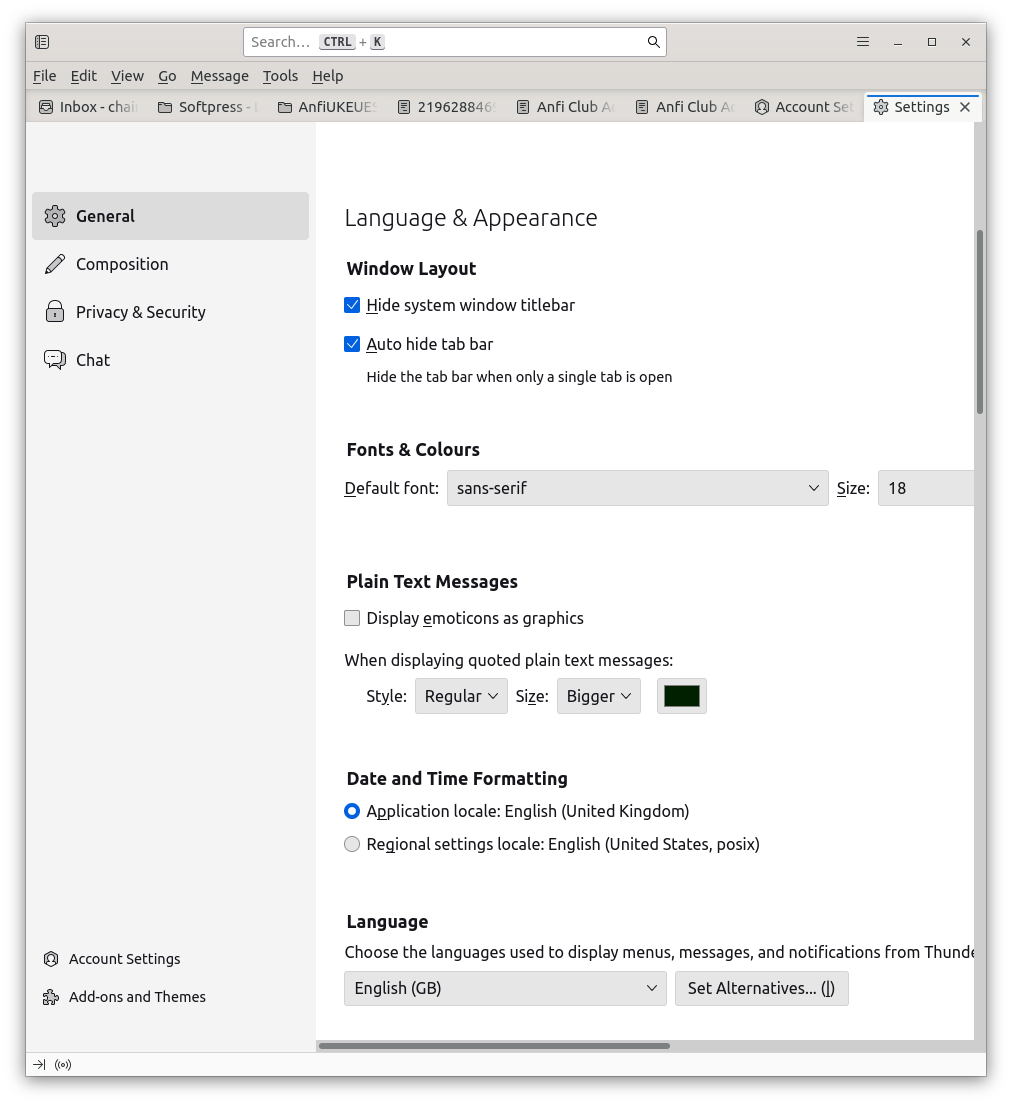
Just updated from Ubuntu 20 to 24. Seems Thunderbird has not been auto-updating. I have three email accounts, each with multiple folders and sub-folders. I have three windows open, one for each account because they are for three purposes. Before the change each full height window could accommodate all the folders for its account (plus the un-expanded two lines for the other accounts). Now the folder lines are further apart and they don't fit so I can't tell when a new message arrives in one of the other accounts. Is there a setting for the spacing of the folder listing, and if so, what is it? Similarly I can not see so many messages listed in the classic layout without enlarging that pane and reducing the space for the messages. The spacing is larger than it used to be. Does it have a setting? Thanks, David
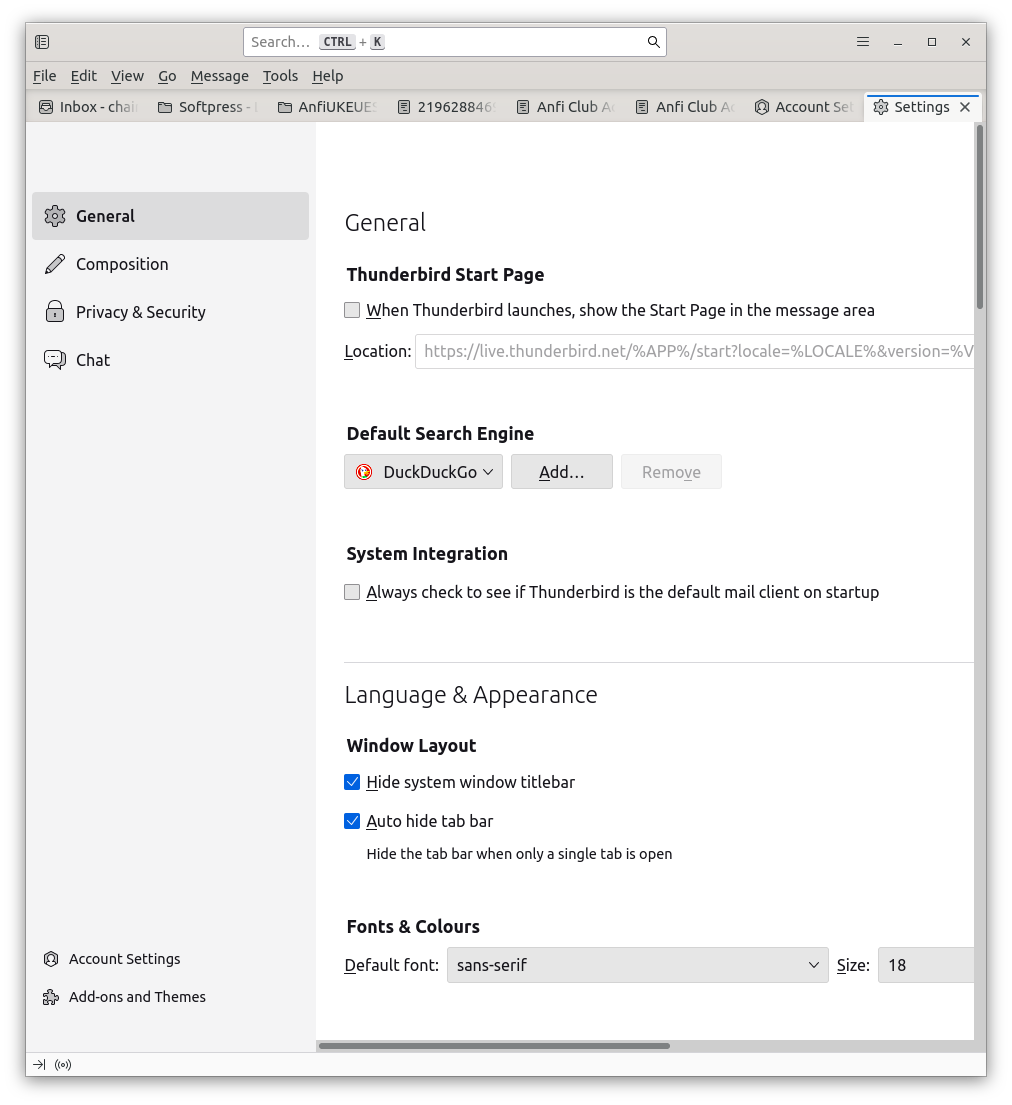
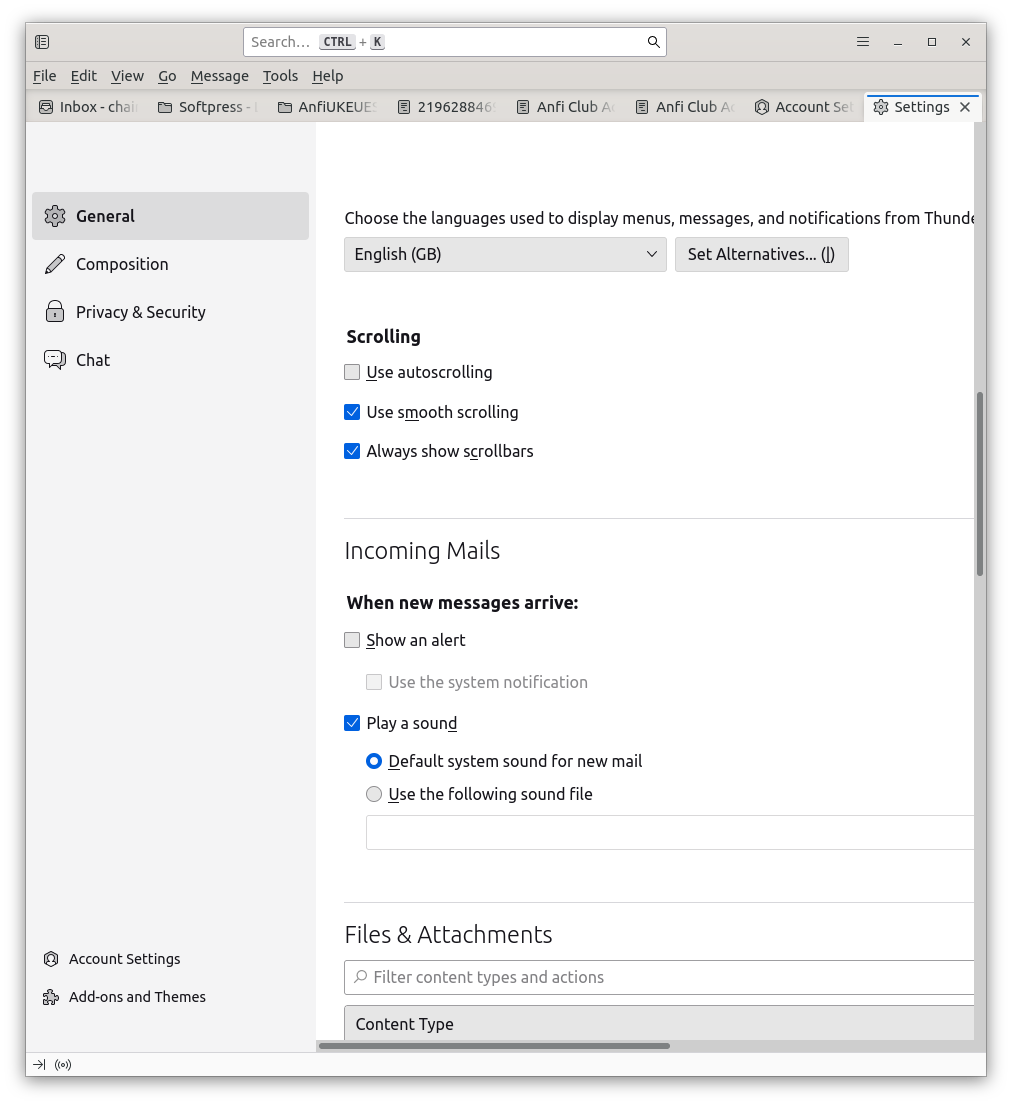
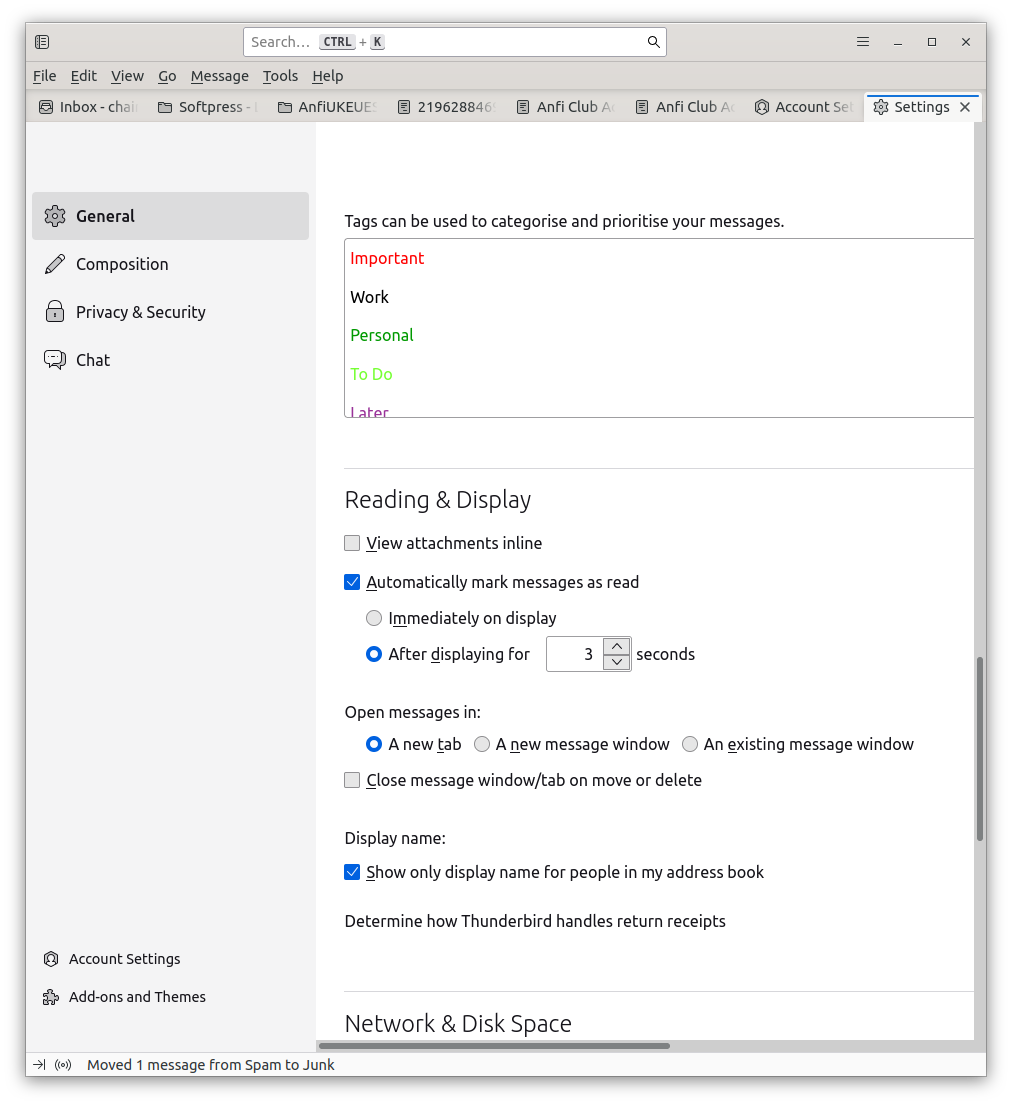
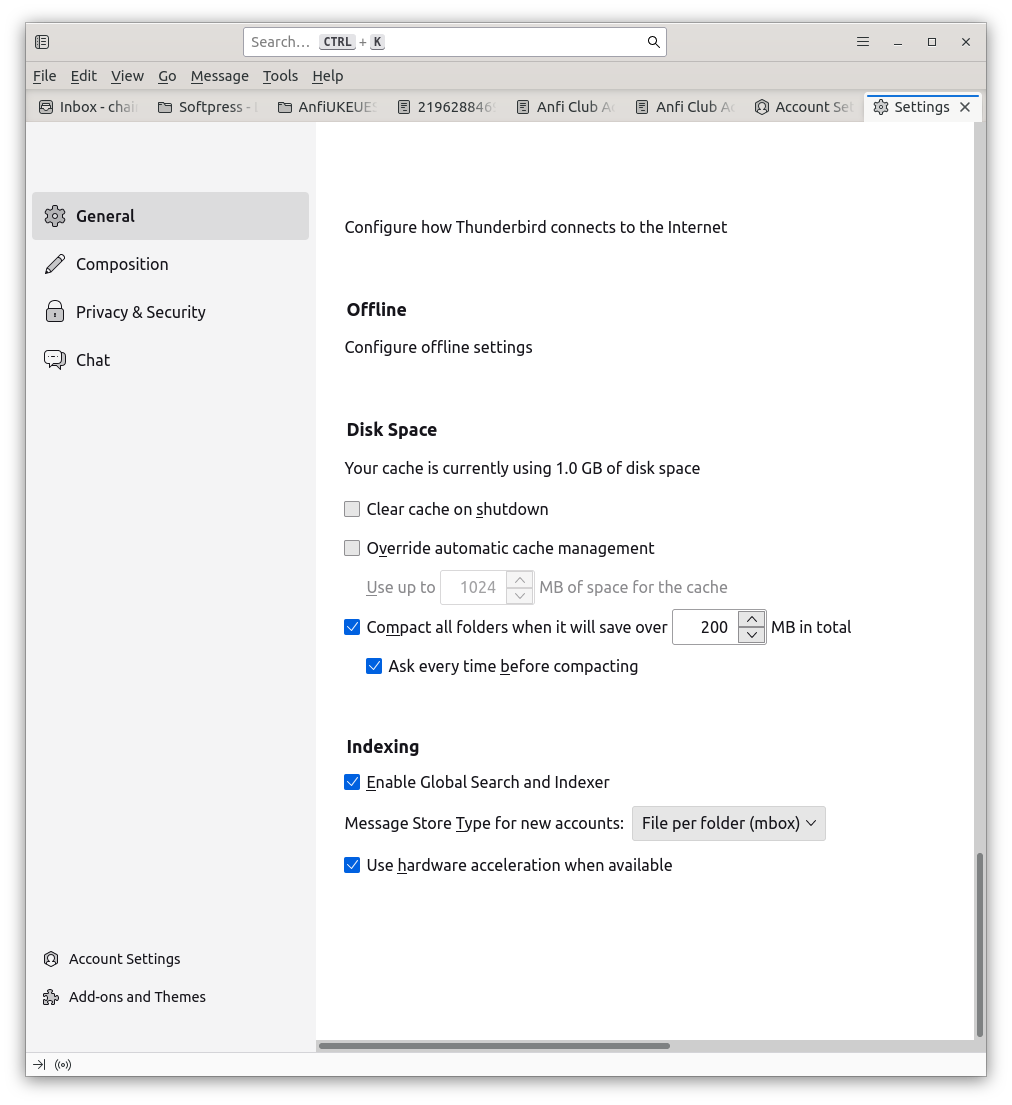
Attached screenshots

Modified by Wayne Mery

Chosen solution

Your controls are Density and Font Size.

Read this answer in context 👍 1

All Replies (1)

more options

Chosen Solution

Your controls are Density and Font Size.

Ask a question

You must log in to your account to reply to posts. Please start a new question, if you do not have an account yet.