


Settings say to reopen past tabs, but it never does. Why?

Hello,
I have my browser startup settings set to 'open previous windows and tabs' However, every time I start up firefox, it is on the default new window screen rather than my previous tabs. This feels frustrating as I have to reopen the tabs every time.
Would it be possible to fix this?
Thank you.
Hello,
I have my browser startup settings set to 'open previous windows and tabs' However, every time I start up firefox, it is on the default new window screen rather than my previous tabs.
This feels frustrating as I have to reopen the tabs every time.
Would it be possible to fix this?
Thank you.
All Replies (1)
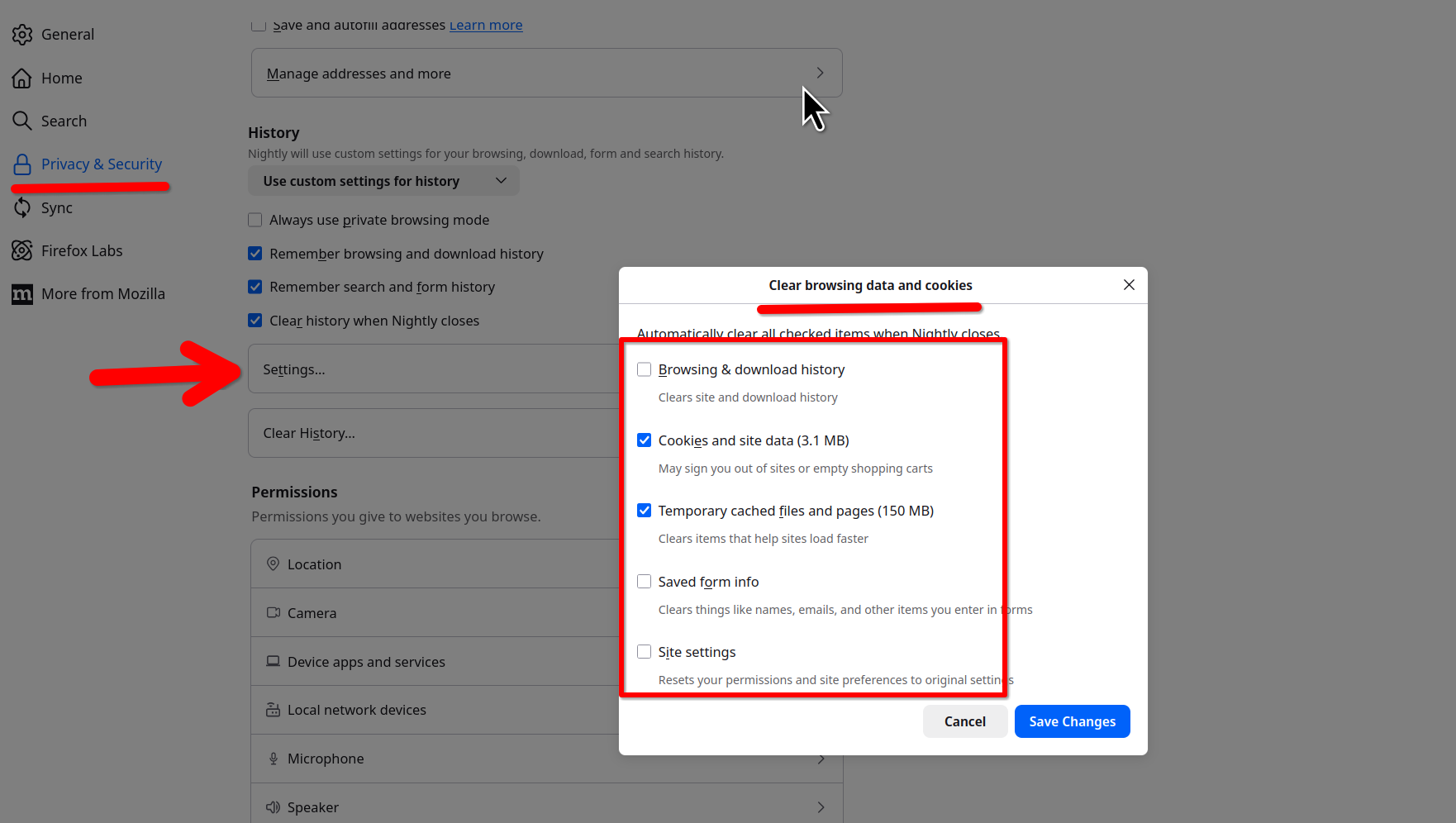
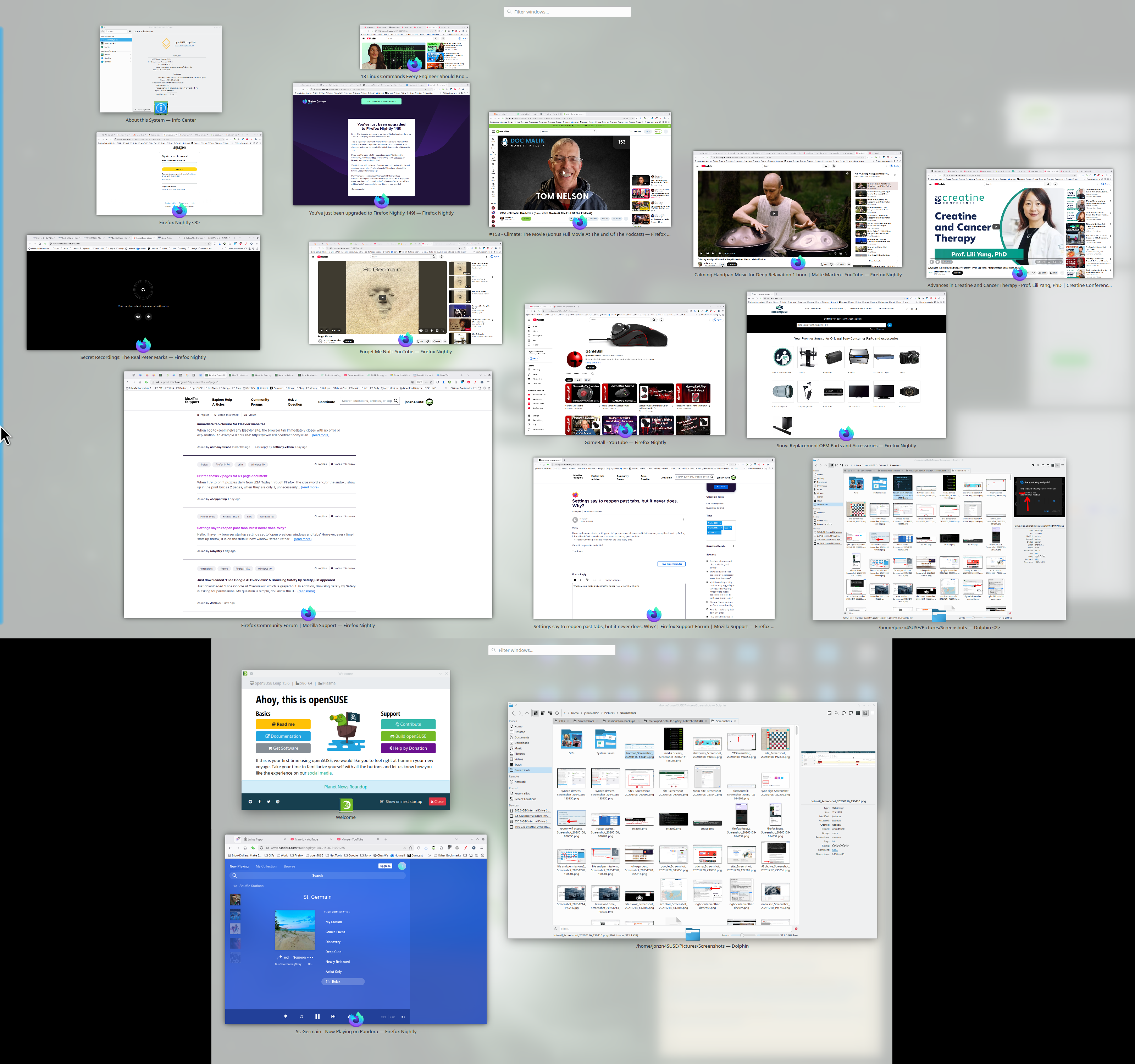
What are your setting when Firefox closes? see screenshot of mine and all the windows I have open when I open the browser. There is also a long time issue with Firefox restoring the session which is why I make a back up of the sessionstore-backups folder in the profile folder, but we'll get to that next.
Modified by jonzn4SUSE