


Can't transfer Local Folders to new Mac

I have followed the directions at https://support.mozilla.org/en-US/kb/moving-thunderbird-data-to-a-new-computer#thunderbird:mac:tb146 several times but only one acct is transferred and NO local folders. I am going from Thunderbird 146.0.1 on a Windows 11 PC to a Mac Mini M4 running Sequoia 15.3.1
Help
Chosen solution
If you follow my instructions for getting the screen image that I requested, you will see a button for making that profile the default. Then I think you have to re-start Thunderbird to use that profile.
Read this answer in context 👍 1All Replies (3)

Hi Andray,
On the new computer, please use the Help menu > Troubleshooting information > about:profiles. Take a screen pic and post it here.
If my guess is correct, you have at least two profiles and you just have to tell Thunderbird to use the other one as the default. Then, I think, you must re-start Thunderbird to use it. Why Thunderbird is not using the correct one. I don't know.
I am assuming that you copied the Thunderbird folder successfully to ~/Library/. Did you?
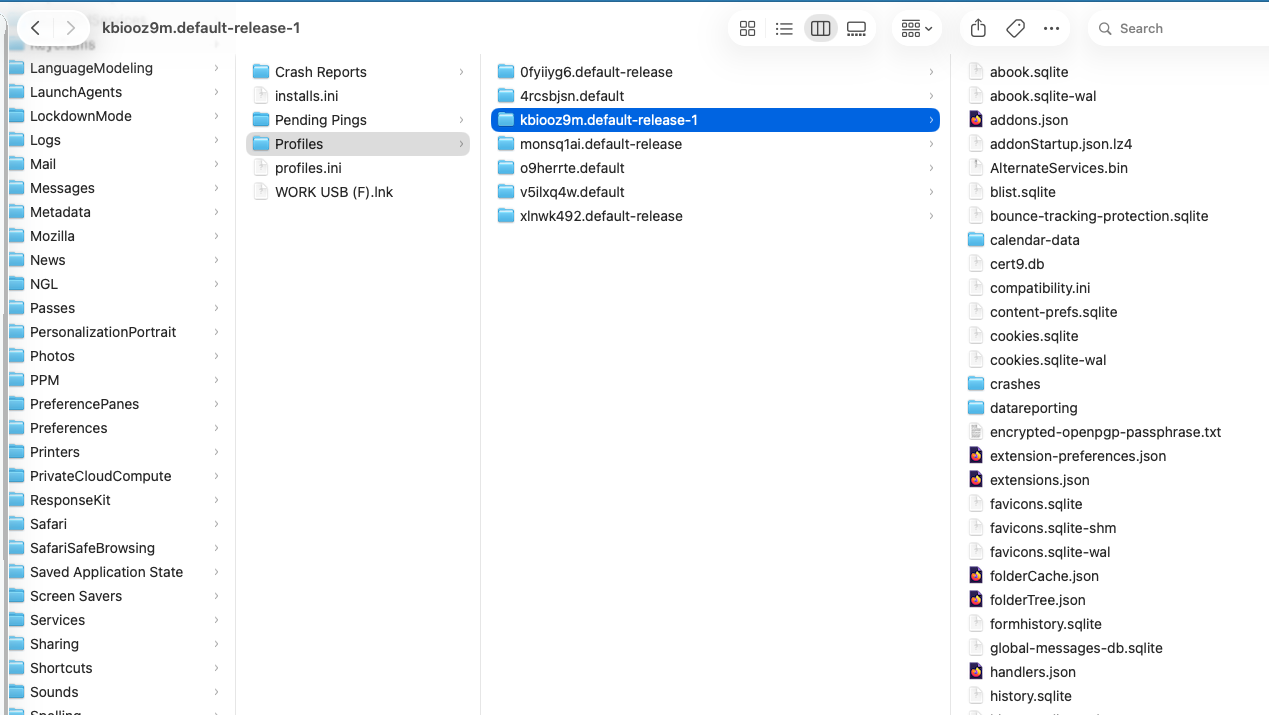
Yes, it is using the wrong profile. The one under the highlighted one is the one I want. How do I make that the default?
Chosen Solution
If you follow my instructions for getting the screen image that I requested, you will see a button for making that profile the default. Then I think you have to re-start Thunderbird to use that profile.