


Youtube sizes messed up

This started almost a month ago at this point. I had been using Picture in Picture for a while and then I went to watch a new video and noticed the size was messed up.
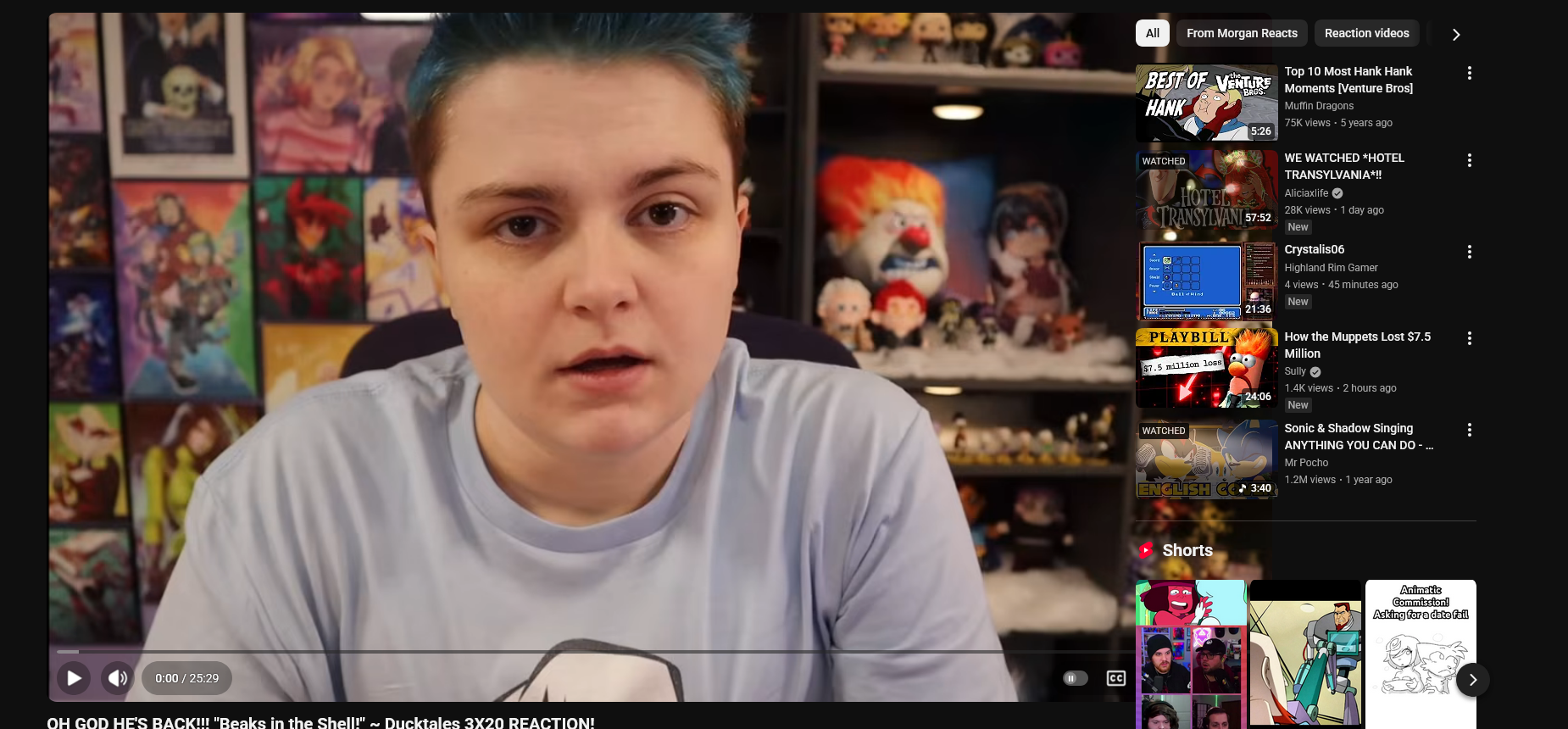
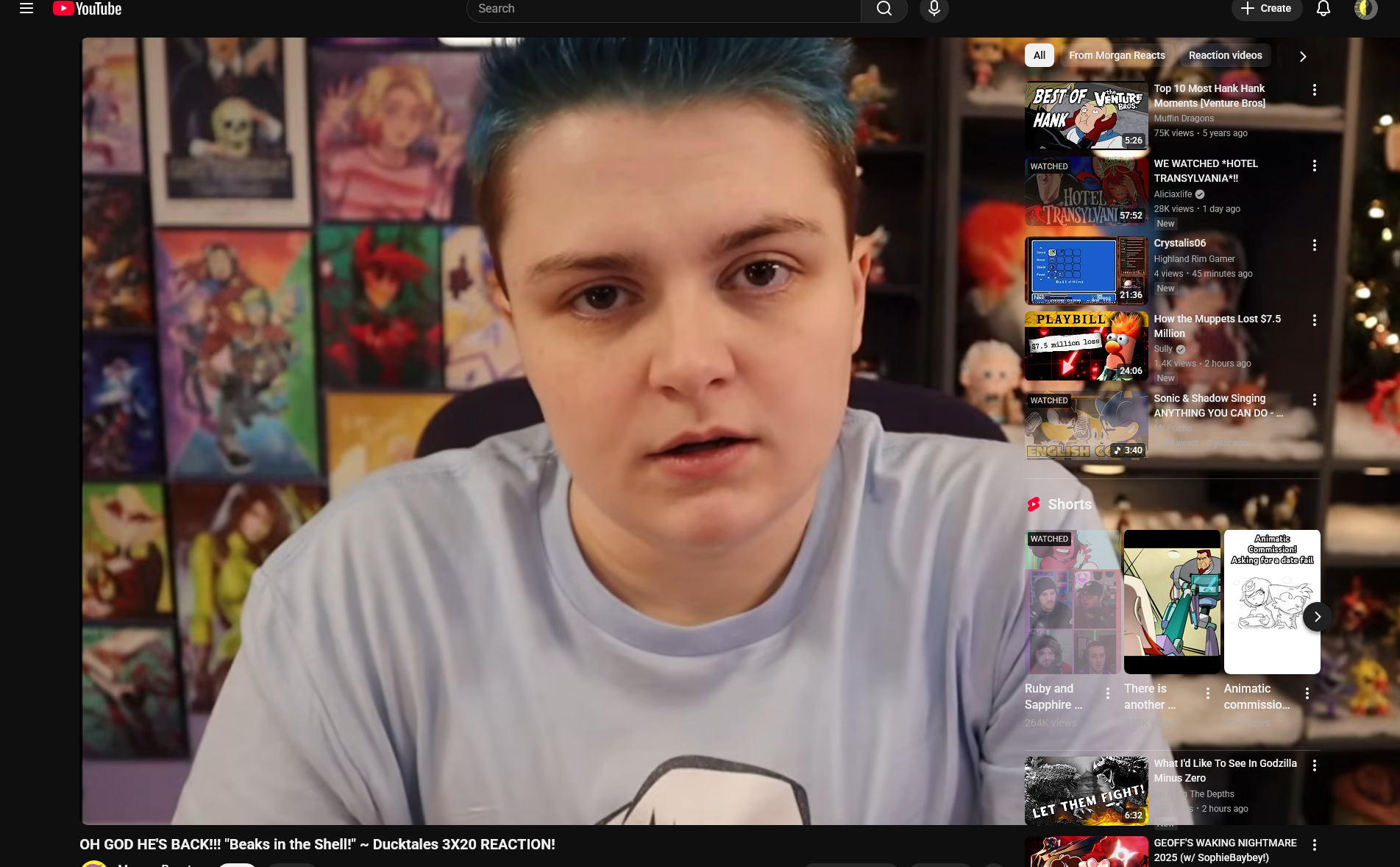
Default view, the first picture is much larger and if there's anything on the side of the video like playlists, chat or recommended vids, the video will play under it
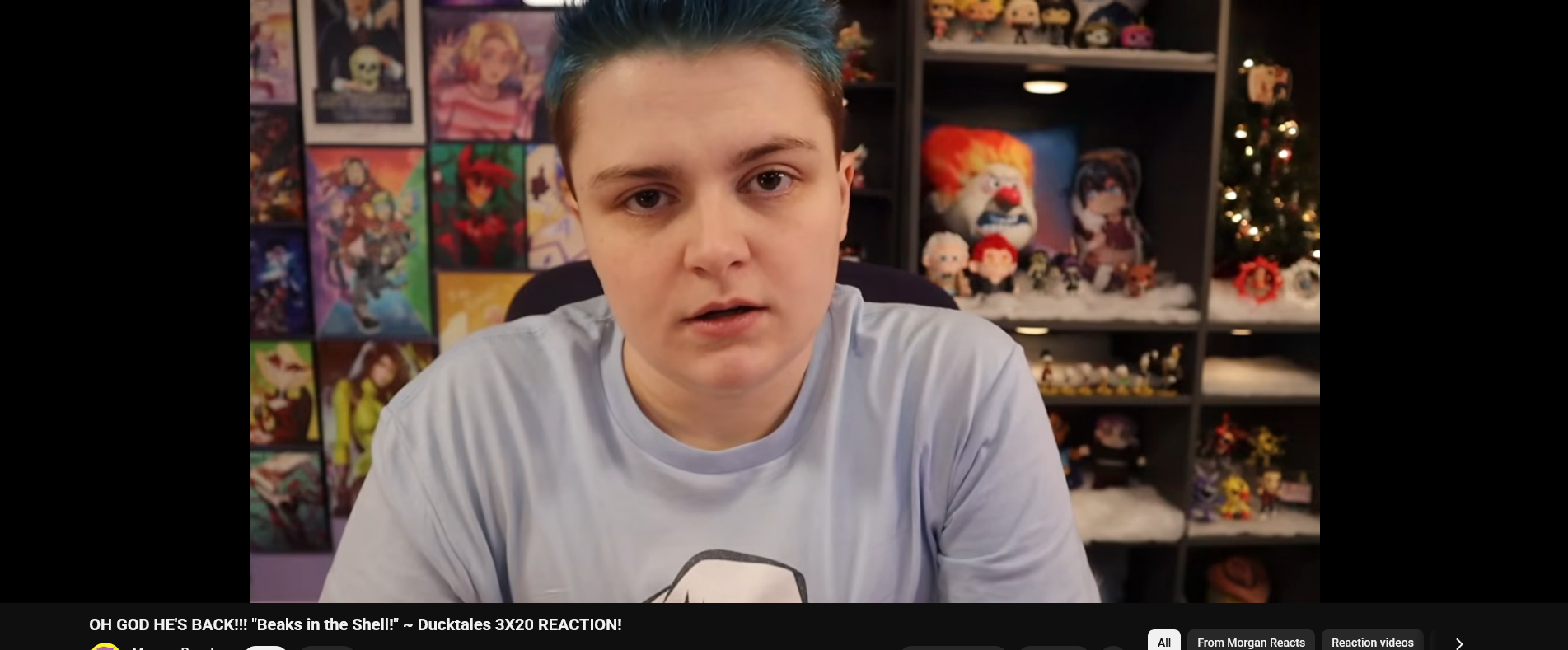
Theater mode has the video be pretty much the right size
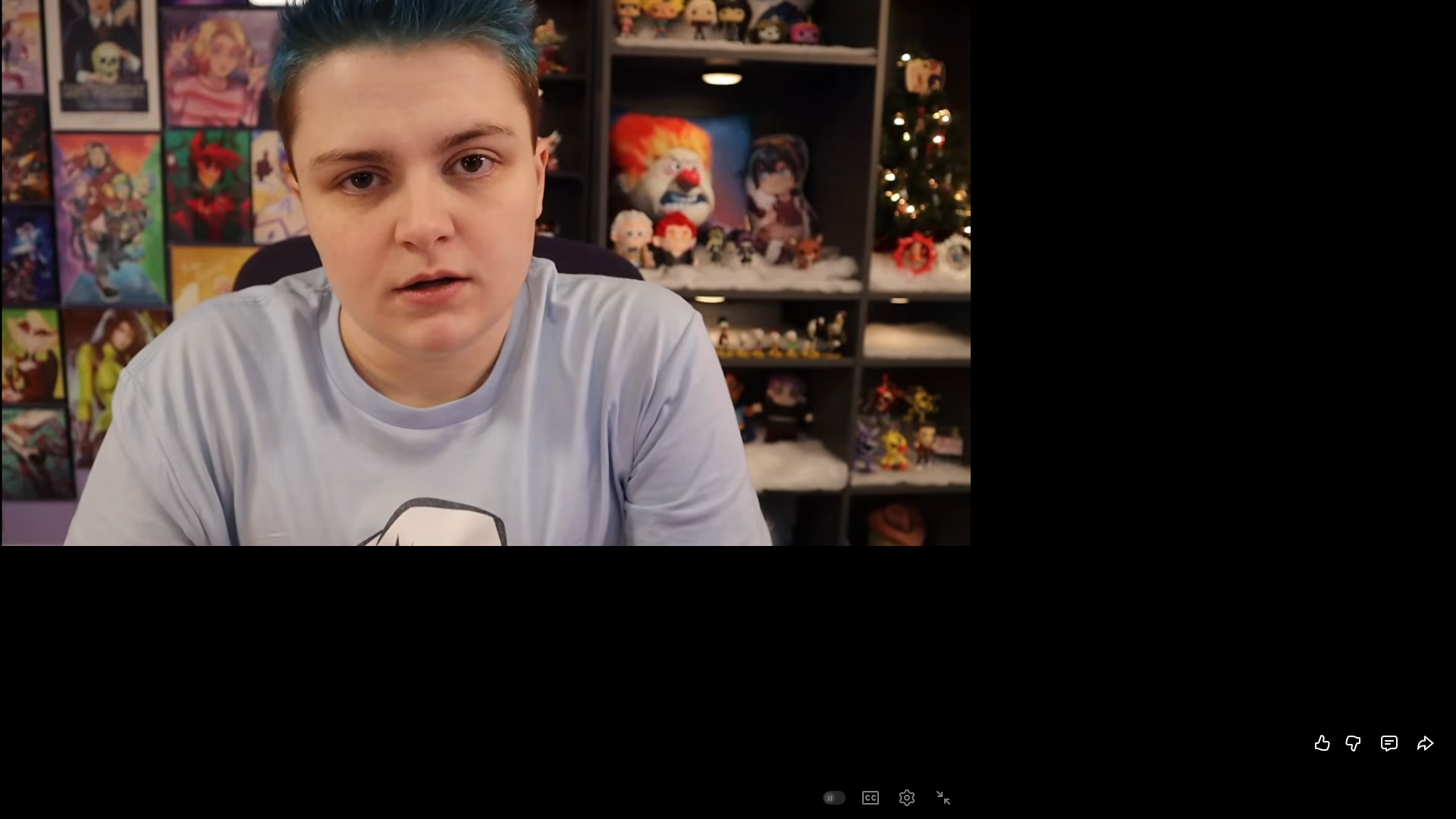
Full screen is pretty much the default view but the rest is black
Sometimes if I wait a while and go back to the tab it'll be fixed but refreshing or changing the size starts it up again.
Did I break something? How do I fix this?
This started almost a month ago at this point. I had been using Picture in Picture for a while and then I went to watch a new video and noticed the size was messed up.
Default view, the first picture is much larger and if there's anything on the side of the video like playlists, chat or recommended vids, the video will play under it
Theater mode has the video be pretty much the right size
Full screen is pretty much the default view but the rest is black
Sometimes if I wait a while and go back to the tab it'll be fixed but refreshing or changing the size starts it up again.
Did I break something? How do I fix this?
All Replies (1)
Important note, this ONLY happens on Firefox, I tested it on Chrome and sizes are perfectly fine, hence why I'm asking here.