


AI chatbot selection not present on Flatpak version of Firefox

Using Firefox 145.0.2, Flatpak installed via Bazzite's Bazaar store, there is no "sparkle" button in the sidebar, no options present like there are when I use Firefox on Windows.
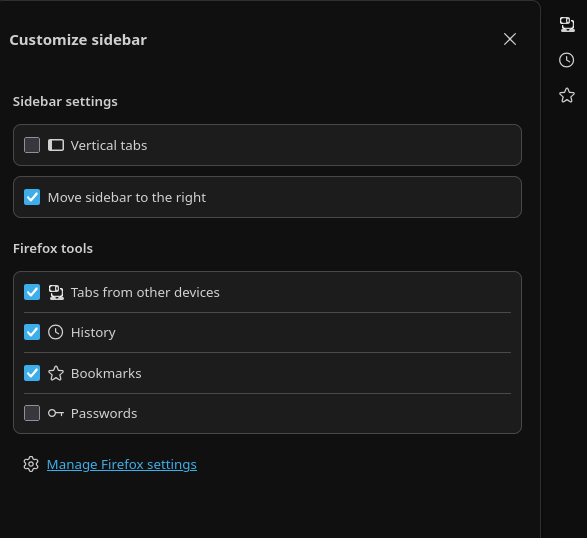
All Replies (2)
Hello
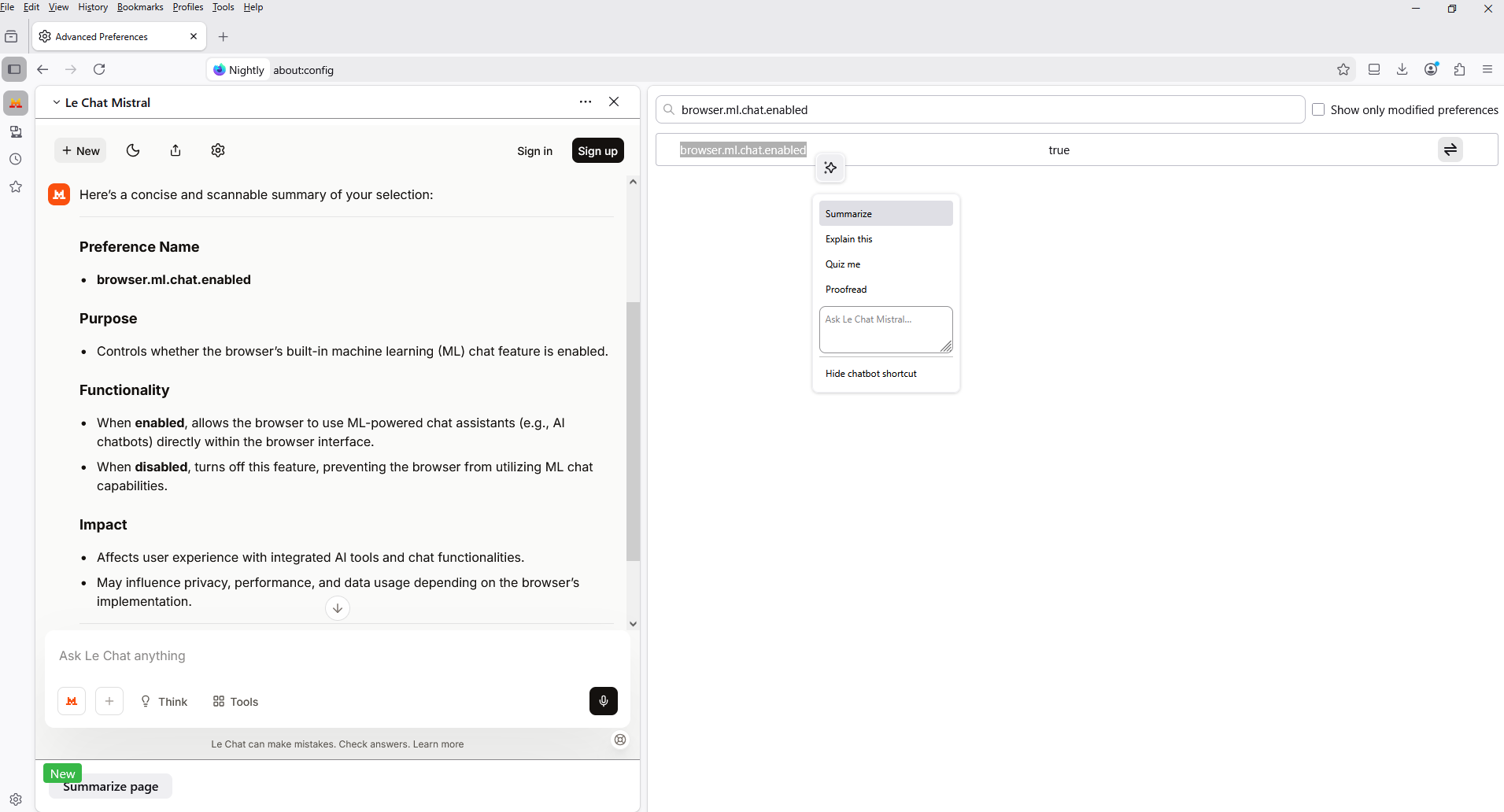
Maybe, check the preference, browser.ml.chat.enabled.
1 - Go to configuration editor https://support.mozilla.org/en-US/kb/about-config-editor-firefox 2 - Enter a search term browser.ml.chat.enabled Double-click on the preference to set the value to true
WARNING from the moderator team: Changing Firefox preferences from the about:config page can sometimes break Firefox or cause strange behavior. You should only do this if you know what you're doing. Please read Firefox advanced customization and configuration options to learn more.
Modified by Paul
Hello Paul.
It seems to me that it is already, specified.
Warning: These instructions are for experienced Firefox users. Changing settings in the Configuration Editor (about:config) can have serious effects on your browser’s stability, security and performance. Only proceed if you are comfortable with advanced settings and understand the potential impacts.
The preference, browser.ml.chat.enabled, impact: Access AI chatbots in Firefox https://support.mozilla.org/en-US/kb/ai-chatbot
Modified by Agent virtuel