

This thread was archived.
Please ask a new question if you need help.

Solved
Archived
Firefox can't open youtube
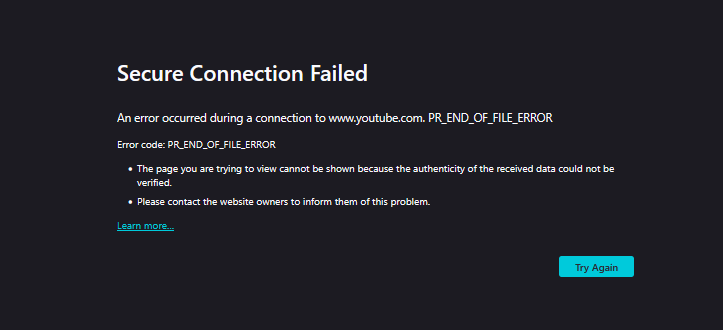
Secure Connection Failed
Secure Connection Failed
All Replies (3)
Chosen Solution
Firefox can't open youtube
Hi
This support article should help:
https://support.mozilla.org/en-US/kb/secure-connection-failed-firefox-did-not-connect
Hi!
The “Secure Connection Failed” error usually means Firefox can’t establish a secure connection. you should clear youtube site data by going to Settings → Privacy & Security → Cookies and Site Data → Manage Data… → youtube.com → Remove. another way is to temporarily disable HTTPS-Only Mode to test. Clear cached web content. Also make sure to check your antivirus/firewall because some settings can block secure connections.
If it still doesn’t work, let me know and we can investigate further.