


Photos covered with your logo

All of a sudden all of my photos in all of my photo files have only your stupid logo on them... I can't see the files let alone any of the photos. WHAT THE HELL IS WRONG WITH YOUR DAMNED BROWSER AND HOW DID IT EFFECT ALL OF MY PHOTO FILES?
All of a sudden all of my photos in all of my photo files have only your stupid logo on them... I can't see the files let alone any of the photos.
WHAT THE HELL IS WRONG WITH YOUR DAMNED BROWSER AND HOW DID IT EFFECT ALL OF MY PHOTO FILES?
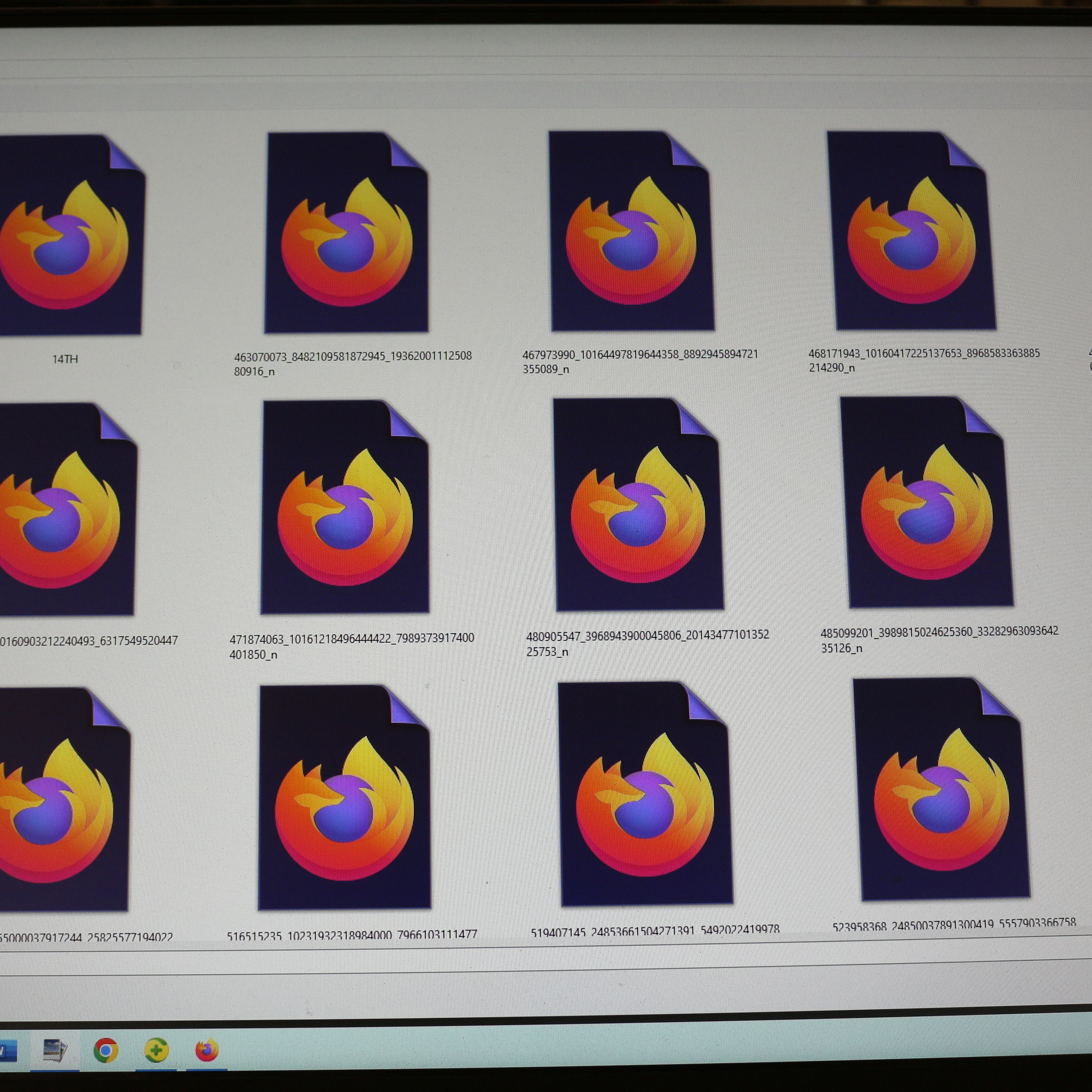
All Replies (1)
Hi
I think you may have to just change the file type association for those files in Windows to a Windows photo viewer.
This independent support article may help:
https://www.lifewire.com/how-to-change-file-associations-in-windows-2624477