

This thread was archived.
Please ask a new question if you need help.

Solved
Archived
background-image: url("file:///C:/Tools/FF/FFbkgnd01.jpg") !important;
background-image: url("file:///C:/Tools/FF/FFbkgnd01.jpg") !important;
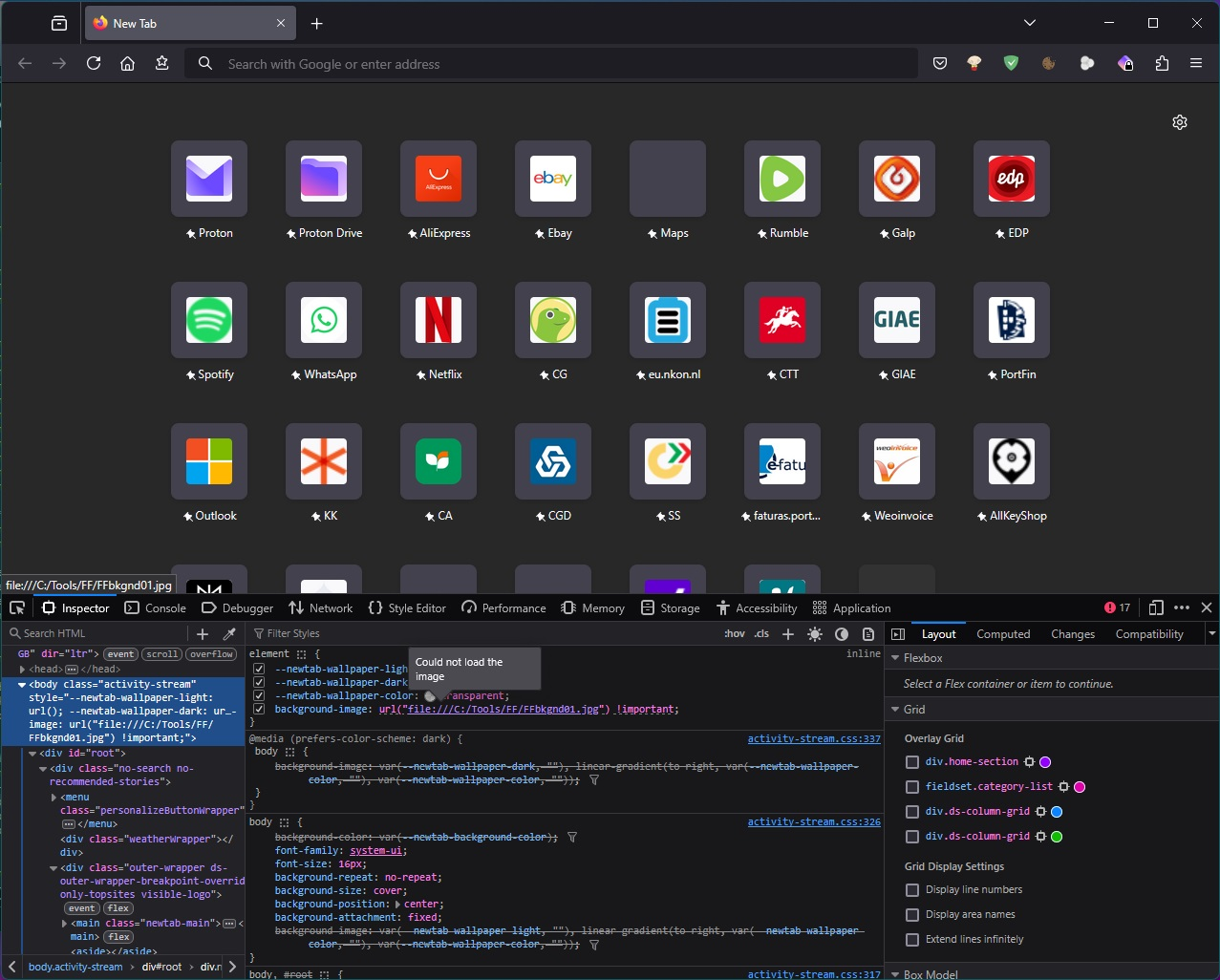
Used to work, and does work in the regular version of the desktop app, but no longer works in the beta for desktop 135.0b9, says: "Could not load the image"
background-image: url("file:///C:/Tools/FF/FFbkgnd01.jpg") !important;
Used to work, and does work in the regular version of the desktop app, but no longer works in the beta for desktop 135.0b9, says: "Could not load the image"
All Replies (1)
Chosen Solution
Fixed by change image location to the chrome folder in the profile folder, right where the usercontent.css is.