


How to receive all emails from multiple accounts in the same box (Global box)
Hello, How to receive all emails from multiple accounts in the same box (Version ok 128.6.1esr) I found several explanations on Google, but none of them work, do you have a procedure to follow... Thank you
Comment recevoir tous les mails de plusieurs comptes dans la même boite. J'ai trouvé plusieurs explications par Google, mais aucune ne fonctionne, auriez-vous une procédure à suivre... Merci

Chosen Solution
Even if this was a POP account, a better way to deal with this nowadays (and which works for all accounts) is using View > Folders > Unified Folders. The Global Inbox thing probably predates the appearance of Unified Folders in Thunderbird and could be considered obsolete now.
All Replies (10)
Instructions here - https://support.mozilla.org/en-US/kb/unify-your-pop-email-accounts-global-inbox
Hello,
Tank you, but I don't have the same thing ...
See screen
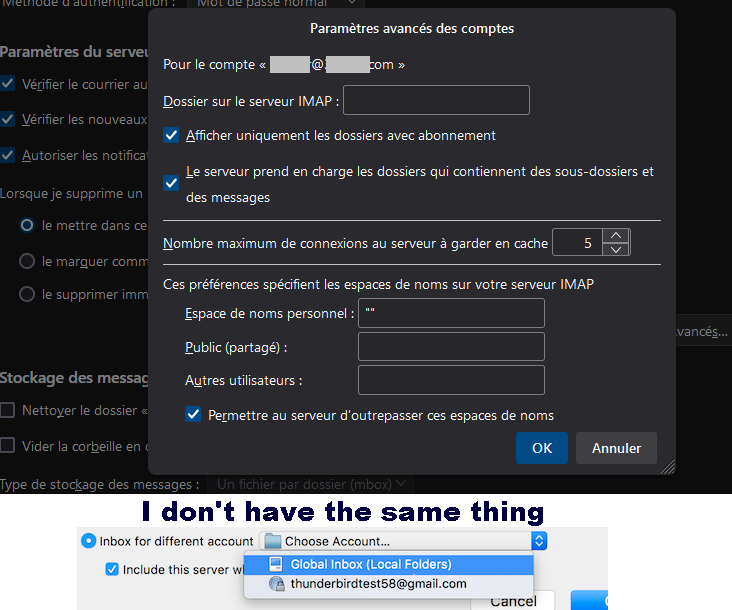
I'm running 128.6.1esr and, although the article is 7 years old, with a bit of application, everything is there. Which version are you using? Do you not have an Account Settings box at the top right of the account?
Here: (Version 128.6.1esr) but in settings i don't have these lines.... ...

Hamburger Icon (top right)/Account Settings/Email Account select on left/Server Settings/Message Storage (right)/Advanced
Sorry ... not see same lines ....
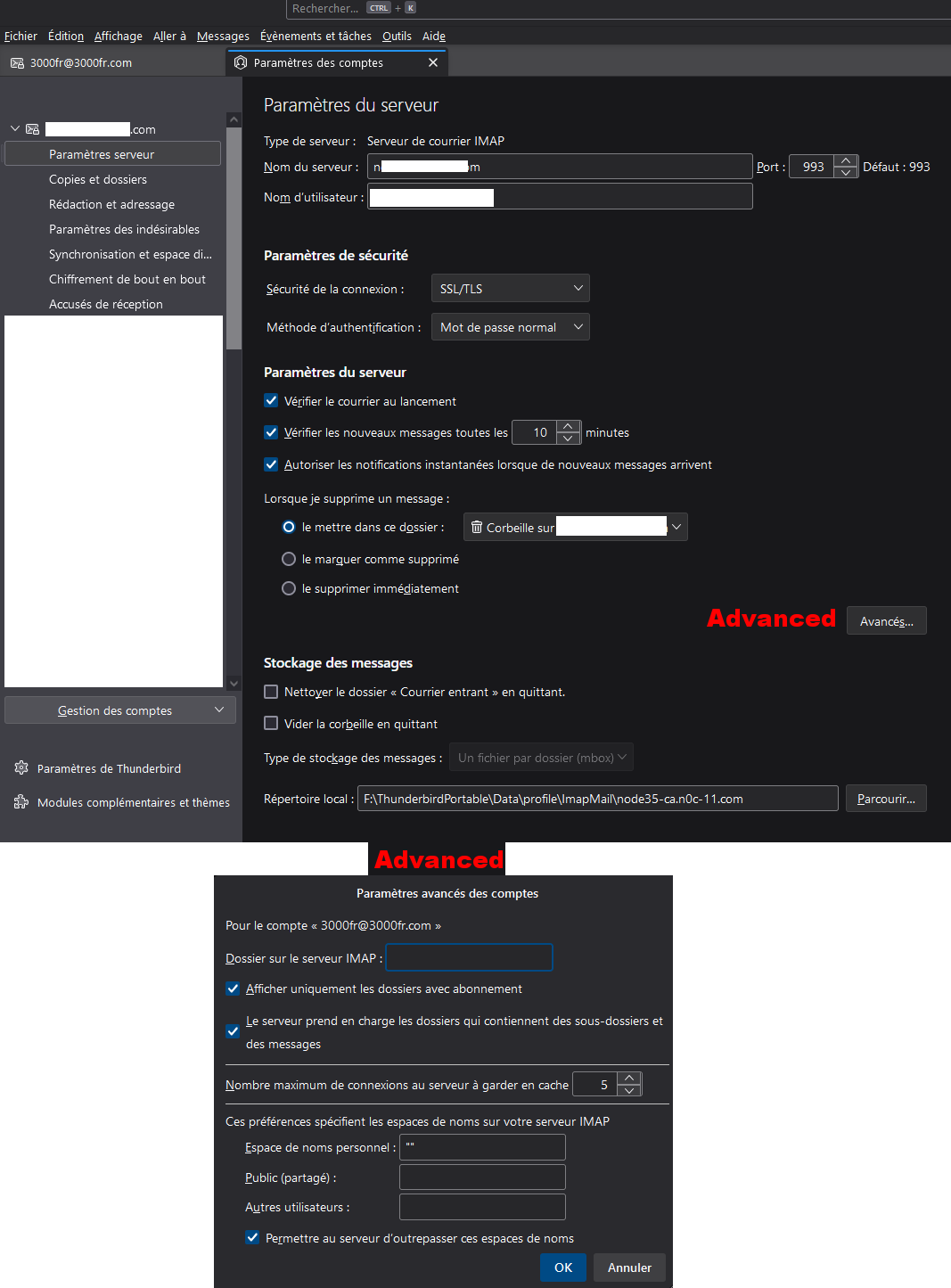
Oh, it's an IMAP account. The article I sent you was for POP accounts - the feature is only available for POP accounts.
Modified by frisée
Oh,,,, Sad.... but thanks for reply ...
Chosen Solution
Even if this was a POP account, a better way to deal with this nowadays (and which works for all accounts) is using View > Folders > Unified Folders. The Global Inbox thing probably predates the appearance of Unified Folders in Thunderbird and could be considered obsolete now.
Mais c'est bien sure :) ... trop simple... j'avais pas vu, donc c'est parfait.... Merci But of course :) ... too simple... I hadn't seen it, so it's perfect.... Thanks